


AutomatorWP – Mailchimp GPL
$4.49
AutomatorWP – Mailchimp is a WordPress plugin that connects your site to Mailchimp, the all-in-one marketing platform for building and sending campaigns.
AutomatorWP – Mailchimp is a WordPress plugin that connects your site to Mailchimp, the all-in-one marketing platform for building and sending campaigns. It adds Mailchimp actions to AutomatorWP so that activity on your site can add or remove tags, subscribe or unsubscribe users and contacts, add notes to profiles, and create and send a campaign. The plugin is distributed as a GPL build at $4.49.
| Product | AutomatorWP – Mailchimp |
|---|---|
| Version | 1.0.8 |
| Works with | WordPress 4.4+ / PHP 8.x+ |
| Tested up to | WordPress 6.9 |
| License | GPLv2 or later |
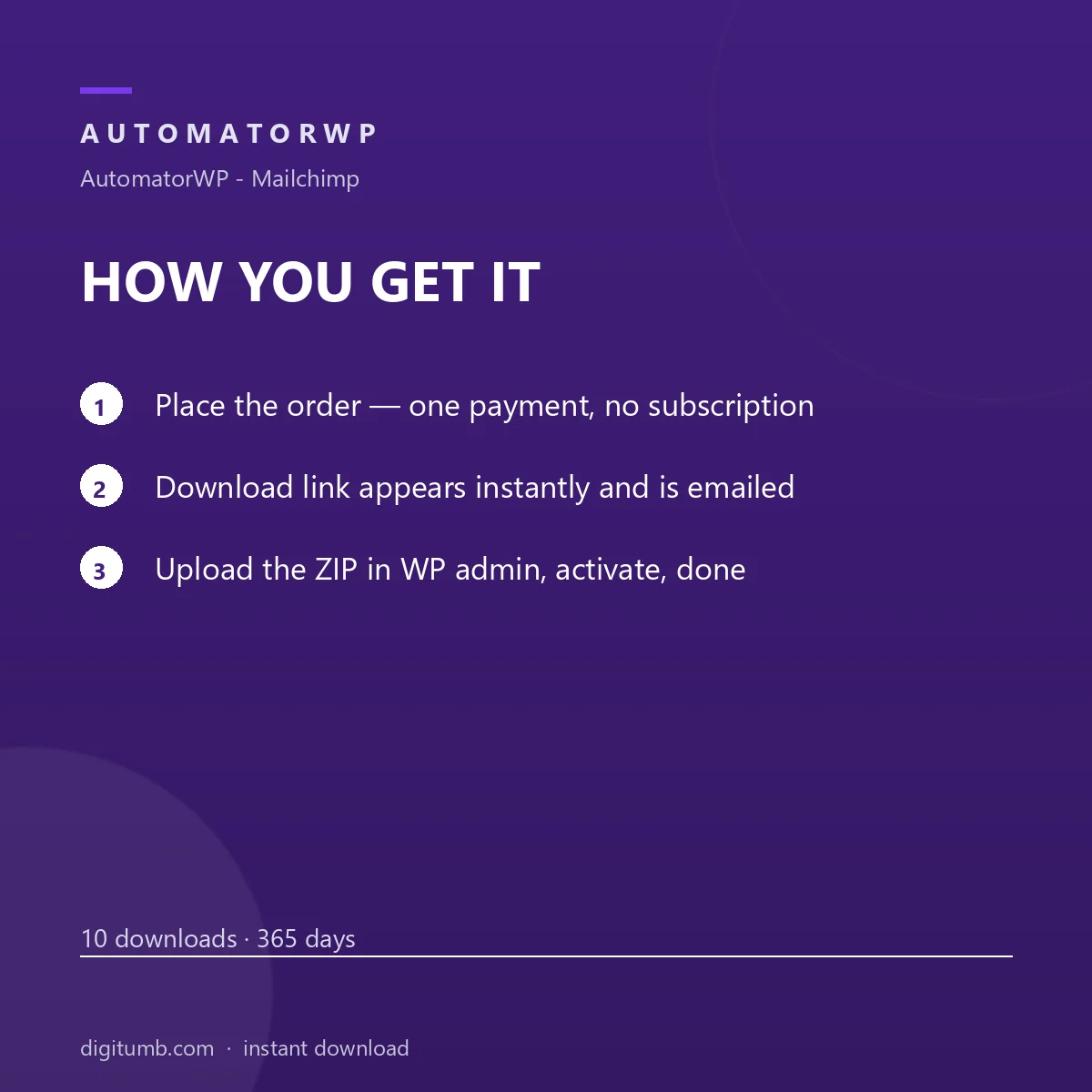
| Delivery | Instant ZIP download, 10 downloads, 365 days |
Which Mailchimp actions can AutomatorWP run for users and contacts?
The plugin exposes ten Mailchimp actions inside AutomatorWP, split between your site's users and Mailchimp contacts. For users you can add a tag, remove a tag, subscribe to an audience, unsubscribe from an audience and add a note. The same five actions exist for contacts, so a rule can work on an existing Mailchimp contact record with the contact's email address, first name and last name.
Each action has its own settings screen. For notes, you write the note to publish in the contact profile. For audience actions you select an audience. For tag actions the tag selector can query all tags in the account, so the list you pick from reflects the tags that already exist in Mailchimp.
How does the create and send a campaign action work?
The eleventh action, Create and send a campaign, builds and sends a Mailchimp campaign from inside an AutomatorWP rule. You select a tag or segment from an audience to decide who receives it, choose a template, and write the campaign content in the email content field.
The content field accepts Mailchimp merge tags such as *|FNAME|* and *|LNAME|*, so you can personalise the message with the recipient's first and last name. Paragraphs typed in the visual editor are inserted into the campaign, and the audience selector shows an unselected state until you pick one.
Where does AutomatorWP – Mailchimp fit alongside WooCommerce?
Because the plugin works through AutomatorWP rules, the trigger side can be any event AutomatorWP already listens to, and the action side is Mailchimp. On a WooCommerce store that means email marketing tasks such as subscriptions and campaign sends can follow from user interactions on the site.
The plugin is built primarily for Mailchimp. Compatibility with other email marketing plugins is limited, so check the integration details for each plugin before you plan a rule around it.
What this build includes
| Tag users and contacts | Add a tag to a user or a Mailchimp contact, or remove one, as an action inside an AutomatorWP rule. |
|---|---|
| Audience subscription control | Subscribe a user or contact to a selected Mailchimp audience, and unsubscribe them again when the rule calls for it. |
| Profile notes | Publish a note to a user's or contact's Mailchimp profile, with the note text written in the action settings. |
| Campaign creation and sending | Create and send a campaign from a rule, choosing a tag or segment, a template and the email content. |
| Merge tag personalisation | Use Mailchimp merge tags like *|FNAME|* and *|LNAME|* inside campaign content to address recipients by name. |
| Account-wide tag lookup | The tag selector queries all tags in the Mailchimp account, so you choose from tags that already exist. |
| Contact field mapping | Contact actions take the Mailchimp contact email address, first name and last name as their inputs. |
| Libraries loaded on demand | Mailchimp libraries are loaded only when needed, keeping them out of page loads that do not use them. |
Installing it on a WordPress site
- In your WordPress backend, go to Plugins -> Add new and click Upload Plugin next to the Add plugins title.
- Upload the downloaded zip file and activate the plugin. Alternatively, upload the zip into wp-content/plugins/, unzip it there, then open the Plugins menu and activate it.
- Open the plugin settings to connect your Mailchimp account, then build your automation rules with the Mailchimp actions.
Latest changes
Version 1.0.8 updates the Mailchimp SDK and the guzzlehttp library to the latest version.
Frequently asked questions
Do I need AutomatorWP installed for this plugin to work?
Yes. AutomatorWP – Mailchimp adds Mailchimp actions to AutomatorWP, so the automation plugin needs to be active on the site. Once both are active, connect your Mailchimp account in the settings and the Mailchimp actions appear when you build a rule.
Can a rule send a campaign to a segment instead of a tag?
The Create and send a campaign action lets you select a tag or segment from an audience, so either works as the recipient filter. You also pick a template and write the email content, including merge tags such as *|FNAME|* for personalisation.
Does the plugin work with WooCommerce stores?
Yes, it is compatible with WooCommerce, which lets you automate email marketing for an online store and manage customer subscriptions. The Mailchimp side stays the same: tags, audiences, notes and campaigns are handled by the plugin's actions.
What WordPress version do I need?
The plugin requires WordPress 4.4 and has been tested up to WordPress 6.9. Installation is the standard WordPress plugin upload and activation, either from the Plugins screen or by unzipping the file into wp-content/plugins/.
What does the $4.49 GPL build include?
You get the same plugin files the developer ships, including all premium features, at $4.49. There is no vendor update channel and no vendor support desk attached to this build; the zip is 0.4 MB.
What the GPL build means for you
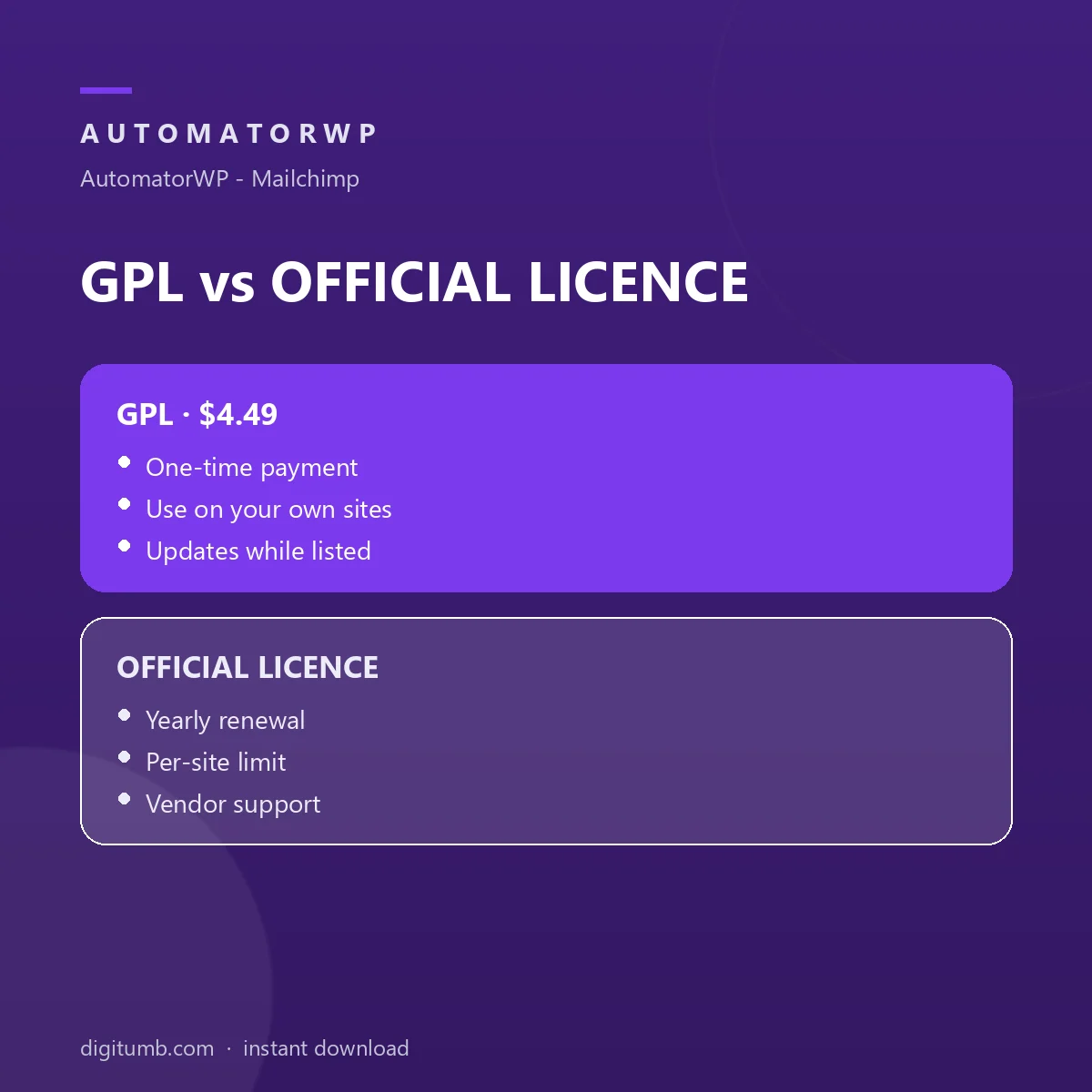
This is the same archive the developer publishes, redistributed under the GNU General Public License: you get the working files for $4.49 with no vendor update channel and no vendor support desk. If you need automatic updates or a support contract, buy the official license from the developer.
| This GPL build | Official license | |
|---|---|---|
| Price | $4.49 one time | Vendor subscription |
| Automatic updates | No | Yes |
| Developer support | No | Yes |
| Number of sites | Unlimited | Depends on plan |
Browse the rest of the WordPress plugins category or the full shop. The licence text is at GNU GPL v2, and general documentation is at WordPress.org.
You must be logged in to post a review.
You may also like…

Related products







Reviews
Clear filtersThere are no reviews yet.