

Ninja Forms – PDF Submissions Form Submission GPL
$4.49
Ninja Forms PDF Submissions is an extension for Ninja Forms that attaches a PDF file of the form submission to the admin email notification.
Ninja Forms PDF Submissions is an extension for Ninja Forms that attaches a PDF file of the form submission to the admin email notification. It also lets you download a PDF copy of any form submission from the WordPress admin. The plugin turns submitted field values into a document you can keep, forward or archive without opening the form entry in the dashboard.
| Product | Ninja Forms – PDF Submissions |
|---|---|
| Version | 3.2.10 |
| Works with | WordPress 6.9+ / PHP 8.x+ |
| Tested up to | WordPress 7.1 |
| License | GPLv2 or later |
| Delivery | Instant ZIP download, 10 downloads, 365 days |
What lands in the admin inbox with each submission
Once the extension is active, the admin email notification for a Ninja Forms submission can carry a PDF copy of that submission as an attachment. The recipient gets the notification text and the generated document in the same message, so the data can be filed or forwarded without a separate export step.
The attachment is generated from the submitted form data. You keep the normal email notification workflow in Ninja Forms and add the PDF alongside it.
Downloading a submission PDF from the WordPress admin
Every form submission can be exported as a PDF from the WordPress admin. This suits staff who review entries inside the dashboard and need a document copy of a single submission rather than the on-screen entry view.
Exporting a submission PDF requires the appropriate user permissions and a valid nonce, so the download action is limited to users who are allowed to perform it.
How repeatable fieldsets and multi-value fields appear in the PDF
Version 3.2.10 fixes Date and Time fields that displayed as raw comma-separated values in PDFs, both standalone and inside a Repeatable Fieldset. Earlier fixes in 3.2.9 covered Checkbox and Multi-Select fields that only showed one value in the PDF table, and Repeater field merge tags that showed "Array" in Custom Document Body PDFs.
Signature fields render the actual signature image or font in the default PDF, and Paragraph fields using the Rich Text Editor no longer print HTML tags. File Upload merge tags stay populated in PDFs built outside the original submission, and the calc merge tag modifier works for PDF output.
Embedding images in a PDF with the :pdf_embed modifier
Images embedded through the :pdf_embed modifier are restricted to the site's uploads directory. That keeps the modifier pointed at files that already live inside the WordPress media structure.
Pair this with the permission and nonce checks on PDF export and you have the two security changes shipped in version 3.2.10.
What this build includes
| PDF attachment on admin email | Attach a PDF copy of the form submission to the admin email notification, so each notification arrives with the submission document. |
|---|---|
| Admin-side PDF download | Download a PDF copy of any form submission directly from the WordPress admin instead of reading the entry only on screen. |
| Permission and nonce checks on export | Exporting submission PDFs requires appropriate user permissions and a valid nonce, limiting the download action to authorised users. |
| Restricted :pdf_embed images | Images embedded via the :pdf_embed modifier are limited to the site's uploads directory. |
| Signature rendering in default PDF | Signature fields render the actual signature image or font in the default PDF output. |
| Readable Date and Time values | Date and Time fields no longer display as raw comma-separated values, standalone or within a Repeatable Fieldset. |
| Multi-value field output in tables | Checkbox and Multi-Select fields show all selected values in the PDF table rather than a single value. |
Installing it on a WordPress site
- Upload the ninja-forms-pdf-submissions directory to your /wp-content/plugins/ directory.
- Activate the plugin through the Plugins menu in WordPress.
- Open your Ninja Forms notifications and add the PDF copy of the submission alongside the admin email.
Latest changes
Version 3.2.10 adds permission and nonce checks to submission PDF export, limits :pdf_embed images to the uploads directory, and fixes Date and Time fields showing raw comma-separated values in PDFs, including inside Repeatable Fieldsets.
Frequently asked questions
Does the plugin send the PDF to the person who filled in the form?
The extension attaches a PDF copy of the form submission to the admin email notification. Configure the Ninja Forms notification that goes to your admin address and the PDF travels with it.
Can I get a PDF of a submission that was sent weeks ago?
Yes. Any form submission stored in the WordPress admin can be downloaded as a PDF copy, provided your user account has the appropriate permissions.
Which WordPress version does this build run on?
The plugin requires WordPress 6.9 and has been tested up to WordPress 7.1. This is the 3.2.10 build, delivered as a 7.7 MB zip file.
Is this the developer's own file, and what does the GPL build mean here?
You get the same files the developer ships, distributed under the GPL. There is no vendor update channel and no vendor support desk attached. The price at digitumb.com is $4.49.
Will images I add with :pdf_embed come from anywhere on the server?
No. Images embedded via the :pdf_embed modifier are restricted to the site's uploads directory, as of version 3.2.10.
Do checkbox and multi-select answers all appear in the PDF table?
They do. A fix in version 3.2.9 means Checkbox and Multi-Select fields show every selected value in the PDF table instead of only one.
What the GPL build means for you
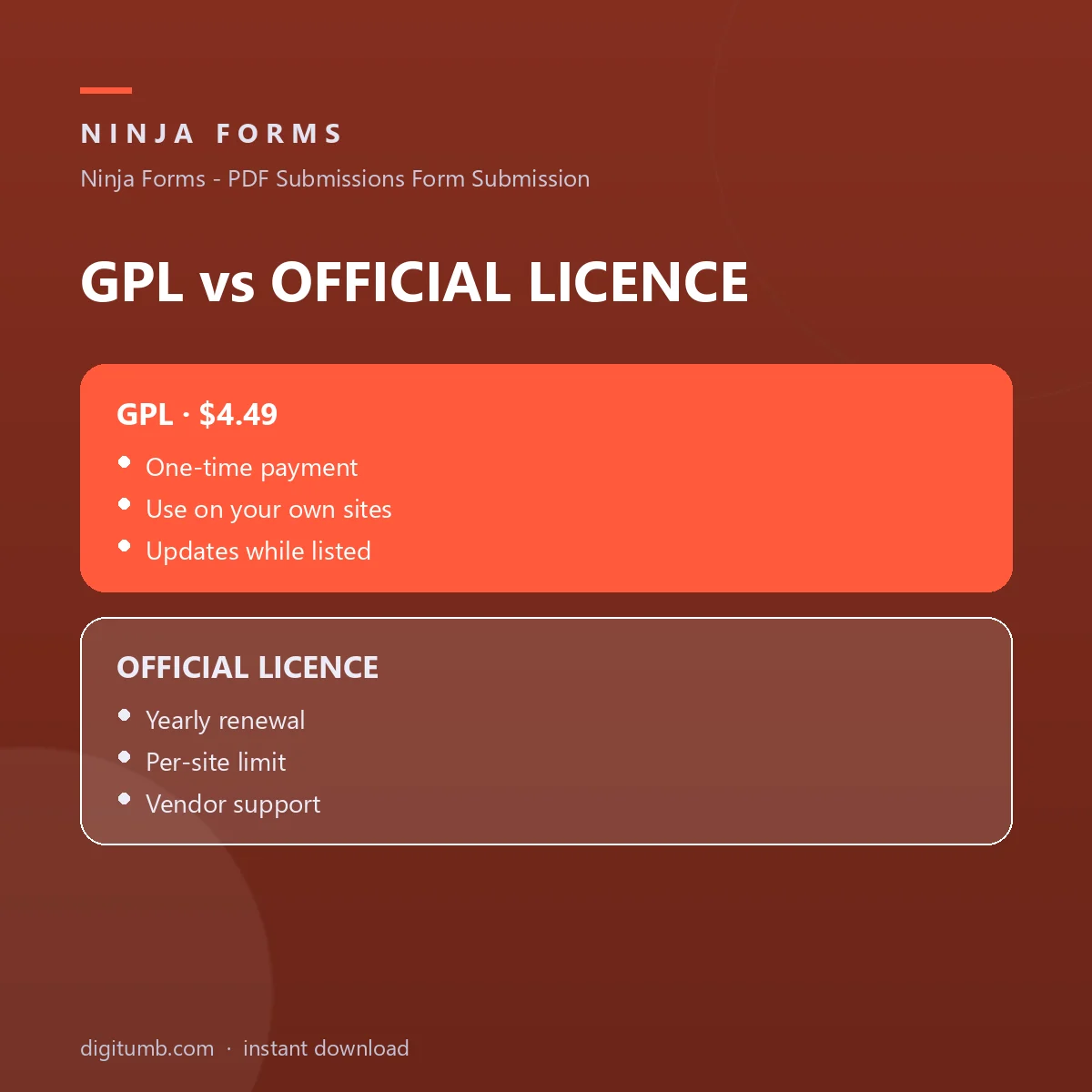
This is the same archive the developer publishes, redistributed under the GNU General Public License: you get the working files for $4.49 with no vendor update channel and no vendor support desk. If you need automatic updates or a support contract, buy the official license from the developer.
| This GPL build | Official license | |
|---|---|---|
| Price | $4.49 one time | Vendor subscription |
| Automatic updates | No | Yes |
| Developer support | No | Yes |
| Number of sites | Unlimited | Depends on plan |
Browse the rest of the WordPress plugins category or the full shop. The licence text is at GNU GPL v2, and general documentation is at WordPress.org.
You must be logged in to post a review.
You may also like…

Related products








Reviews
Clear filtersThere are no reviews yet.