


GravityView – DataTables Layout Extension GPL
$4.49
GravityView – DataTables Layout is a GravityView extension that renders Gravity Forms entries as an interactive data table with live sorting, filtering and pagination.
GravityView – DataTables Layout is a GravityView extension that renders Gravity Forms entries as an interactive data table with live sorting, filtering and pagination. It works inside GravityView Views and adds the DataTables layout as an alternative to the standard entry display. This listing is a GPL build of the plugin: the same files the developer ships, at $4.49, with no vendor update channel and no vendor support desk.
| Product | GravityView – DataTables Layout |
|---|---|
| Version | 3.14.2 |
| Works with | WordPress 6.5+ / PHP 7.4.0+ |
| Tested up to | WordPress 7.1.3 |
| License | GPLv2 or later |
| Delivery | Instant ZIP download, 10 downloads, 365 days |
What the DataTables Layout adds to a GravityView View
GravityView normally lists entries in its own layouts. This extension adds a DataTables layout, so the same entries appear in a table that visitors can sort by column, filter and page through instead of scrolling one long list. The table reads from the View's own search settings, so the layout displays the entries the View is configured to return.
Because the layout is part of the View, you keep the rest of your GravityView setup: the form, the fields you choose to show and the View's access rules stay as they are. The table is the presentation layer over that data.
Sorting, filtering and pagination for Gravity Forms entries
The point of the layout is data management for the person reading the table. Sorting lets a visitor reorder rows by a column, filtering narrows the rows to a search, and pagination splits long result sets into pages rather than one continuous table.
This suits directories, member lists, order records and any View where the entry count grows past what a simple list can show comfortably. The controls sit on the table itself, so no extra shortcode or page is needed.
Placement fixes in 3.14.2: theme output, Single Entry layouts and PDFs
Version 3.14.2 fixes tables that showed every entry when the table was placed outside the page content, for example by the theme or inside another View's Single Entry layout. The same release fixes "Embed only" tables that displayed "This table could not load" in those placements.
The release also fixes DataTables Views inside PDFs generated by PDF for GravityView, so a table included in a PDF renders as expected. These fixes require GravityView 3.8.1 or newer.
Security changes in this release
Tables could previously show entries outside their search settings, or load "Embed only" Views outside the pages that embed them. Both behaviours are closed in 3.14.2, which requires GravityView 3.9.0 or newer for the security fix.
When logging is turned on, messages written while a table loads now record only the amount of stray output and the file and line of any error. Entry values that could previously appear in those log messages are no longer written.
What this build includes
| Interactive entry tables | Display Gravity Forms entries in a table layout inside GravityView, with column sorting, filtering and pagination for easier reading of large result sets. |
|---|---|
| Respects View search settings | The table is limited to the entries the View's search settings return, so visitors do not see rows outside the configured search. |
| Embed-only enforcement | Views marked "Embed only" load only on the pages that embed them, rather than appearing on other pages. |
| Works in PDF output | DataTables Views render correctly in PDFs produced by PDF for GravityView after the 3.14.2 fix. |
| Safe error logging | When logging is enabled, table-load messages record only stray output length and the error file and line, not entry values. |
| Placement outside page content | Tables placed by the theme or inside another View's Single Entry layout show the correct entries instead of every entry. |
Installing it on a WordPress site
- Upload the plugin files to your plugins folder, or install it through WordPress's built-in Add New Plugin installer.
- Activate the plugin.
- Follow the instructions that come with the plugin to add the DataTables layout to a GravityView View.
Frequently asked questions
What does GravityView – DataTables Layout do?
It adds a DataTables layout to GravityView so Gravity Forms entries are shown in an interactive table with sorting, filtering and pagination. The table uses the entries the View is configured to return, and the layout is chosen inside the View.
Which GravityView and WordPress versions does it need?
The plugin requires WordPress 6.5 or newer and PHP 7.4.0 or newer, and is tested up to WordPress 7.1.3. The security fix in 3.14.2 requires GravityView 3.9.0 or newer, and the placement fixes require GravityView 3.8.1 or newer.
Why did my table show every entry before this release?
Tables placed outside the page content, such as by the theme or in another View's Single Entry layout, could show every entry. Version 3.14.2 fixes this, along with "Embed only" tables that showed "This table could not load" in those placements.
Do DataTables Views work in PDF exports?
Yes. Version 3.14.2 fixes DataTables Views inside PDFs generated by PDF for GravityView, so a table included in a PDF now renders correctly.
What does the GPL build include?
You get the same plugin files the developer ships, for $4.49. There is no vendor update channel and no vendor support desk with this build; the zip is 4.6 MB and contains the templates and lib folders.
What the GPL build means for you
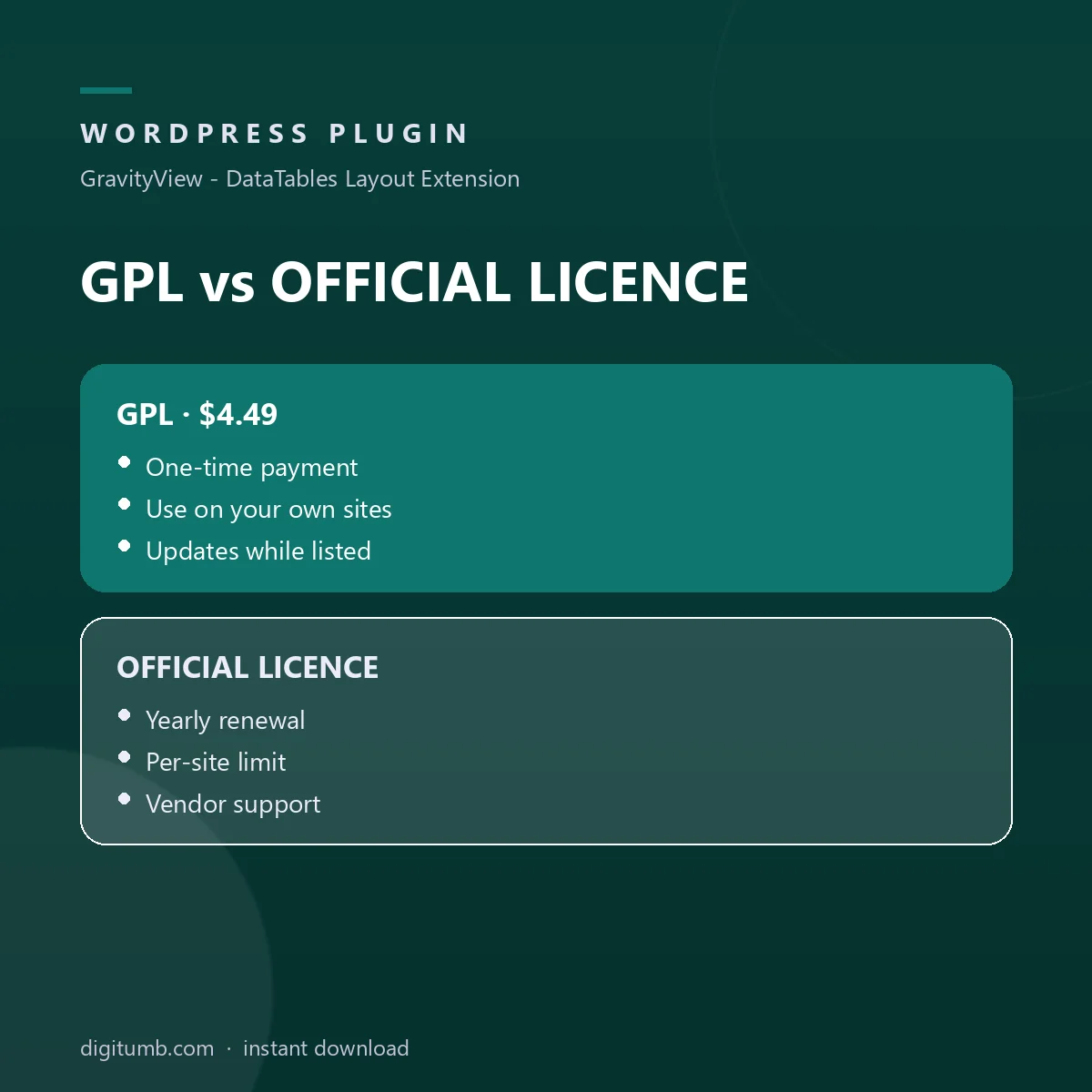
This is the same archive the developer publishes, redistributed under the GNU General Public License: you get the working files for $4.49 with no vendor update channel and no vendor support desk. If you need automatic updates or a support contract, buy the official license from the developer.
| This GPL build | Official license | |
|---|---|---|
| Price | $4.49 one time | Vendor subscription |
| Automatic updates | No | Yes |
| Developer support | No | Yes |
| Number of sites | Unlimited | Depends on plan |
Browse the rest of the WordPress plugins category or the full shop. The licence text is at GNU GPL v2, and general documentation is at WordPress.org.
You must be logged in to post a review.
You may also like…










Reviews
Clear filtersThere are no reviews yet.