



Formidable Forms Digital Signature GPL
$4.49
Formidable Forms Digital Signature is an addon for the Formidable Forms plugin that collects electronic signatures on the forms you build.
Formidable Forms Digital Signature is an addon for the Formidable Forms plugin that collects electronic signatures on the forms you build. Signers draw or type their signature directly in a form field, and the signed agreement is stored as part of the form entry. The addon adds signature settings to each form, including file protection and a role required to open signature files.
| Product | formidable-forms-digital-signature |
|---|---|
| Version | 3.2.1 |
| Works with | WordPress 6.x+ / PHP 8.x+ |
| Tested up to | WordPress current |
| License | GPLv2 or later |
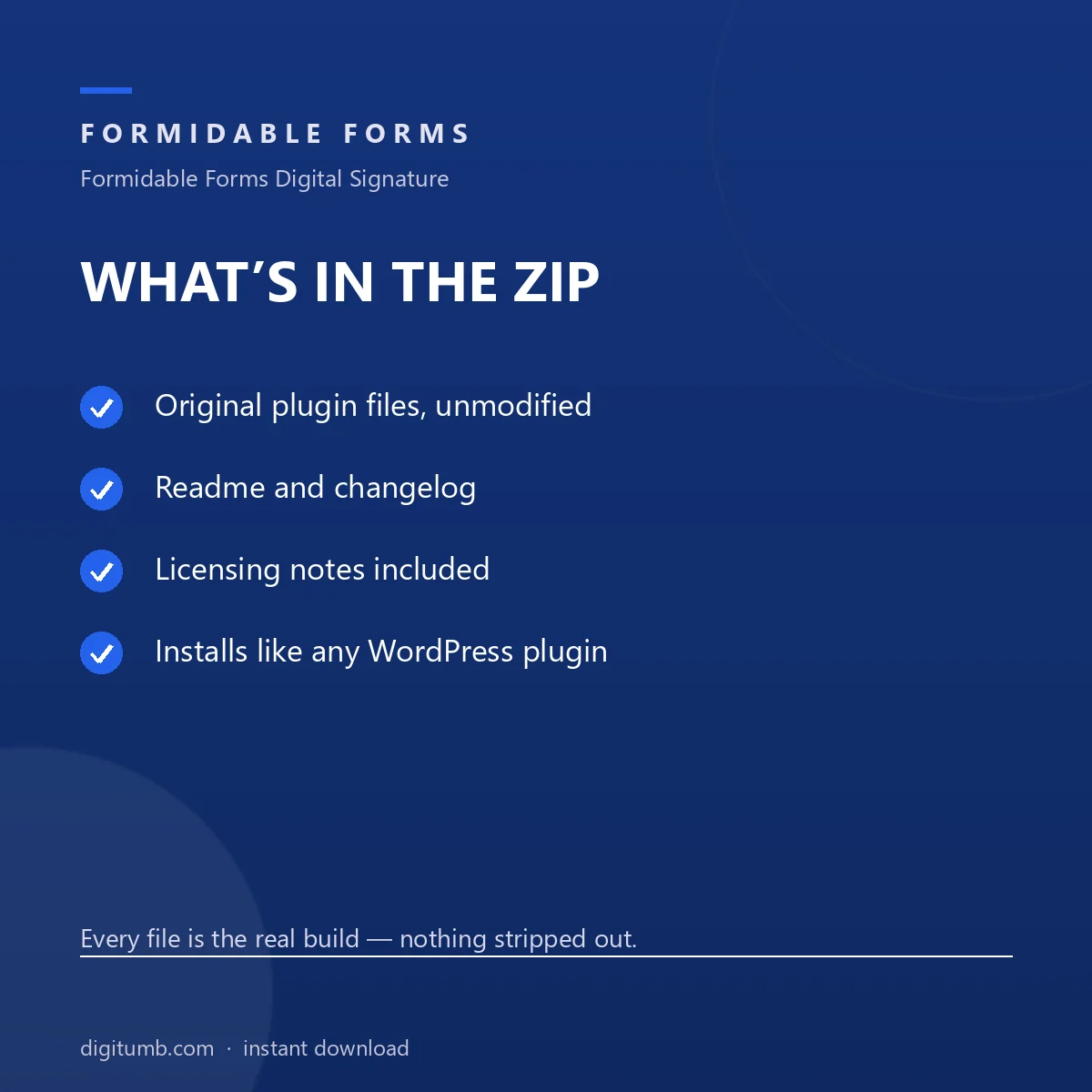
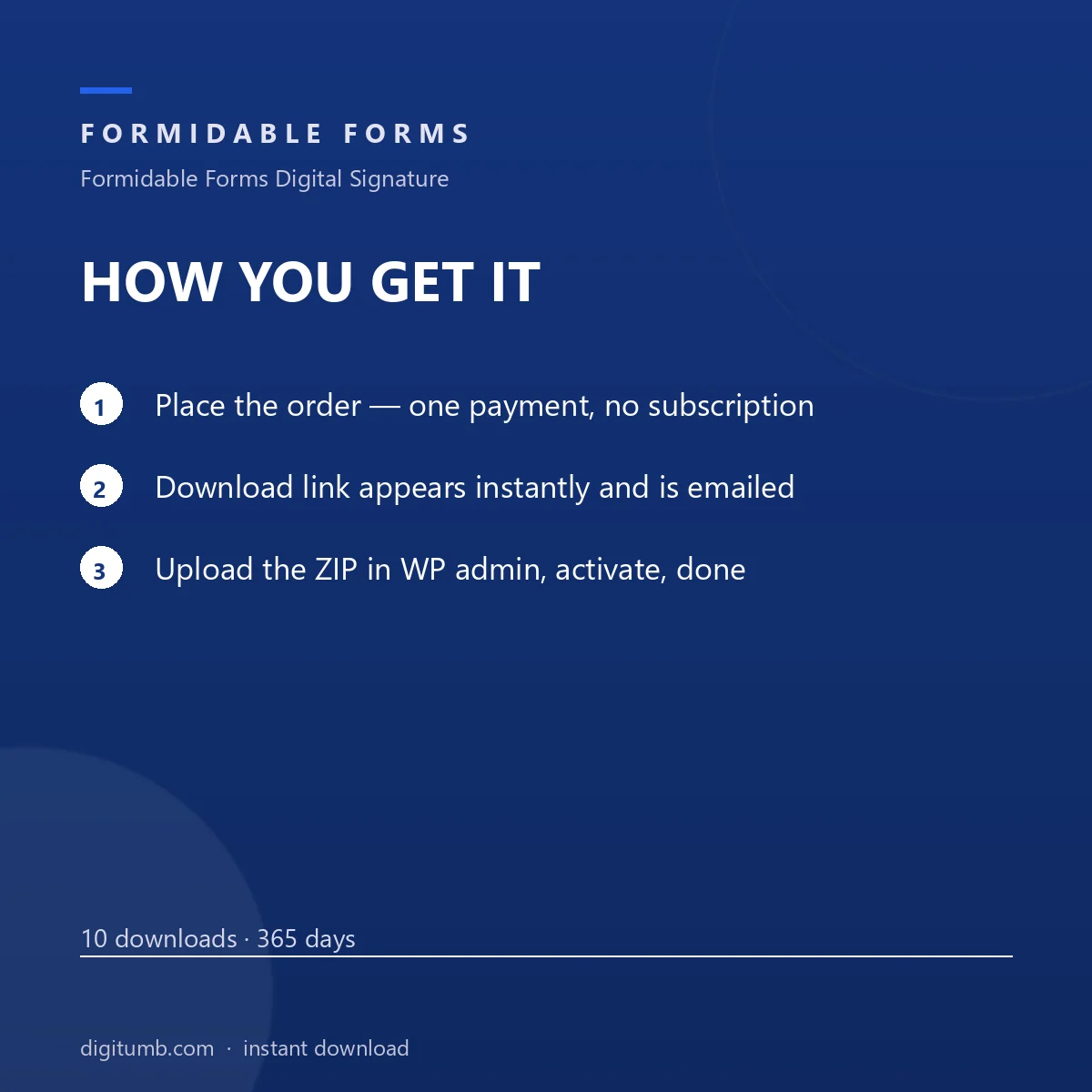
| Delivery | Instant ZIP download, 10 downloads, 365 days |
How signatures are captured inside a Formidable form
The addon adds a signature field to Formidable Forms, and the field carries two input modes: Draw It and Type It. Visitors either draw their signature with a pointer or type it, depending on the tabs you leave visible. In Signature Options you can hide the Draw It and Type It tabs, and you can set Type It as the default mode so typed signatures are the first thing a signer sees.
Signatures are collected as part of the form entry, so a signed agreement stays connected to the submission it belongs to. You can also enable permanent deletion of old signatures when the entry itself is deleted, which keeps stored signature files from outliving the entries they were attached to.
Protecting signature files on your server
Signature Options includes Protect all signature files in this form, which locks the stored signature files for that form. Access is then controlled by the Role required to access signature files setting, so only the roles you name can open them. The addon returns clear errors when access fails: no signature matching request, no permission to access this signature, invalid signature URL, invalid signature file path and invalid signature file type.
File locking is not supported on Windows servers at this time, and signature files remain directly accessible on Windows hosting. On supported servers, the combination of per-form protection and a required role gives you a way to keep signed documents away from public URLs.
Where the signature addon fits in a WordPress stack
The addon is built for forms made with Formidable Forms and is compatible with most popular WordPress plugins, including WooCommerce and MemberPress. That makes signed forms usable in shop and membership flows where an agreement has to be recorded alongside the submission. It also works with Elementor, so you can design forms with signature fields in the Elementor page builder.
Setup follows the normal WordPress route: upload the plugin file through the dashboard, activate it, then go to the Formidable Forms settings to enable the digital signature feature and configure your forms.
What this build includes
| Drawn signatures | Signers draw their signature in a form field using the Draw It tab, and the drawn result is collected with the entry. |
|---|---|
| Typed signatures | The Type It tab lets a signer type a signature instead of drawing, and you can make it the default mode. |
| Tab visibility control | Hide the Draw It and Type It tabs in Signature Options to limit signers to the input method you want. |
| Per-form file protection | Turn on Protect all signature files in this form to lock stored signature files for that specific form. |
| Role-based file access | Set the role required to access signature files so only chosen roles can open protected signatures. |
| Signature cleanup on entry deletion | Enable permanent deletion of old signatures when an entry is deleted, so signature files do not remain after the entry is gone. |
| Specific access errors | The addon reports invalid signature URLs, file paths and file types, plus missing matches and permission failures, instead of failing silently. |
Installing it on a WordPress site
- Upload the plugin zip through the WordPress dashboard and activate it.
- Open the Formidable Forms settings and enable the digital signature feature.
- Add a signature field to your form and adjust Signature Options, including tab visibility, default mode and file protection.
Frequently asked questions
What does Formidable Forms Digital Signature do?
It lets you collect digital signatures on forms created with the Formidable Forms plugin, so agreements are signed electronically inside the form. Signers draw or type a signature, and the addon stores it with the entry and gives you settings for protecting the signature files.
Can signers type a signature instead of drawing it?
Yes. The signature field offers Draw It and Type It tabs. You can set Type It as the default so typed signatures appear first, or hide the Draw It and Type It tabs in Signature Options to restrict how signatures are entered.
How are signature files protected?
Enable Protect all signature files in this form to lock stored signatures for that form, then set the role required to access signature files. Locking is not supported on Windows servers currently, and signature files remain directly accessible on Windows hosting.
Does it work with WooCommerce, MemberPress and Elementor?
The addon is compatible with most popular WordPress plugins, including WooCommerce and MemberPress. It also works with Elementor, so you can design forms with signature fields in the Elementor page builder.
What do I receive for $4.49?
You receive the GPL build of Formidable Forms Digital Signature version 3.2.1 as a 0.5 MB zip. The files are the same ones the developer ships, with no vendor update channel and no vendor support desk. The price is $4.49.
What the GPL build means for you
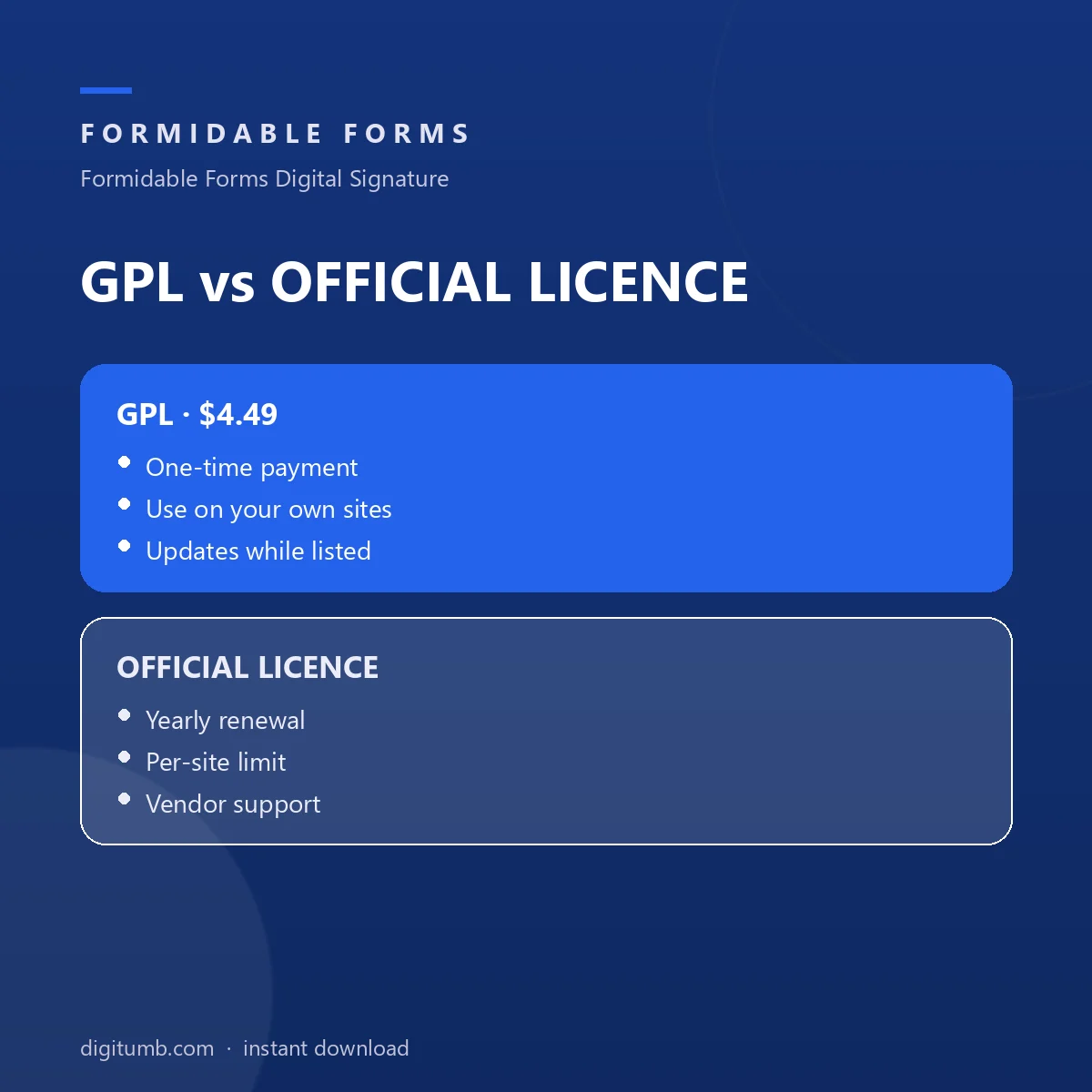
This is the same archive the developer publishes, redistributed under the GNU General Public License: you get the working files for $4.49 with no vendor update channel and no vendor support desk. If you need automatic updates or a support contract, buy the official license from the developer.
| This GPL build | Official license | |
|---|---|---|
| Price | $4.49 one time | Vendor subscription |
| Automatic updates | No | Yes |
| Developer support | No | Yes |
| Number of sites | Unlimited | Depends on plan |
Browse the rest of the WordPress plugins category or the full shop. The licence text is at GNU GPL v2, and general documentation is at WordPress.org.
You must be logged in to post a review.
You may also like…

Related products










Reviews
Clear filtersThere are no reviews yet.