



Averie A Blog Shop Theme GPL
$4.49
Averie is a WordPress theme built for two kinds of site: a blog and an online shop.
Averie is a WordPress theme built for two kinds of site: a blog and an online shop. Its stylesheet describes it as a Blog & Shop theme, and the vendor summary calls it a versatile theme for building both. You get WooCommerce support built in, compatibility with plugins such as Yoast SEO, Contact Form 7 and Elementor, and a set of theme screens for installing, updating and activating required plugins. This is the GPL build sold at $4.49: the same files the developer ships, with no vendor update channel and no vendor support desk.
| Product | Averie |
|---|---|
| Version | 2.5 |
| Works with | WordPress 6.x+ / PHP 8.x+ |
| Tested up to | WordPress current |
| License | GPLv2 or later |
| Delivery | Instant ZIP download, 10 downloads, 365 days |
Does Averie work with WooCommerce?
Yes. Averie is designed with built-in WooCommerce support, so you can create and manage an online store on the same theme you use for your blog. Products, shop pages and store management run through WooCommerce rather than a separate storefront setup.
That means one theme covers both sides of the site. You publish written content and sell products without switching themes or maintaining two designs, which suits sites where the blog feeds traffic to the shop.
Which plugins does Averie support?
Averie is compatible with popular plugins including Yoast SEO, Contact Form 7 and Elementor. Yoast SEO handles on-page SEO fields, Contact Form 7 gives you forms, and Elementor lets you build page layouts with a drag-and-drop editor.
The theme also ships its own plugin installer screens. From the theme's settings you see prompts to install required and recommended plugins, with actions to begin installing, updating or activating a plugin and notices such as “Plugin activated successfully.” When you need to step away from the installer, the “Return to Required Plugins Installer” and “Return to the Dashboard” links take you back.
How Averie handles required plugins
The plugin installer tells you when there are required or recommended plugins to install, update or activate, and when there are none. It shows the installed version, the minimum required version and the available version for each plugin, so you can see whether a plugin is out of date.
Plugin sources are labelled as WordPress Repository or External Source, and plugins can appear as Installed But Not Activated. If an update is needed, the screen shows Update Required or Update recommended along with any upgrade message from the plugin author. When you are not the site administrator, the notice points you to contact the administrator for help.
What this build includes
| Blog and shop in one theme | Run a blog and an online store from a single WordPress theme, as described in the theme's own stylesheet line: A Blog & Shop Theme for WordPress. |
|---|---|
| Built-in WooCommerce support | Create and manage an online store through WooCommerce, which Averie supports out of the box. |
| Elementor page building | Build and arrange page layouts with Elementor, which the theme is compatible with. |
| Yoast SEO compatibility | Use Yoast SEO on the site for on-page SEO work alongside the theme. |
| Contact Form 7 compatibility | Add forms with Contact Form 7, a plugin the theme is stated to be compatible with. |
| Plugin installer screens | Install, update and activate required or recommended plugins from the theme's own installer, with version numbers shown for each plugin. |
| Archive page views | Show daily, monthly and yearly archive headings, with an Archives page view for browsing older posts. |
| Search fallback message | When a visitor lands on a page with no results, the theme displays a message suggesting a search instead. |
Installing it on a WordPress site
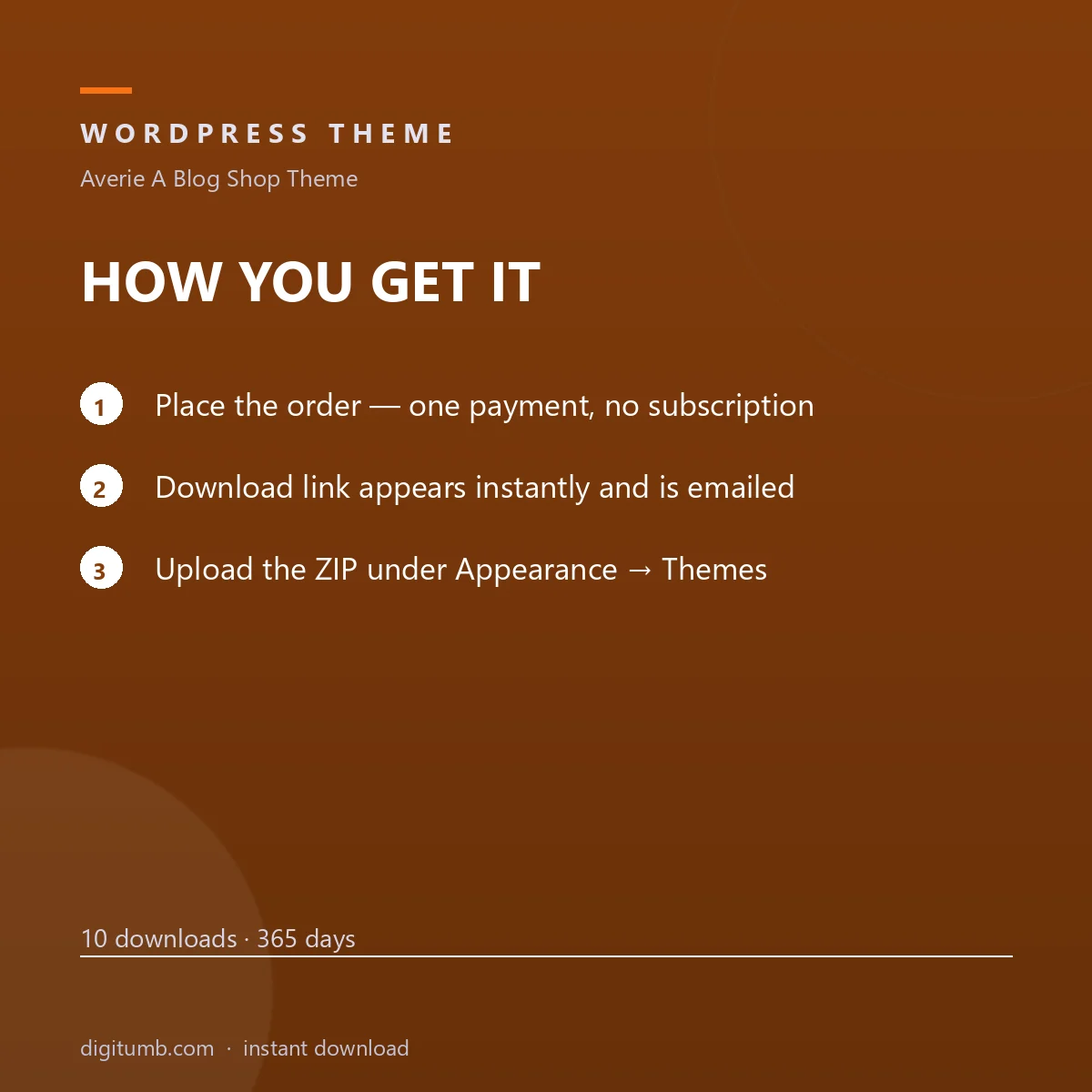
- Upload the Averie theme zip through Appearance > Themes > Add New in WordPress, or unpack the zip and place the averie folder in wp-content/themes.
- Activate the theme, then open the required plugins installer and install, update or activate the plugins it lists.
- Install WooCommerce if you plan to sell, and set up your shop pages; check that Yoast SEO, Contact Form 7 or Elementor are active if you intend to use them.
Latest changes
Current release: Averie 2.5, distributed as a 1.6 MB zip.
Frequently asked questions
Can I use Averie for both a blog and a shop?
Yes. Averie is described as a Blog & Shop theme for WordPress, and it has built-in WooCommerce support. You can publish blog posts and run an online store on the same installation without a second theme.
Is the theme compatible with Elementor and Yoast SEO?
Averie is stated to be compatible with popular plugins including Yoast SEO, Contact Form 7 and Elementor. Those plugins provide the SEO fields, forms and page-building tools you would use alongside the theme.
What does the required plugins installer do?
It lists required and recommended plugins and lets you begin installing, updating or activating them from one screen. It shows installed, minimum required and available versions, and labels each plugin as coming from the WordPress Repository or an External Source.
What is included in the GPL build at $4.49?
You receive the same theme files the developer ships, for $4.49. The build does not come with a vendor update channel or a vendor support desk; updates are not provided by the original developer through this purchase.
What the GPL build means for you
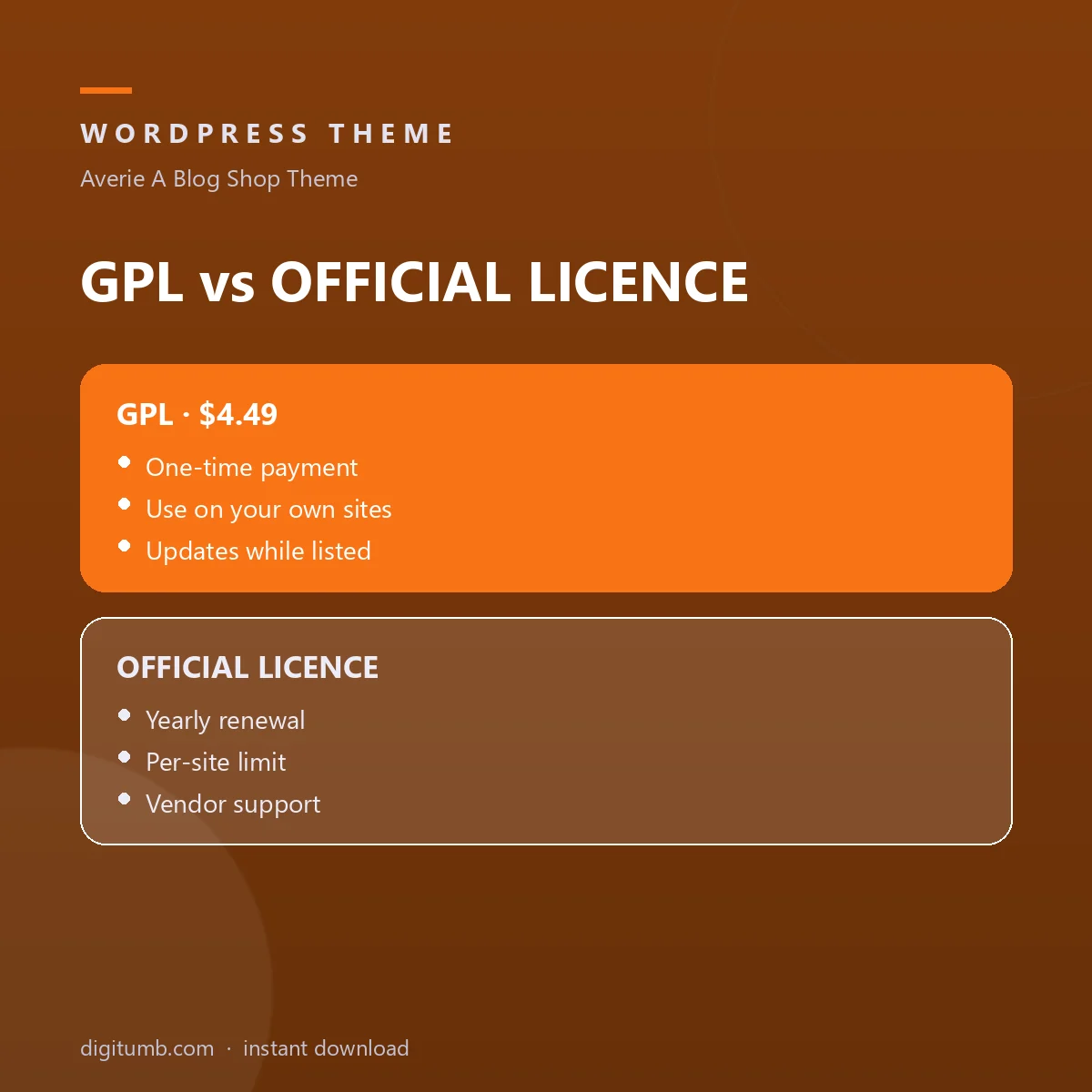
This is the same archive the developer publishes, redistributed under the GNU General Public License: you get the working files for $4.49 with no vendor update channel and no vendor support desk. If you need automatic updates or a support contract, buy the official license from the developer.
| This GPL build | Official license | |
|---|---|---|
| Price | $4.49 one time | Vendor subscription |
| Automatic updates | No | Yes |
| Developer support | No | Yes |
| Number of sites | Unlimited | Depends on plan |
Browse the rest of the WordPress themes category or the full shop. The licence text is at GNU GPL v2, and general documentation is at WordPress.org.
You must be logged in to post a review.
You may also like…

Related products






Reviews
Clear filtersThere are no reviews yet.