



WooCommerce Address Validation Postcode GPL
$4.49
WooCommerce Address Validation is a WordPress plugin that verifies customer addresses during checkout.
WooCommerce Address Validation is a WordPress plugin that verifies customer addresses during checkout. It checks that the postcode entered matches the corresponding address, so shipping details are correct before an order is placed. A postcode lookup can also populate the checkout form for the customer, and the settings screen lets you pick an address validation provider and turn on optional geocoding and address classification.
| Product | WooCommerce Address Validation |
|---|---|
| Version | 2.12.2 |
| Works with | WordPress 5.6+ / PHP 7.4+ |
| Tested up to | WordPress 7.1.2 |
| License | GPLv2 or later |
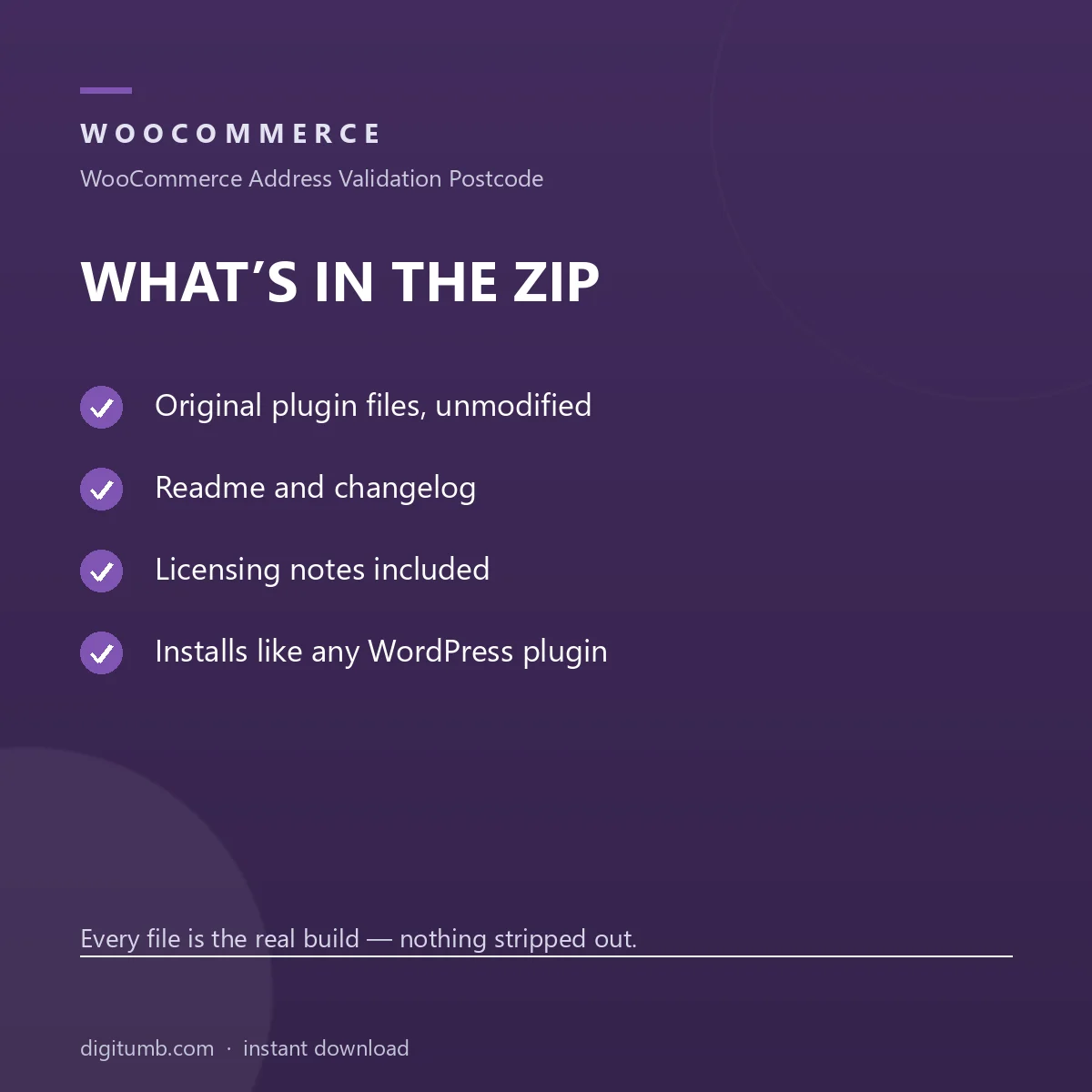
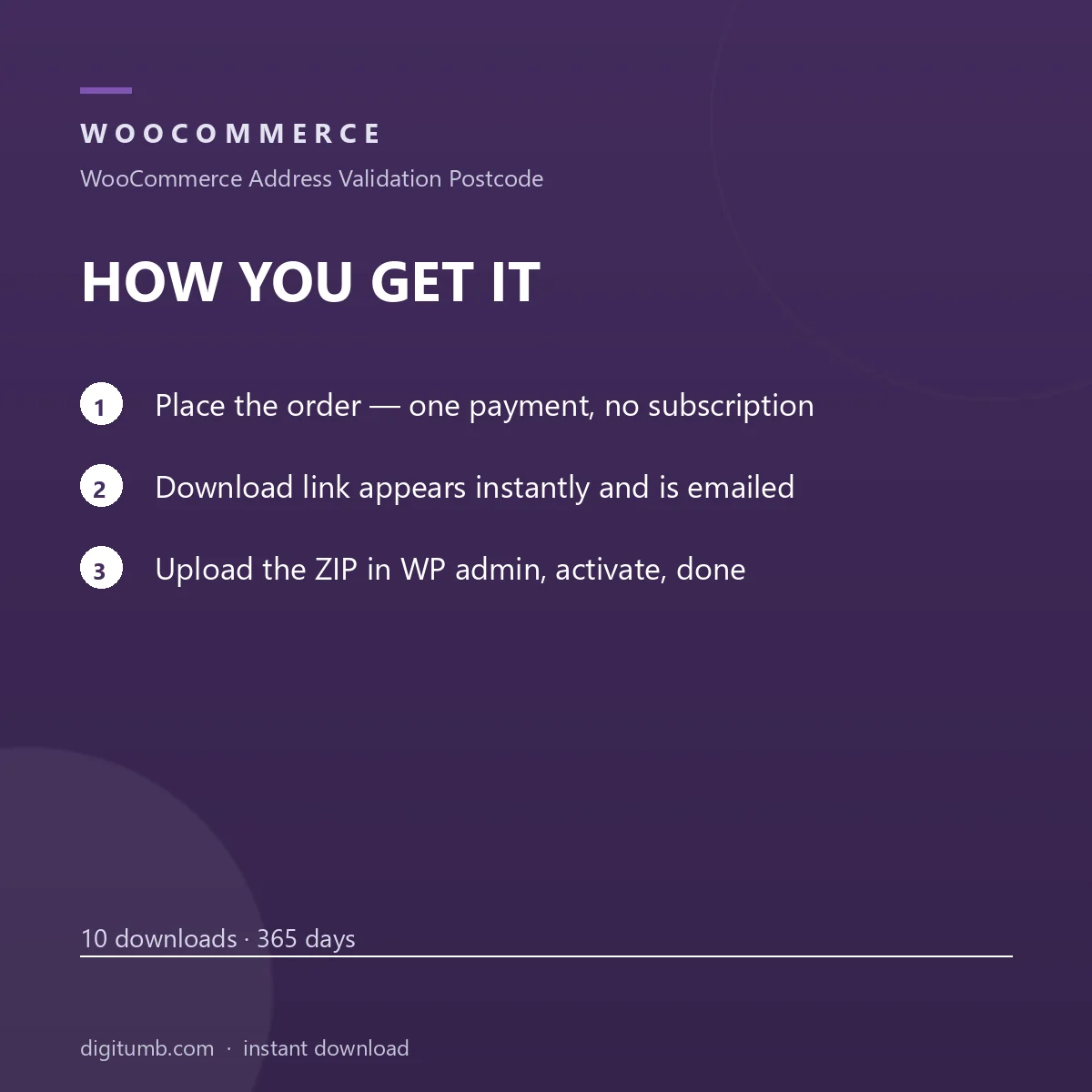
| Delivery | Instant ZIP download, 10 downloads, 365 days |
How address lookup works on the checkout page
When a customer reaches checkout, the plugin can ask them to select their address to populate the form. The postcode lookup returns matching addresses; if nothing is found, the customer sees a message asking them to check the postcode and try again. A separate house number search is available, with its own messages when no match is returned.
Store owners can force customers to look up their address via postcode, which keeps the entered shipping details tied to a real postcode result rather than free typing. The plugin also supports lookup for customers outside the US, which requires a paid Loqate account.
Choosing and configuring an address validation provider
The Address Validation settings screen asks you to select your provider, then save. A status section shows information about the active provider, or reports that no active provider is available or that settings are not configured. Provider fields include an Access Token for Fetchify and an API Key for Loqate (legacy – UK).
Supported features are listed per provider, covering postcode search, house number search and international address validation. After changing provider settings, the screen prompts you to save changes to configure the provider.
Optional geocoding and address classification
Two optional switches extend what is stored with an order. Geocode Addresses saves the customer's latitude and longitude to their order. Classify Addresses adds address classification through the active provider.
A debug option outputs debug messages on the checkout page to help with troubleshooting while you set up a provider.
What this build includes
| Postcode address lookup | Customers look up their postcode and select an address to populate the checkout form instead of typing every field. |
|---|---|
| House number search | A separate search mode that finds addresses by house number, with its own message when no address is found. |
| Forced postcode lookup | An option that requires customers to look up their address via postcode before completing checkout. |
| Provider selection | Pick an address validation provider from the settings screen, save, and see the active provider reported in a status section. |
| Fetchify and Loqate credentials | Dedicated fields for a Fetchify Access Token and a Loqate API Key, so each provider is configured from the same screen. |
| International address lookup | Enables address lookup for customers outside the US; this option requires a paid Loqate account. |
| Latitude and longitude saving | The Geocode Addresses option saves the customer's latitude and longitude to the order. |
| Address classification | The Classify Addresses option adds address classification through the active validation provider. |
| Checkout debug messages | Outputs debug messages on the checkout page to help with troubleshooting provider configuration. |
Installing it on a WordPress site
- Upload the entire 'woocommerce-address-validation' folder to the '/wp-content/plugins/' directory.
- Activate the plugin through the 'Plugins' menu in WordPress.
- Open the Address Validation settings, select your provider, save, then enter the provider credentials.
Latest changes
This page covers version 2.12.2 of the plugin.
Frequently asked questions
What does WooCommerce Address Validation do at checkout?
It verifies customer addresses during checkout so the postcode entered matches the corresponding address, reducing errors and improving shipping accuracy. Customers can also select an address to populate the form, and you can force postcode lookup so shipping details come from a lookup result.
Which address validation providers can I connect?
The settings screen provides fields for a Fetchify Access Token and for a Loqate API Key, with Loqate listed as legacy – UK. You select your provider, save, and the status section reports the active provider or shows that none is available.
Can the plugin validate addresses outside the US?
Yes. The Validate international addresses option enables lookup for customers outside the US, and it requires a paid Loqate account. The supported features section on the settings screen lists which lookup types the active provider handles.
Does it work with the Storefront theme and other WooCommerce extensions?
The plugin is designed to work with most popular WooCommerce extensions, including payment gateways and shipping plugins, and it is fully compatible with the Storefront theme, so validation features work within your store's design.
What are the server requirements?
The plugin requires WordPress 5.6 and PHP 7.4, and it is tested up to WordPress 7.1.2. The download is version 2.12.2, a 1.8 MB zip containing the src, i18n and templates folders.
What do I get for $4.49 and is there vendor support?
You get the GPL build of the plugin, the same files the developer ships, for $4.49. There is no vendor update channel and no vendor support desk with this build; updates and help come from the store where you bought it.
What the GPL build means for you
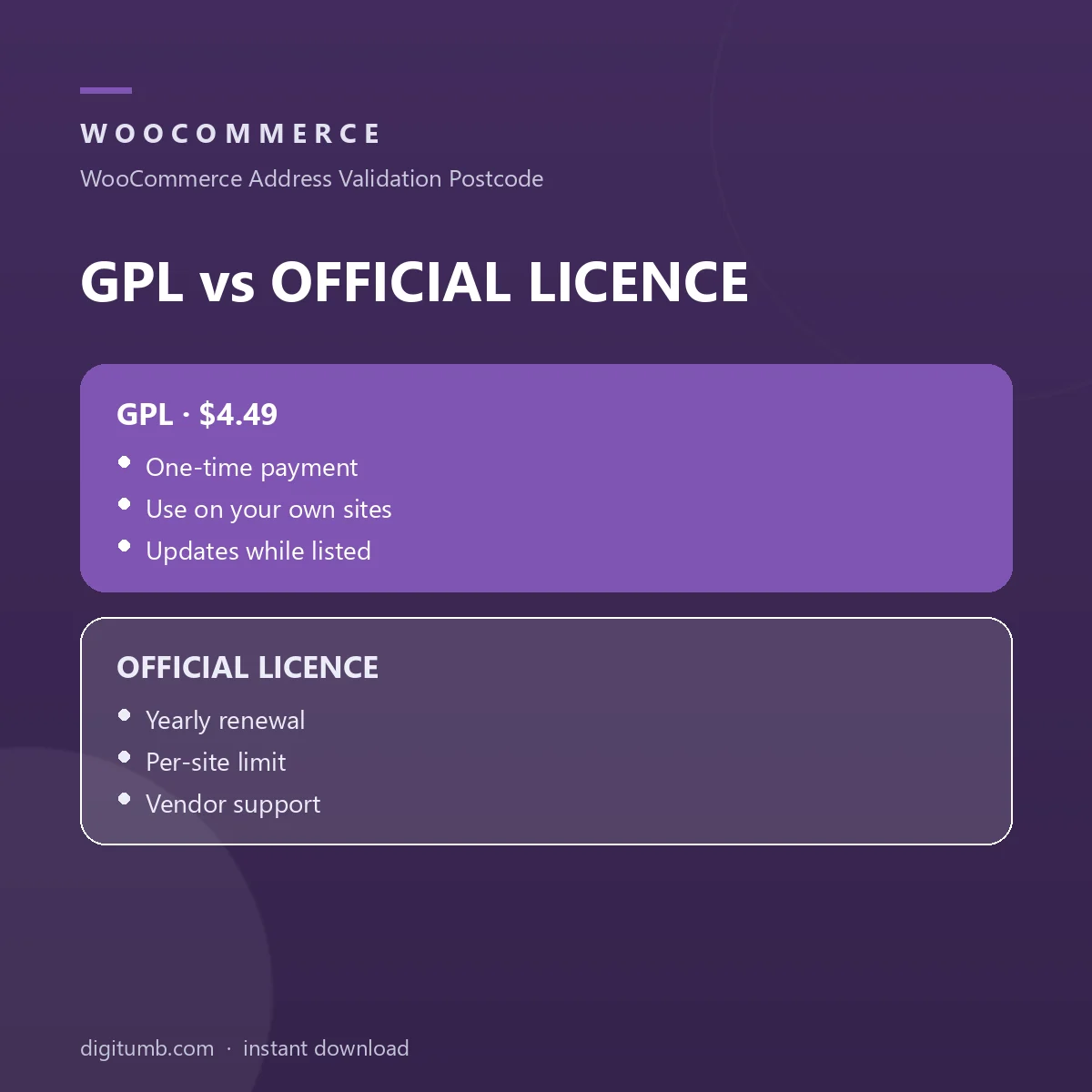
This is the same archive the developer publishes, redistributed under the GNU General Public License: you get the working files for $4.49 with no vendor update channel and no vendor support desk. If you need automatic updates or a support contract, buy the official license from the developer.
| This GPL build | Official license | |
|---|---|---|
| Price | $4.49 one time | Vendor subscription |
| Automatic updates | No | Yes |
| Developer support | No | Yes |
| Number of sites | Unlimited | Depends on plan |
Browse the rest of the WordPress plugins category or the full shop. The licence text is at GNU GPL v2, and general documentation is at WordPress.org.
You must be logged in to post a review.
You may also like…

Related products









Reviews
Clear filtersThere are no reviews yet.