



Extender Pro Plugin – WordPress Plugin
$4.49
Extender Pro Plugin is a WordPress customization plugin that builds unique styles, functions, templates and widget areas for your site. It adds advanced customization options, performance.
Extender Pro Plugin is a WordPress customization plugin that builds unique styles, functions, templates and widget areas for your site. It adds advanced customization options, performance improvements and SEO tools, and it ships with settings screens for creating metaboxes, repeating field groups and custom fields. This store sells the GPL build: the same files the developer ships, at $4.49, with no vendor update channel and no vendor support desk.
| Product | extender-pro-plugin |
|---|---|
| Version | 1.4.7 |
| Works with | WordPress 6.x+ / PHP 8.x+ |
| Tested up to | WordPress current |
| License | GPLv2 or later |
| Delivery | Instant ZIP download, 10 downloads, 365 days |
Which field types can you add from the plugin settings screens
The settings interface lists the field types you can configure. Text entries include a small and a medium test variant, a standard text field with an optional description, and a read-only disabled field that holds fixed content such as a greeting. Email input has its own test field, and dates are covered by a date picker, a date picker that stores a UNIX timestamp, and a date/time picker combo that also stores a UNIX timestamp.
Other inputs round out the set: a color picker, a text area, a small text area and a text area for code, plus radio buttons, a multi checkbox group, taxonomy radio, taxonomy select and taxonomy multi checkbox. File handling is covered by an image field that accepts an upload or a URL, and a multiple files field that uploads or adds multiple images and attachments. A site background color field is available, and REST test text fields can appear in the REST API, including an editable variant limited to POST request contexts.
Repeating field groups and metaboxes for pages, profiles and categories
Repeating field groups generate reusable form entries, and an Add Another Entry control lets you build the list up as far as you need. Each entry takes a short description, so entries stay identifiable when the group grows long.
Metaboxes can be attached to different parts of the admin. The interface includes an About Page metabox, a User Profile metabox and a Category metabox, along with an arbitrary term field. Metabox configuration is required to have an ID parameter, and a title plus a title description can be set for the box that appears in the editor. A click-to-toggle control collapses sections, and a retry prompt appears when an action does not complete on the first attempt.
How Extender Pro Plugin fits WooCommerce and common themes
The plugin is fully compatible with WooCommerce, so you can customize an online store with the same customization tools. It also works with popular themes such as Astra and Divi, adding customization capabilities on top of the theme you already run.
Beyond customization, the plugin provides performance improvements and SEO tools aimed at user experience and search engine visibility. Together with the styles, functions, templates and widget areas it builds, that covers both how a site looks and how it is put together.
What the GPL build from this store includes
You receive the plugin as a GPL build: the same files as the developer ships, priced at $4.49. There is no vendor update channel and no vendor support desk attached to this purchase.
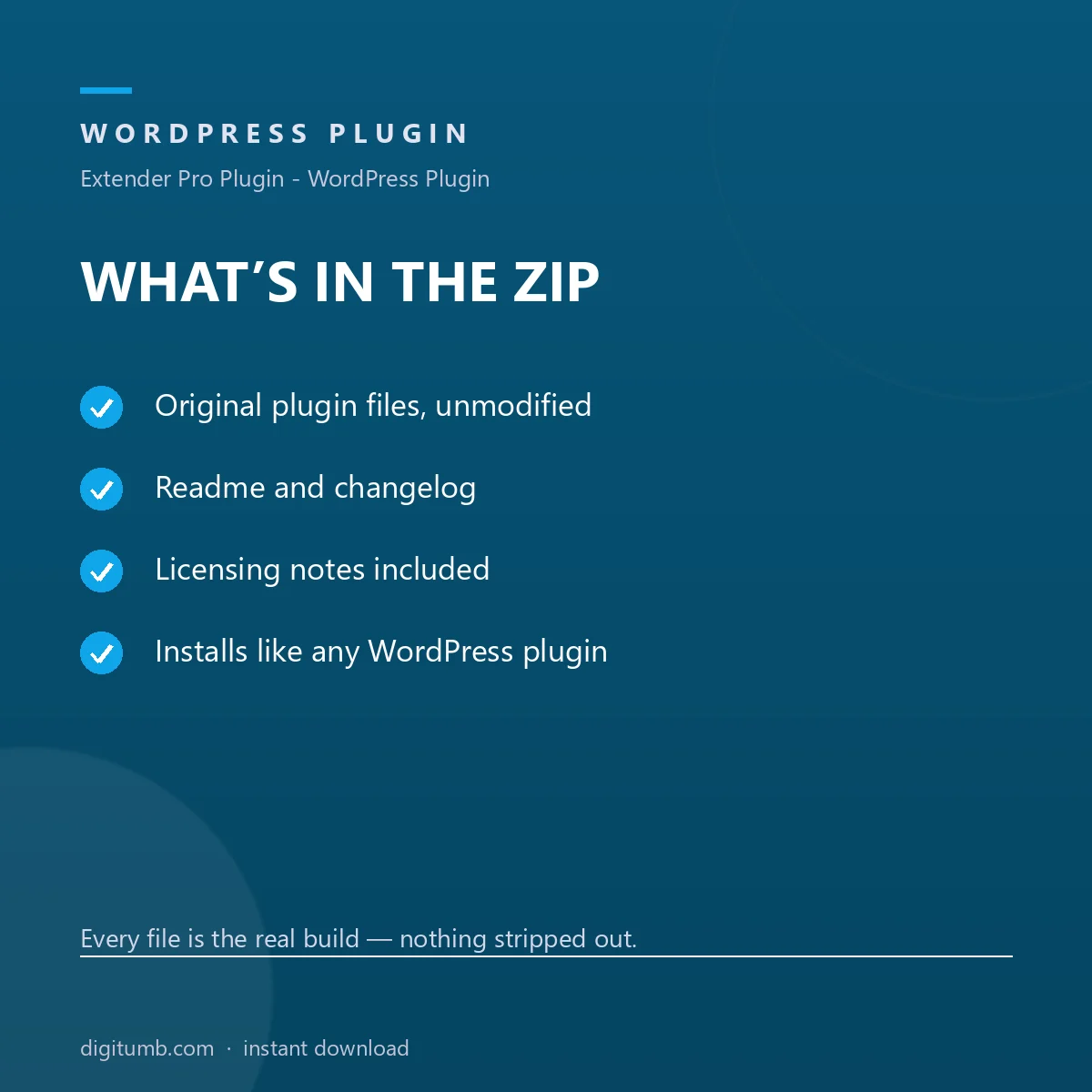
The download is a 1.6 MB zip. Its top-level folders are lib and export-plugin, and the package carries version 1.4.7.
What this build includes
| Custom field builder | Configure text, email, date, color, textarea, radio and checkbox fields from the plugin's settings screens, including read-only and disabled variants. |
|---|---|
| Taxonomy and term fields | Add taxonomy radio, taxonomy select and taxonomy multi checkbox fields, plus an arbitrary term field, to attach taxonomy data to content. |
| Repeating field groups | Generate reusable form entries with an Add Another Entry control and a short description attached to each entry. |
| Metabox placement | Create an About Page metabox, a User Profile metabox and a Category metabox, each configured with a required ID parameter. |
| File and image uploads | Upload an image or enter a URL, and add multiple files as images or attachments through a dedicated multiple files field. |
| REST API fields | Show test text in the REST API for the box and its pages, or restrict an editable variant to POST request contexts. |
| WooCommerce compatibility | The plugin is fully compatible with WooCommerce, so store content can be customized with the same field and metabox options. |
| Theme compatibility | Works with popular themes such as Astra and Divi, adding customization capabilities on top of the theme already in use. |
Installing it on a WordPress site
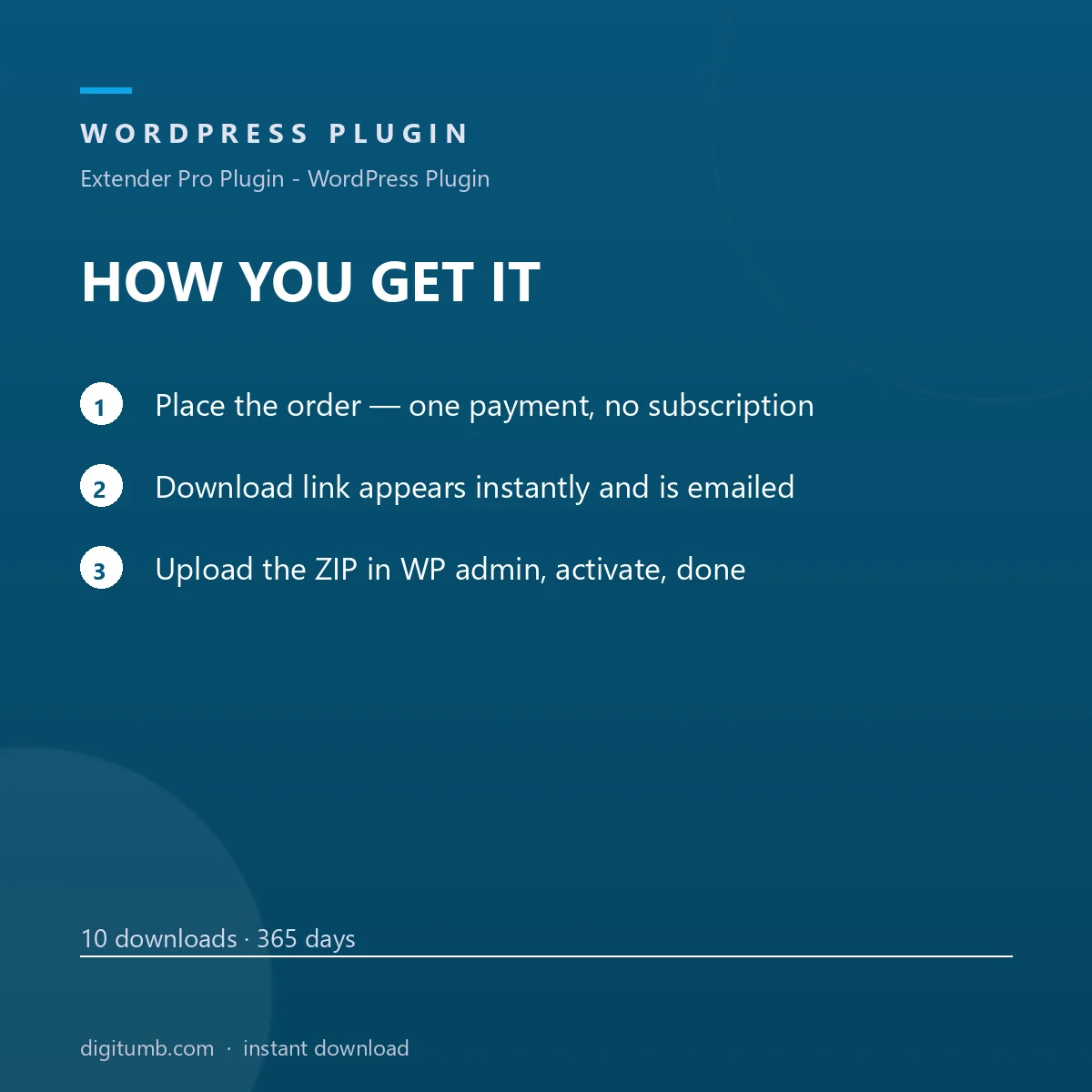
- Upload the plugin zip file through the WordPress dashboard.
- Activate the plugin.
- Open the plugin menu and configure the settings according to your preferences.
Latest changes
This package carries version 1.4.7 of Extender Pro Plugin.
Frequently asked questions
What does Extender Pro Plugin do for a WordPress site?
It enhances your site with advanced customization options, performance improvements and SEO tools to optimize user experience and search engine visibility. It also builds unique styles, functions, templates and widget areas, and provides settings screens for creating custom fields, metaboxes and repeating field groups.
Is Extender Pro Plugin compatible with WooCommerce?
Yes. The plugin is fully compatible with WooCommerce, so you can customize your online store with its customization options. The same field and metabox tools used elsewhere on the site are available for store content.
Can I use it with Astra or Divi?
Yes. Extender Pro Plugin works well with popular themes such as Astra and Divi, providing additional customization capabilities. You keep the theme you already run and add the plugin's field, metabox and customization options on top.
How do I set up Extender Pro Plugin?
Upload the plugin file through the WordPress dashboard, activate it, and then configure the settings according to your preferences from the plugin menu. Once active, the settings screens let you build fields, metaboxes and repeating field groups.
What do I get with the GPL build at $4.49?
You get the same files as the developer ships, delivered as a 1.6 MB zip with the lib and export-plugin folders. The purchase includes no vendor update channel and no vendor support desk.
What the GPL build means for you
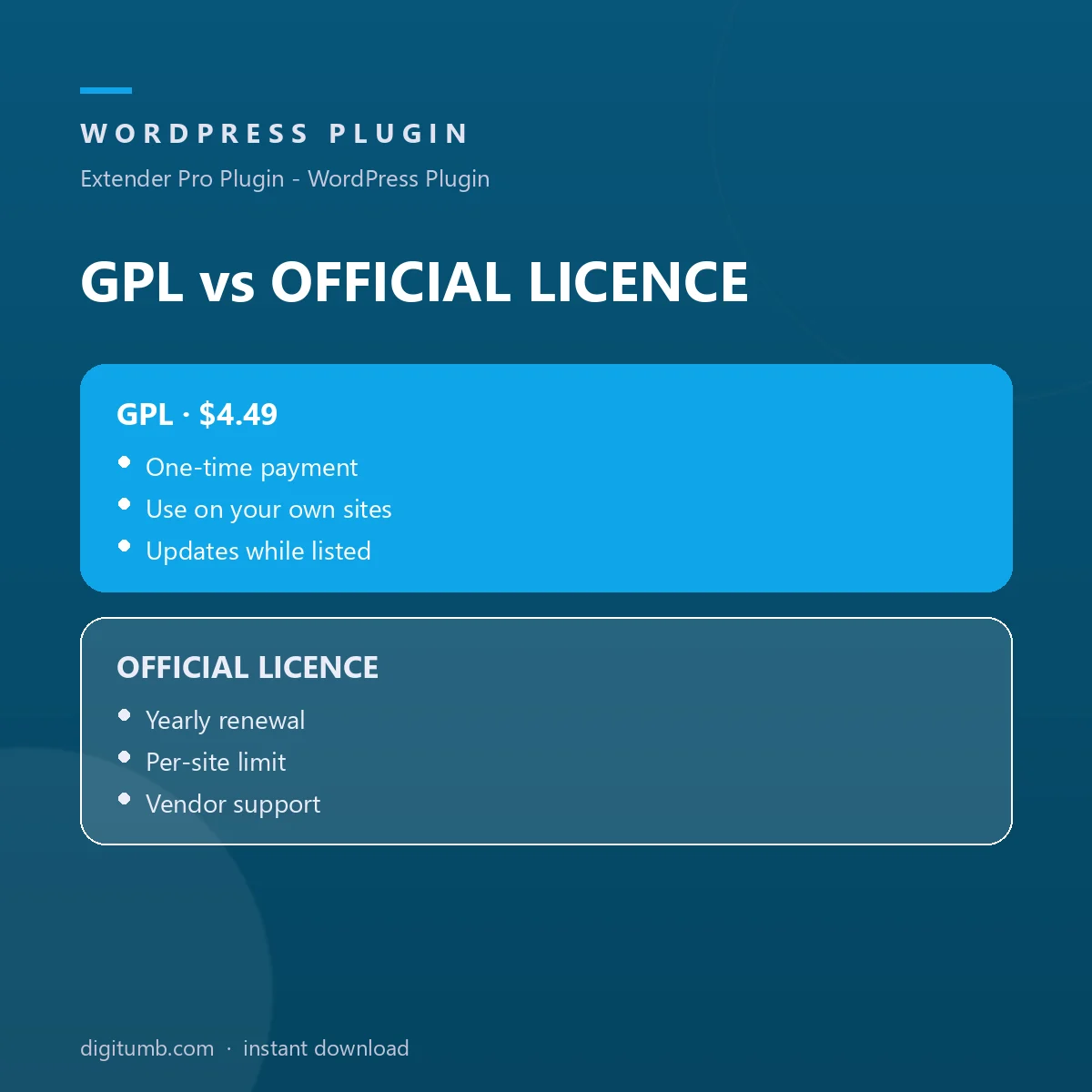
This is the same archive the developer publishes, redistributed under the GNU General Public License: you get the working files for $4.49 with no vendor update channel and no vendor support desk. If you need automatic updates or a support contract, buy the official license from the developer.
| This GPL build | Official license | |
|---|---|---|
| Price | $4.49 one time | Vendor subscription |
| Automatic updates | No | Yes |
| Developer support | No | Yes |
| Number of sites | Unlimited | Depends on plan |
Browse the rest of the WordPress plugins category or the full shop. The licence text is at GNU GPL v2, and general documentation is at WordPress.org.
You must be logged in to post a review.
You may also like…

Related products








Reviews
Clear filtersThere are no reviews yet.