



Pinterest Feed WordPress Pinterest – WordPress Plugin
$4.49
Pinterest Feed WordPress plugin is a WordPress extension that displays your Pinterest boards and pins directly on your site, so visitors can browse your saved visual content without leaving your.
Pinterest Feed WordPress plugin is a WordPress extension that displays your Pinterest boards and pins directly on your site, so visitors can browse your saved visual content without leaving your pages. It connects your Pinterest account to WordPress and lets you configure how the feed appears. The plugin also works with WooCommerce and Elementor, so the same feed can sit next to products or inside a page built with the drag-and-drop editor.
| Product | pinterest-feed-wordpress-pinterest-plugin |
|---|---|
| Version | 1.2.0 |
| Works with | WordPress 6.x+ / PHP 8.x+ |
| Tested up to | WordPress current |
| License | GPLv2 or later |
| Delivery | Instant ZIP download, 10 downloads, 365 days |
What Pinterest content can appear on your WordPress site
The plugin puts your Pinterest boards and pins on your own pages instead of leaving them only on Pinterest. Once your account is connected in the plugin settings, you choose the display options and the feed renders on the front end of your site, ready for visitors to browse.
The point of the tool is visual content engagement and interactivity: visitors see your boards and pins while they browse your WordPress content, and the images stay part of your site rather than a separate tab. Boards and pins are both covered, so you can show a full board or a set of individual pins depending on what you configure.
Using Pinterest Feed alongside WooCommerce and Elementor
WooCommerce compatibility means you can showcase your Pinterest content alongside your products. A shop page can carry the feed without a second tool, and the Pinterest images sit in the same browsing flow as the items you sell.
Elementor compatibility means you can add Pinterest feeds to your pages with Elementor's drag-and-drop interface. You place the feed where you want it in the layout instead of editing theme files, which keeps page building in the editor you already use.
How the GPL build from Digitumb is sold
You receive the same files the developer ships, packaged as a GPL build, for $4.49. The download is a 0.9 MB zip containing the core and preview folders, and the current version is 1.2.0. Both folders ship inside the archive, so the package is small and installs like any other plugin zip.
There is no vendor update channel and no vendor support desk attached to this purchase. Your updates and help come from where you bought it, not from the original developer.
Connecting your Pinterest account before anything shows
Setup follows a short path: install, activate, then open the plugin settings. Connecting your Pinterest account is the step that makes the feed possible, and the display options on the same screen control how the boards and pins appear.
Nothing on the front end depends on code changes in your theme. The plugin handles the feed once the account link and display settings are in place, and you can return to the settings screen whenever you want to adjust how the Pinterest content is presented.
What this build includes
| Display Pinterest boards and pins | Show your Pinterest boards and pins directly on your WordPress site to support visual content engagement and interactivity. |
|---|---|
| WooCommerce compatibility | Place your Pinterest content alongside your products so a shop page can carry the feed too. |
| Elementor compatibility | Add Pinterest feeds to pages built in Elementor using its drag-and-drop interface. |
| Account connection in settings | Connect your Pinterest account from the plugin settings and configure the display options from the same screen. |
| Dashboard installation | Install the plugin through the WordPress dashboard and activate it to reach the settings screen. |
Installing it on a WordPress site
- Download the plugin zip and install it through your WordPress dashboard.
- Activate the plugin so its settings become available.
- Open the plugin settings, connect your Pinterest account and configure the display options.
Latest changes
Version 1.2.0 is the current build of the plugin in this package.
Frequently asked questions
What does Pinterest Feed WordPress plugin actually do?
It lets you display your Pinterest boards and pins directly on your WordPress site. After you connect your Pinterest account in the settings, the plugin renders your Pinterest content on your own pages, which supports visual content engagement and interactivity for visitors.
Can I show my Pinterest feed next to products in WooCommerce?
Yes. The plugin is compatible with WooCommerce, so you can showcase your Pinterest content alongside your products. The feed is not limited to blog posts or standalone pages, and you can keep product browsing and Pinterest images on the same site.
Does it work with Elementor?
Yes. The plugin works with Elementor, so you can add Pinterest feeds to your pages through Elementor's drag-and-drop interface and position the feed inside your layout rather than in a theme template.
How do I set the plugin up?
Download and install the plugin through your WordPress dashboard, then activate it. After activation, go to the plugin settings, connect your Pinterest account and configure the display options. That settings screen is where the feed is wired to your account.
What do I get for $4.49?
You get the same files the developer ships, as a GPL build, in a 0.9 MB zip with the core and preview folders. The current version is 1.2.0. There is no vendor update channel and no vendor support desk with this purchase.
Do I need to edit my theme to show the feed?
No theme editing is part of the described setup. You install and activate the plugin, connect your Pinterest account in the settings and configure the display options there. Pages built in Elementor can take the feed through the drag-and-drop interface instead.
What the GPL build means for you
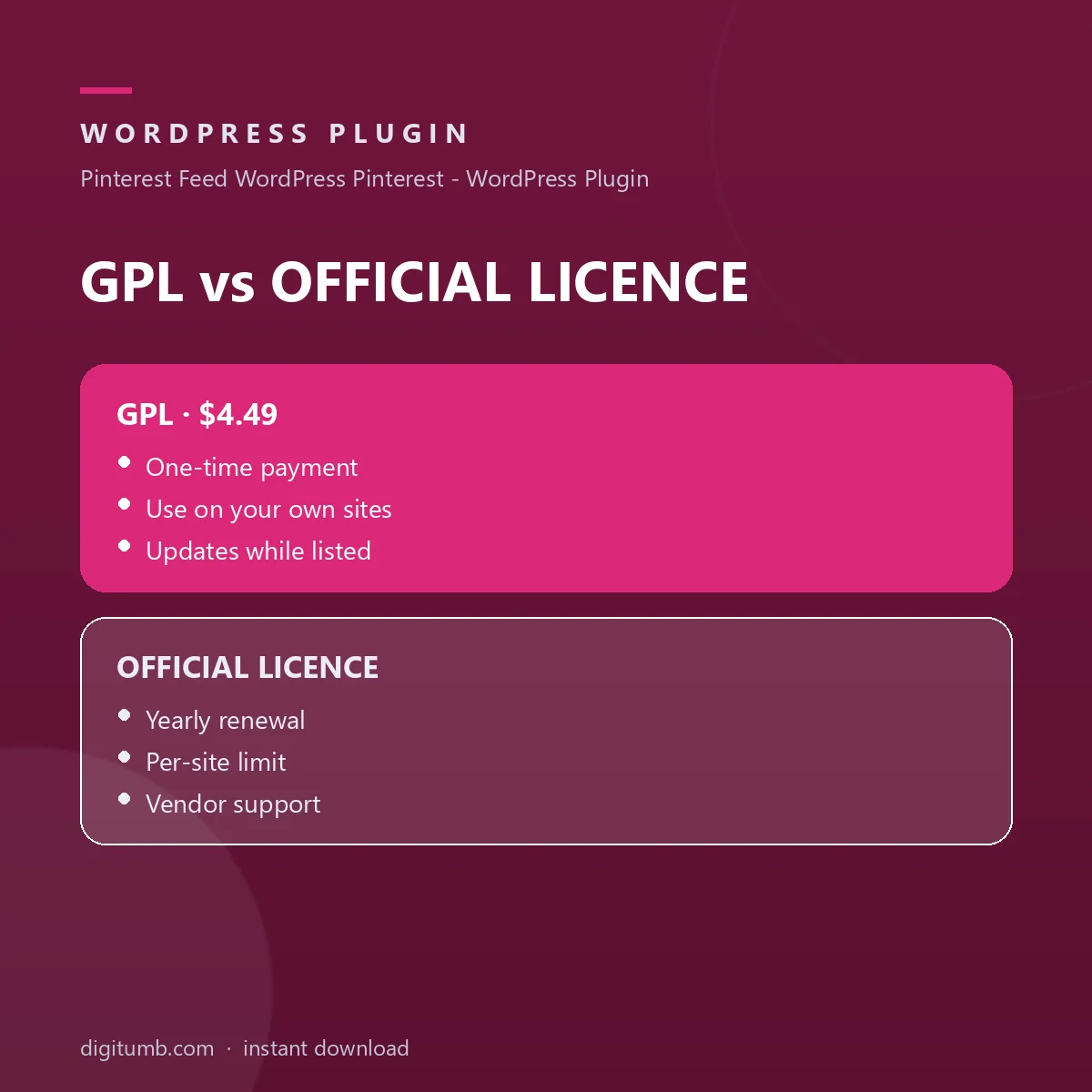
This is the same archive the developer publishes, redistributed under the GNU General Public License: you get the working files for $4.49 with no vendor update channel and no vendor support desk. If you need automatic updates or a support contract, buy the official license from the developer.
| This GPL build | Official license | |
|---|---|---|
| Price | $4.49 one time | Vendor subscription |
| Automatic updates | No | Yes |
| Developer support | No | Yes |
| Number of sites | Unlimited | Depends on plan |
Browse the rest of the WordPress plugins category or the full shop. The licence text is at GNU GPL v2, and general documentation is at WordPress.org.
You must be logged in to post a review.
You may also like…

Related products










Reviews
Clear filtersThere are no reviews yet.