


Memberpress Toolbox Manual Member – WordPress Plugin
$4.49
MemberPress Toolbox – Manual Member Approval is a MemberPress addon that lets site administrators approve new members manually before those members gain access to the membership site. Instead of.
MemberPress Toolbox – Manual Member Approval is a MemberPress addon that lets site administrators approve new members manually before those members gain access to the membership site. Instead of granting access automatically at signup, the site holds each new member for a review step, adding a layer of security and control over who joins. This listing is a GPL build of the plugin, version 1.1.6, priced at $4.49.
| Product | memberpress-toolbox-manual-member-approval |
|---|---|
| Version | 1.1.6 |
| Works with | WordPress 6.x+ / PHP 8.x+ |
| Tested up to | WordPress current |
| License | GPLv2 or later |
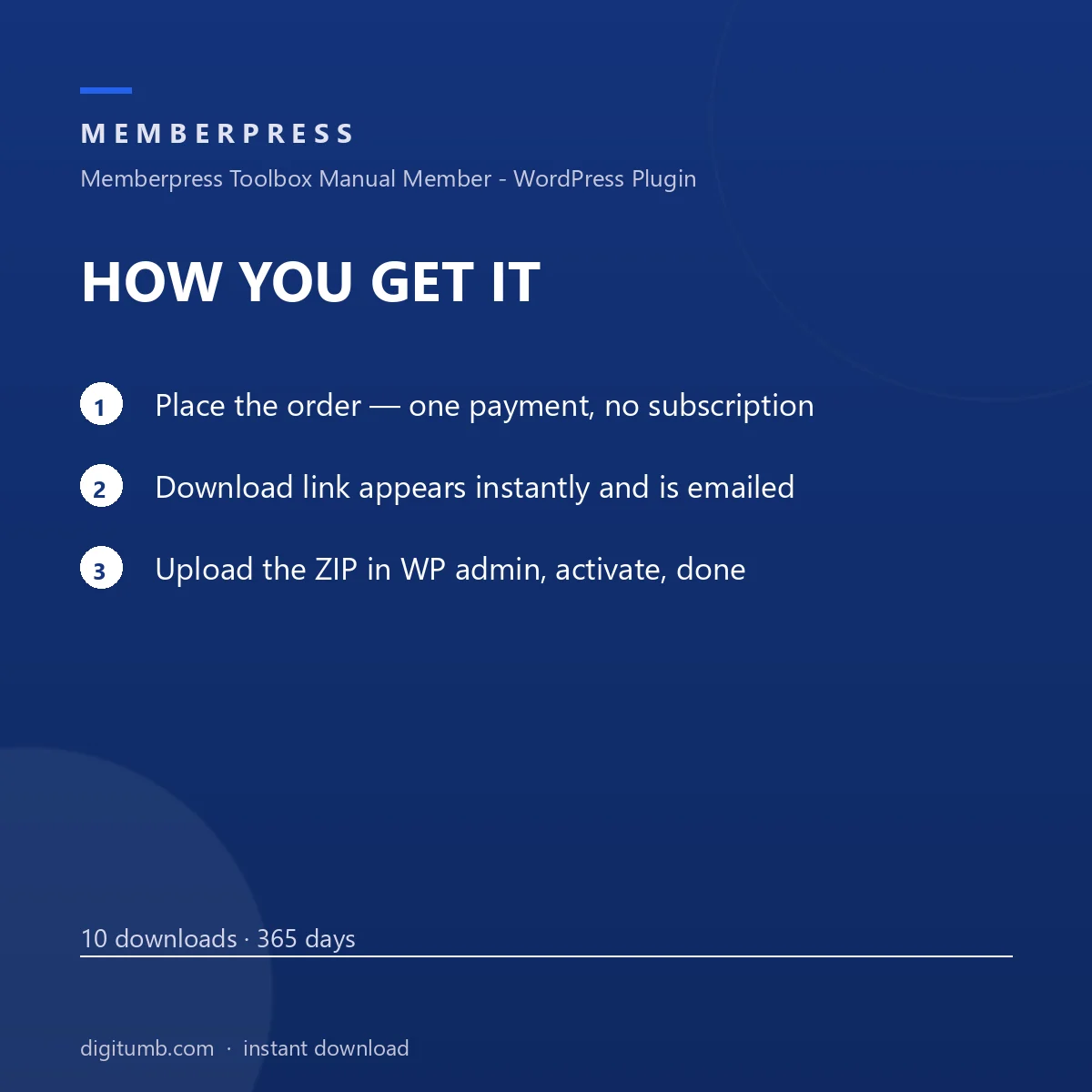
| Delivery | Instant ZIP download, 10 downloads, 365 days |
How manual approval changes the signup flow in MemberPress
With this addon active, a new member does not move straight into the membership. The administrator reviews the request and approves it, and only then does the member gain access to the membership site. The decision sits with the site owner rather than with the signup form itself, which is what makes the approval manual.
That extra step is the point of the plugin: it adds a layer of security and control on top of the standard MemberPress registration process. Administrators customize the approval process in the plugin settings to match how their site handles new members, so the review step follows your own workflow rather than a fixed template.
Where the addon fits alongside MemberPress and other plugins
The addon is built for MemberPress and is fully compatible with the latest version of MemberPress, so the approval step works together with the membership features you already run. You keep your existing MemberPress setup and add the review step on top of it, with no change to how memberships themselves are configured.
It is also designed to work with other popular WordPress plugins, including WooCommerce and various SEO tools, so the rest of the site stays fully functional while manual approval is switched on. If you sell products through WooCommerce or rely on SEO tooling, the approval step does not stand in the way of those parts of the site.
Reviewing new members before they reach your content
The practical effect for a membership site is that no new account reaches protected content until an administrator has approved it. Every signup becomes a decision the site owner makes, which is the additional layer of security and control the plugin is built to provide.
Approval runs from the WordPress admin side, where you already manage the site. Because the approval process is customizable in the plugin settings, you decide how the review step behaves for your membership site instead of accepting a single fixed flow.
What you receive in the GPL build from digitumb.com
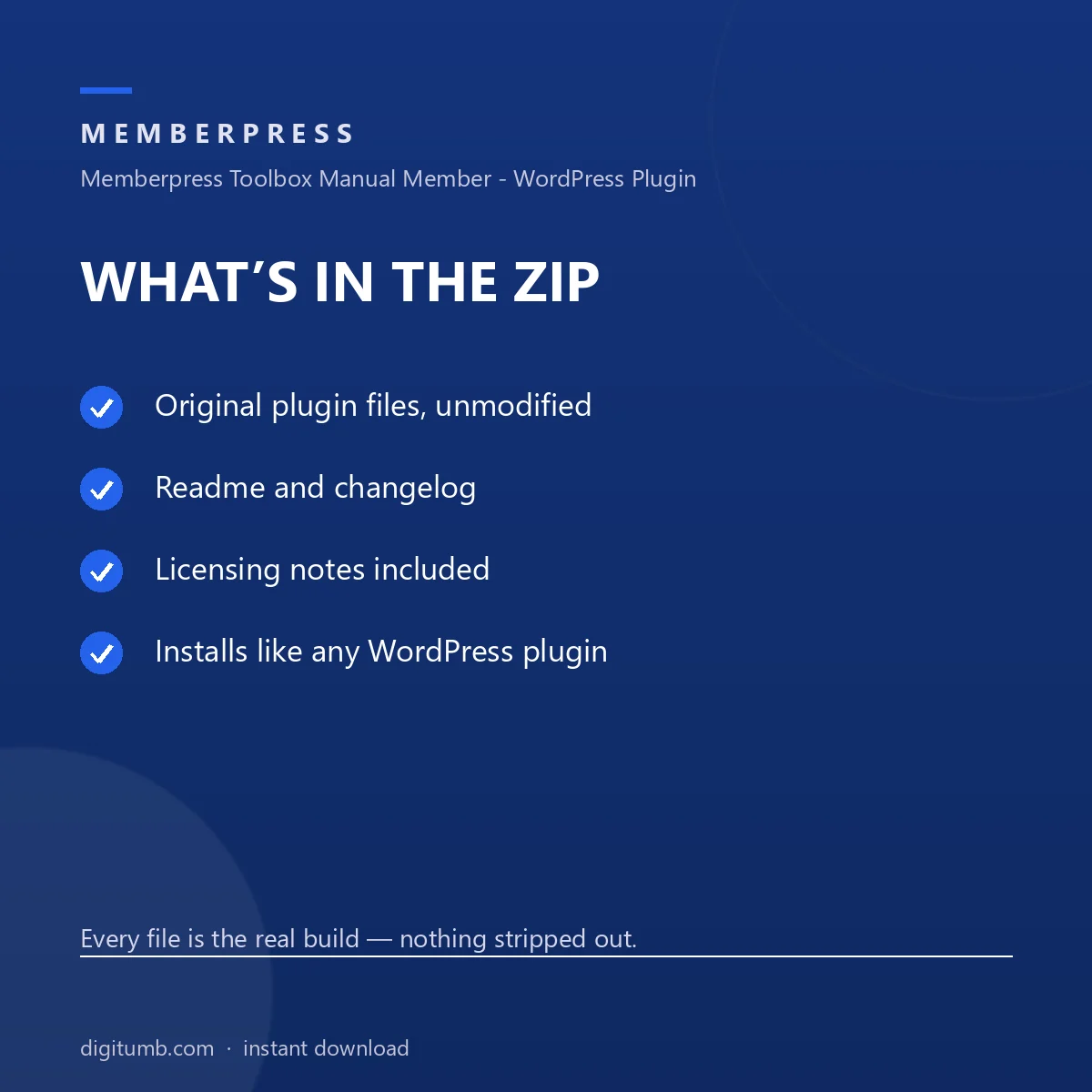
You get the same plugin files the developer ships, packaged as a GPL build for $4.49. The download is a zip archive with the plugin folders inside, ready to upload through the WordPress admin dashboard and activate like any other plugin.
This build does not include a vendor update channel or a vendor support desk. Updates and help come from the GPL store you bought from, not from the original developer, so plan your update routine around digitumb.com.
What this build includes
| Manual member approval | Administrators review new members and approve them before those members gain access to the membership site. |
|---|---|
| Extra security layer | Adds a control step at signup so the site owner decides who joins, rather than granting access automatically. |
| Customizable approval process | Settings let you tailor how the approval process runs on your site to match your membership workflow. |
| MemberPress compatibility | Fully compatible with the latest version of MemberPress, so approval works alongside your existing membership features. |
| Works with other plugins | Designed to work with popular WordPress plugins such as WooCommerce and various SEO tools, keeping the site functional. |
Installing it on a WordPress site
- Download the plugin zip from digitumb.com.
- Upload the zip to your WordPress site through the admin dashboard and activate the plugin.
- Open the plugin settings and customize the approval process for your membership site.
Frequently asked questions
What does MemberPress Toolbox – Manual Member Approval actually do?
It lets site administrators manually approve new members before they gain access to the membership site. The plugin adds an approval step to the MemberPress signup flow, giving you an additional layer of security and control over who becomes a member.
Does it work with the latest MemberPress release?
Yes. The addon is fully compatible with the latest version of MemberPress, so its approval features work together with your membership setup without issues.
Will it break WooCommerce or my SEO plugins?
The plugin is designed to work with other popular WordPress plugins, including WooCommerce and various SEO tools, so your site remains fully functional with manual approval enabled.
How do I set it up on my site?
Download the plugin, upload it to WordPress through the admin dashboard and activate it. Then go to the settings to customize the approval process according to your needs.
Do I get vendor updates and vendor support with this build?
No. This is a GPL build sold for $4.49: you receive the same files the developer ships, without a vendor update channel and without a vendor support desk. Updates and assistance come from digitumb.com as the GPL store.
What the GPL build means for you
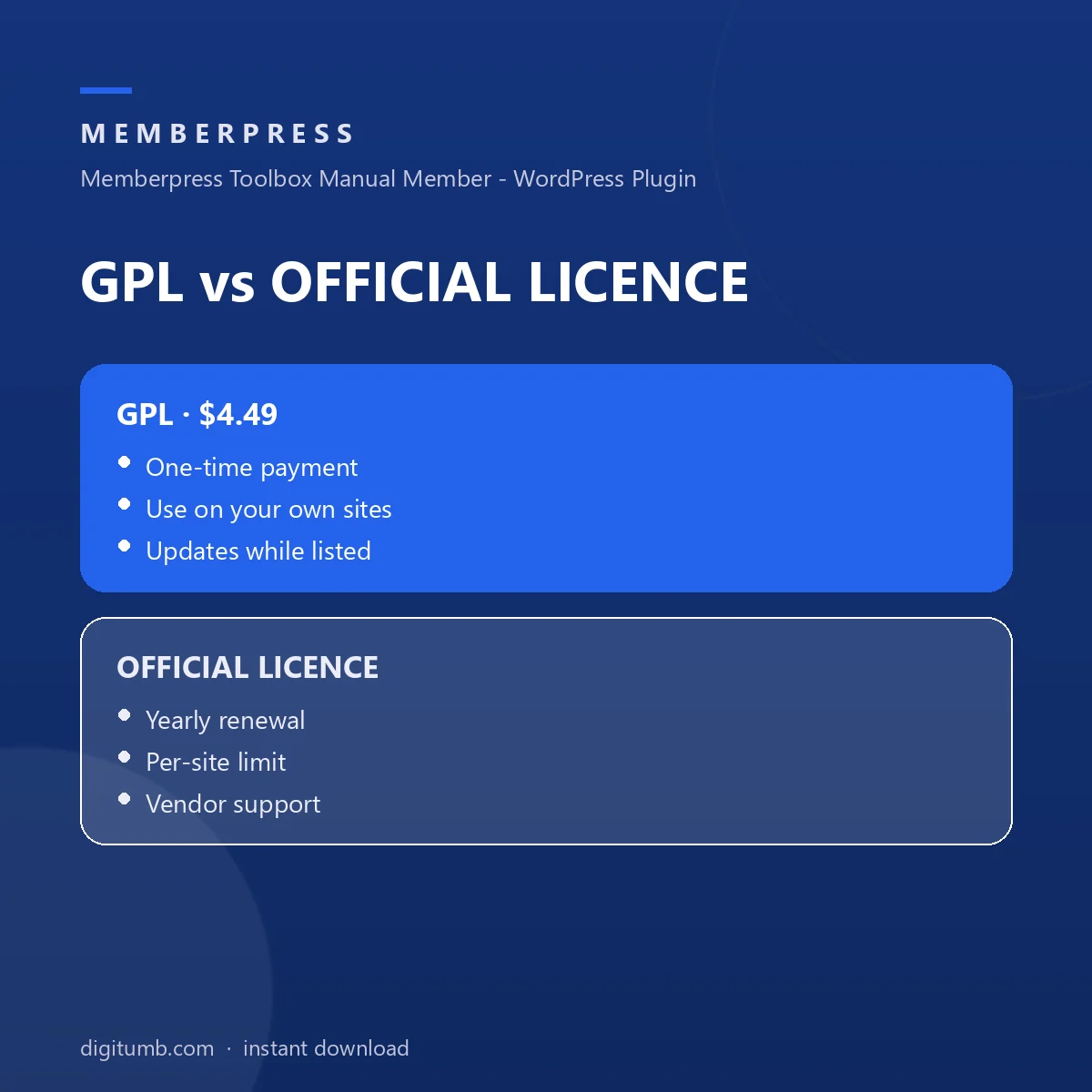
This is the same archive the developer publishes, redistributed under the GNU General Public License: you get the working files for $4.49 with no vendor update channel and no vendor support desk. If you need automatic updates or a support contract, buy the official license from the developer.
| This GPL build | Official license | |
|---|---|---|
| Price | $4.49 one time | Vendor subscription |
| Automatic updates | No | Yes |
| Developer support | No | Yes |
| Number of sites | Unlimited | Depends on plan |
Browse the rest of the WordPress plugins category or the full shop. The licence text is at GNU GPL v2, and general documentation is at WordPress.org.
You must be logged in to post a review.
You may also like…

Related products








Reviews
Clear filtersThere are no reviews yet.