


The Events Calendar Virtual Events – WordPress Plugin
$4.49
Virtual Events is an add-on plugin for The Events Calendar that adds online event tools to your WordPress calendar. It lets you tag events as livestreams, generate Zoom links, embed video on event.
Virtual Events is an add-on plugin for The Events Calendar that adds online event tools to your WordPress calendar. It lets you tag events as livestreams, generate Zoom links, embed video on event pages, and place a join button for attendees. Combined with Event Tickets, it can hold back the meeting link until someone RSVPs or buys a ticket. This build is version 1.15.8, a 0.6 MB zip.
| Product | Virtual Events |
|---|---|
| Version | 1.15.8 |
| Works with | WordPress 6.1.0+ / PHP 7.4+ |
| Tested up to | WordPress 6.4.3 |
| License | GPLv2 or later |
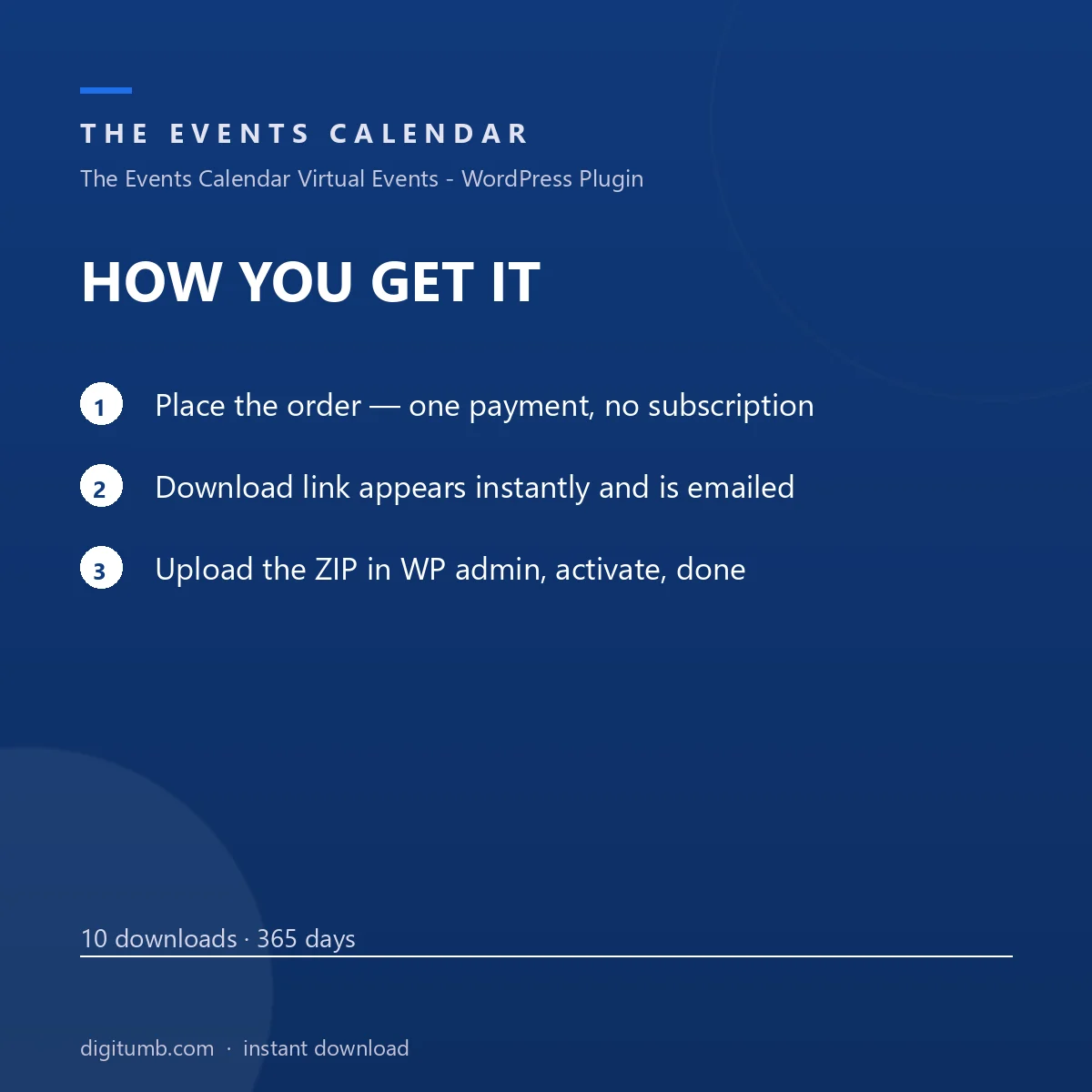
| Delivery | Instant ZIP download, 10 downloads, 365 days |
What Virtual Events adds to The Events Calendar
The plugin extends your existing calendar views with a customizable Livestream tag, so online gatherings, webinars, classes and performances are marked apart from in-person listings. You can control whether live event information appears immediately or only 15 minutes before the event starts.
On the event page itself, Virtual Events embeds video and adds a linked button where attendees join the event. Events that happen both online and in person keep their in-person details while carrying the virtual settings.
Zoom, Google, Microsoft and Facebook meeting sources
Meeting connections are set up from the plugin's settings screens. Authorizing your Zoom connection lets the plugin generate a Zoom link for an event. Google Meeting and Microsoft Meeting appear as video source choices, and Google and Microsoft accounts can be added, refreshed, toggled on or off, and removed from a connected accounts panel.
Facebook Live Video is also supported through a Facebook App ID and page or group ID, with fields for the page name and page ID and a token expiry readout. A general Video or Meeting Link URL field is available when you would rather paste a link directly.
Hiding the join link behind Event Tickets
When Event Tickets or Event Tickets Plus runs alongside The Events Calendar, Virtual Events can hide the virtual event link until an attendee submits an RSVP or buys a ticket. A second option emails the link only after the RSVP or purchase is complete.
Both behaviors are aimed at ticketed virtual events where the meeting URL should not be public on the event page.
What this build includes
| Livestream tag in calendar views | Adds a customizable Livestream label to calendar views so online events are visually distinct from in-person ones. |
|---|---|
| Zoom link generation | Generates a Zoom link for an event after you authorize your Zoom connection in the plugin settings. |
| Video embed on event pages | Embeds video directly on the event page, alongside a linked button attendees use to join. |
| Timed information display | Choose whether live event information shows immediately or only 15 minutes before the event starts. |
| Gated virtual links | Hides the virtual event link until the attendee submits an RSVP or buys a ticket, when Event Tickets is active. |
| Link delivered by email | Option to email the virtual event link only after an RSVP or ticket purchase is completed. |
| Multiple meeting sources | Supports Zoom, Google Meeting, Microsoft Meeting and Facebook Live Video, plus a plain Video or Meeting Link URL field. |
| Hybrid event flexibility | Keeps virtual settings on events that happen both online and in person. |
Installing it on a WordPress site
- Install and activate The Events Calendar first, since Virtual Events depends on it.
- In the WordPress dashboard go to Plugins, Add New, choose Upload, select the events-virtual zip file and follow the on-screen prompts.
- Activate the plugin when the upload finishes, then add your license key under Events, Settings, Licenses for update access.
Latest changes
Version 1.15.8 corrects the template override paths to include the events-virtual folder.
Frequently asked questions
Do I need The Events Calendar installed to use Virtual Events?
Yes. Virtual Events is an add-on for The Events Calendar, and the installation steps cover both plugins, starting with The Events Calendar. Events Calendar Pro is also compatible, and pairing it with Event Tickets or Event Tickets Plus adds the link-gating options for ticketed virtual events.
How do I get a Zoom link onto an event?
Authorize your Zoom connection from the plugin settings, then the plugin can generate a Zoom link for the event. If you prefer another platform, pick Google Meeting or Microsoft Meeting as the video source, or paste a Video or Meeting Link URL directly.
Can I keep the meeting link hidden until someone registers?
With Event Tickets or Event Tickets Plus running alongside The Events Calendar, Virtual Events can hide the virtual event link until the attendee submits an RSVP or buys a ticket. You can also choose to email the link only after the RSVP or purchase.
When does the live event information appear to visitors?
You decide per event whether live event information shows immediately or only 15 minutes before the event starts. The Livestream tag in calendar views can also be customized.
What are the hosting requirements?
Virtual Events requires WordPress 6.1.0 or later and PHP 7.4 or later, with compatibility tested up to WordPress 6.4.3.
What kind of build is this and what does it cost?
This is a GPL build sold at digitumb.com for $4.49: the same files the developer ships, with no vendor update channel and no vendor support desk. Version 1.15.8 is a 0.6 MB zip containing src and lang folders.
What the GPL build means for you
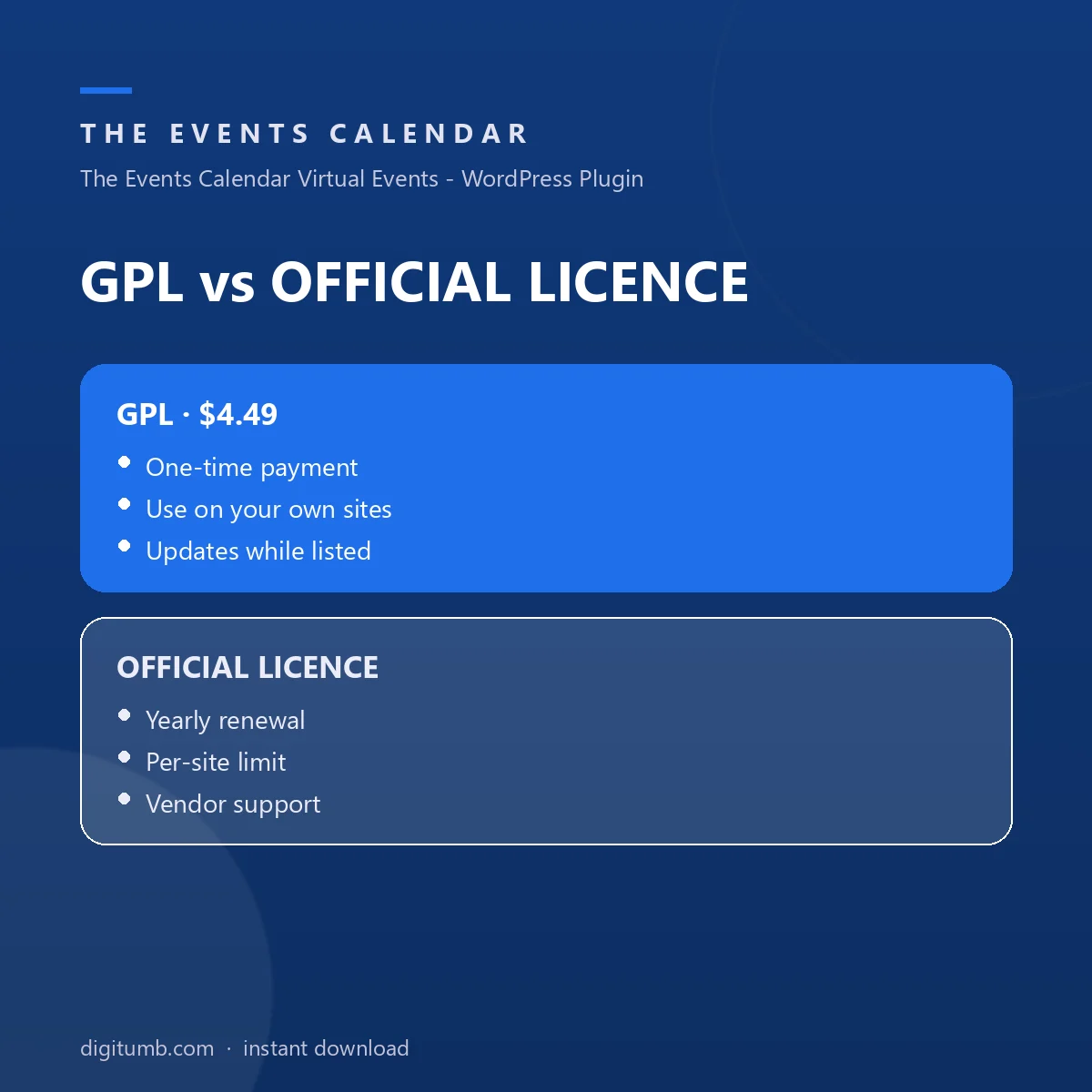
This is the same archive the developer publishes, redistributed under the GNU General Public License: you get the working files for $4.49 with no vendor update channel and no vendor support desk. If you need automatic updates or a support contract, buy the official license from the developer.
| This GPL build | Official license | |
|---|---|---|
| Price | $4.49 one time | Vendor subscription |
| Automatic updates | No | Yes |
| Developer support | No | Yes |
| Number of sites | Unlimited | Depends on plan |
Browse the rest of the WordPress plugins category or the full shop. The licence text is at GNU GPL v2, and general documentation is at WordPress.org.
You must be logged in to post a review.
You may also like…

Related products





Reviews
Clear filtersThere are no reviews yet.