

WooCommerce Product Retailers GPL – WordPress Plugin
$4.49
WooCommerce Product Retailers is a WooCommerce addon that lets you manage and display multiple retailers for your products. Customers see where else they can buy an item and can choose the retailer.
WooCommerce Product Retailers is a WooCommerce addon that lets you manage and display multiple retailers for your products. Customers see where else they can buy an item and can choose the retailer that suits them, while your store keeps its own add-to-cart button or hands the purchase over to the retailer. You add retailers as their own entries and attach them to products, then decide when those retailer options appear.
| Product | WooCommerce Product Retailers |
|---|---|
| Version | 1.18.4 |
| Works with | WordPress 5.6+ / PHP 7.4+ |
| Tested up to | WordPress 7.0 |
| License | GPLv2 or later |
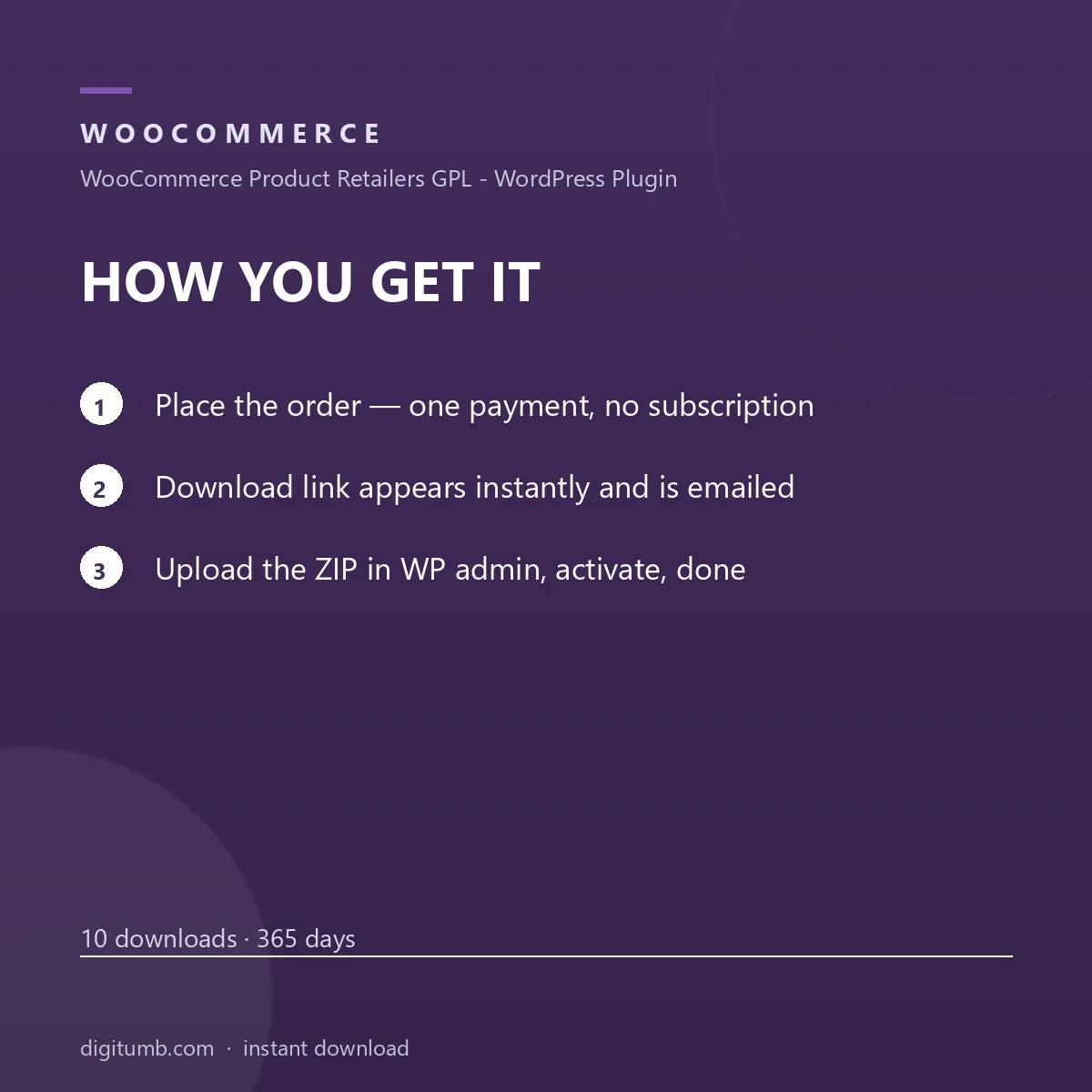
| Delivery | Instant ZIP download, 10 downloads, 365 days |
How customers see retailer options on a product page
On a product page, the plugin displays a set of product retailers for the current product. Each retailer entry can carry a link that opens in a new tab when the shopper clicks it, so the store page stays open behind them. The button label is yours to set: the product page button defaults to the text Purchase from Retailer.
Where a product has several retailers, you can switch from a dropdown to individual buttons so every retailer is visible at once. Catalog views use their own button text, View Retailers, which takes the shopper to the product page where the full retailer list is shown.
Choosing when retailers appear instead of your add-to-cart button
Retailer Availability controls when retailers are shown for a product. Three modes are available: always show both retailers and the store add-to-cart button, always use retailers instead of the store add-to-cart button, or show retailers only when the product is out of stock.
The out-of-stock mode is the practical one for stores that drop-ship or sell through partners: the product page keeps selling normally while stock lasts, and points buyers to a retailer once your own stock runs out. You can also hide product retailers entirely for a product where they do not apply.
Managing retailer entries in the WordPress admin
Retailers are managed as their own items in the admin, with Add New Retailer and Search Retailers screens, and a trash view with restore and delete-permanently actions. A note on the retailer screen explains that this is where you add new product retailers that you can attach to products.
Saving, drafting, submitting and trashing a retailer each report back with their own confirmation messages, including Retailer saved and Retailer draft updated, so you can tell what state an entry is in. The plugin ships with src, i18n and templates folders, and the interface strings are translatable through the i18n directory.
What this build includes
| Multiple retailers per product | Attach a set of retailers to any product so shoppers can pick where to purchase instead of only buying from your store. |
|---|---|
| Retailer availability modes | Choose to show retailers alongside your add-to-cart button, in place of it, or only when the product is out of stock. |
| Buttons or dropdown | Enable the button setting to list each retailer as its own button rather than folding them into a dropdown. |
| Editable button text | Set the product page button label (default Purchase from Retailer) and the catalog label (default View Retailers). |
| New-tab retailer links | Open retailer links in a new tab so the customer keeps your product page open while checking the retailer. |
| Retailer admin screens | Add, search, draft, trash and permanently delete retailer entries from dedicated WordPress admin screens. |
| Hide retailers per product | Use Hide Product Retailers on products where external retailer links should not be displayed at all. |
Installing it on a WordPress site
- Upload the entire 'woocommerce-product-retailers' folder to the '/wp-content/plugins/' directory, or upload the zip through Plugins > Add New in the WordPress admin.
- Activate the plugin through the Plugins menu in WordPress.
- Open the plugin settings to configure your retailer options, then add retailers and attach them to products.
Latest changes
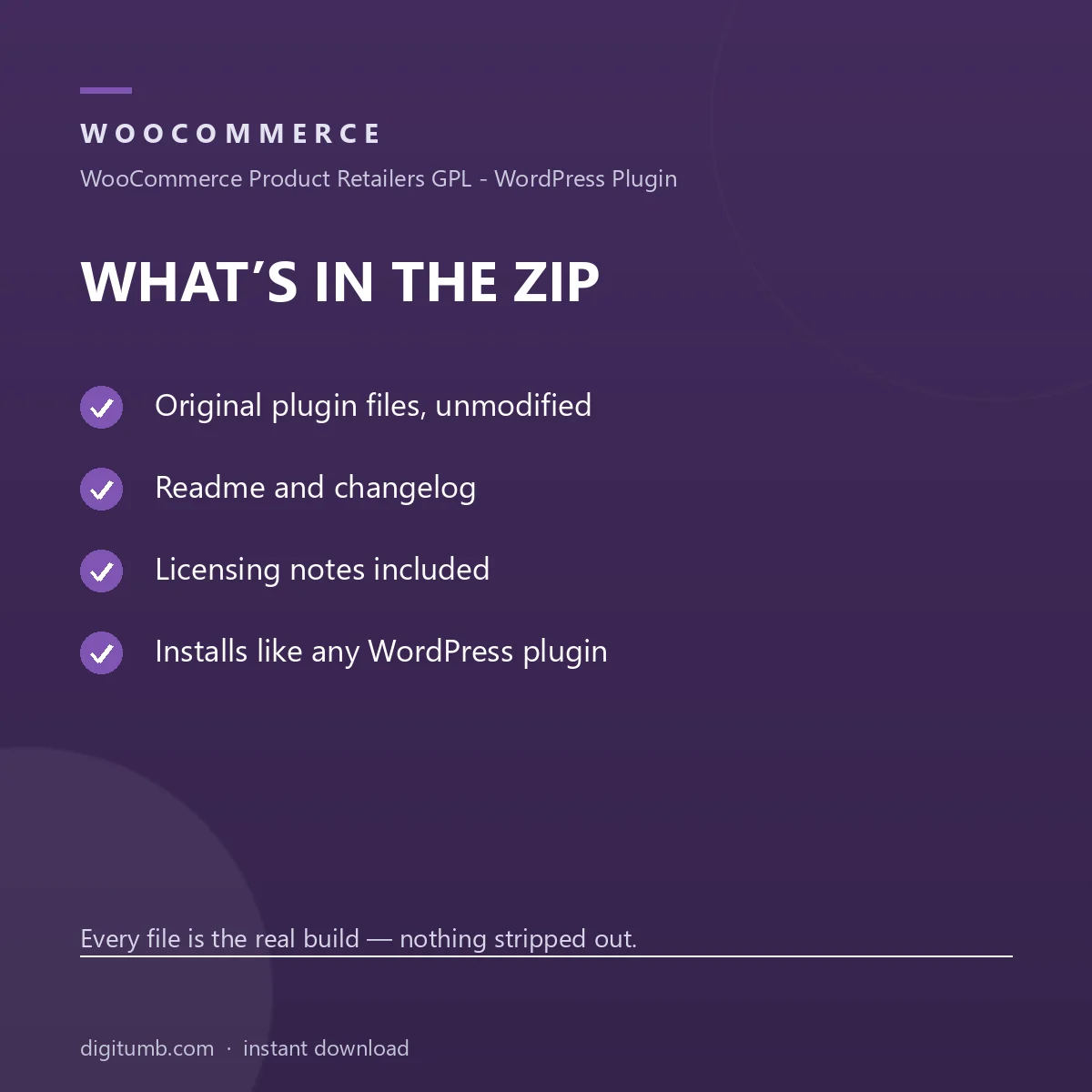
This is version 1.18.4 of WooCommerce Product Retailers, packaged as a 1.7 MB GPL build.
Frequently asked questions
Do I need to keep my own add-to-cart button when using retailers?
Not necessarily. Retailer Availability lets you keep both the retailers and the store add-to-cart button, replace the add-to-cart button with retailers entirely, or show retailers only once the product is out of stock. The last option suits stores that sell direct while stock lasts and refer buyers elsewhere afterwards.
Will this plugin conflict with other WooCommerce extensions or my theme?
WooCommerce Product Retailers is designed to work with most popular WooCommerce extensions, and it is compatible with popular WordPress themes including Astra and OceanWP. That means you can add retailer functionality without rebuilding your site's design, though testing on a staging copy before going live is always sensible.
Is this the same plugin file the developer ships?
Yes. You get the same files as the developer ships, as a GPL build, for $4.49. There is no vendor update channel and no vendor support desk included. Every file and every new version is scanned with multiple security tools, and you are welcome to verify the files yourself on VirusTotal.com before installation.
What are the server requirements?
The plugin requires WordPress 5.6 or later and PHP 7.4 or later. It is tested up to WordPress 7.0. This build is version 1.18.4 and the zip is 1.7 MB, containing src, i18n and templates folders.
What the GPL build means for you
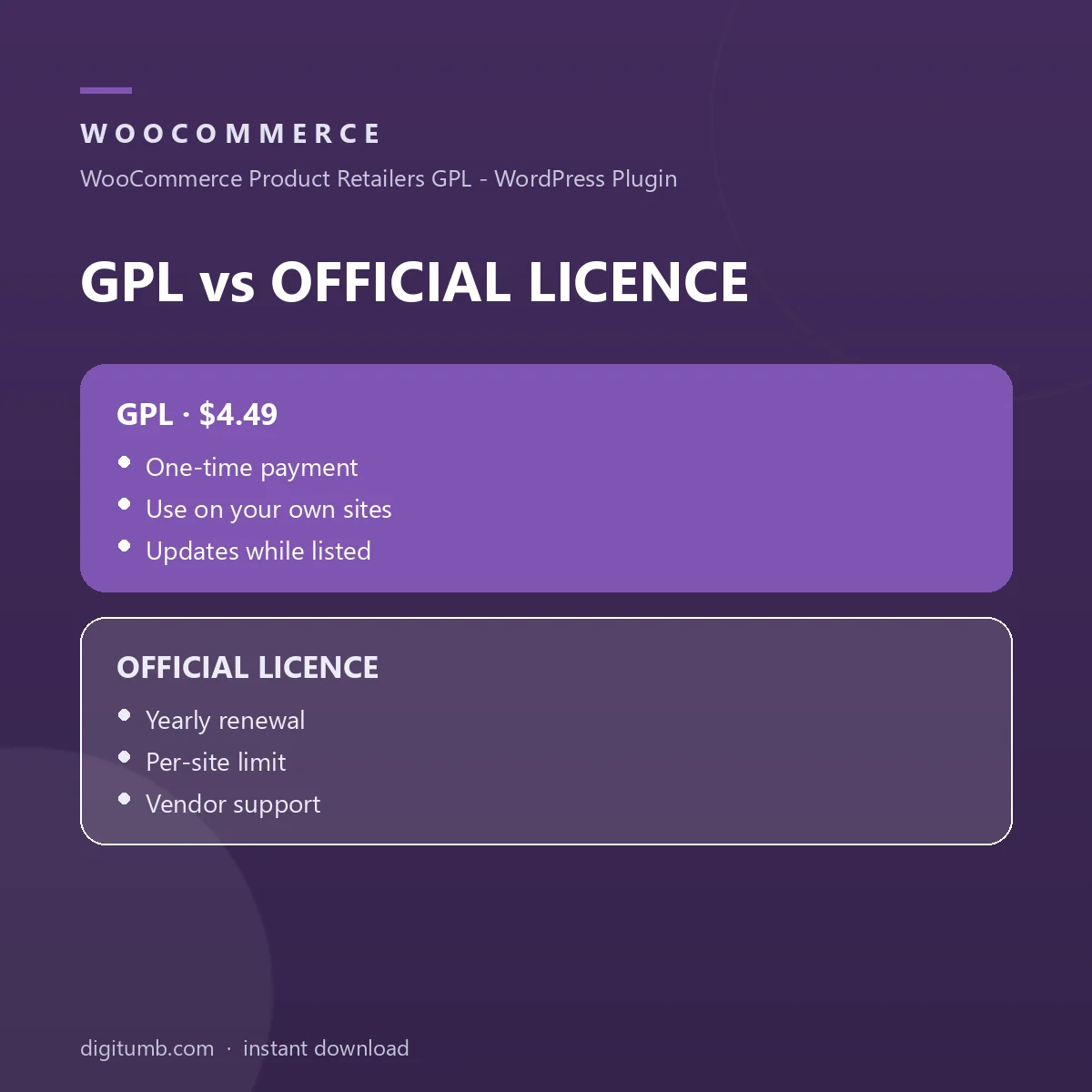
This is the same archive the developer publishes, redistributed under the GNU General Public License: you get the working files for $4.49 with no vendor update channel and no vendor support desk. If you need automatic updates or a support contract, buy the official license from the developer.
| This GPL build | Official license | |
|---|---|---|
| Price | $4.49 one time | Vendor subscription |
| Automatic updates | No | Yes |
| Developer support | No | Yes |
| Number of sites | Unlimited | Depends on plan |
Browse the rest of the WordPress plugins category or the full shop. The licence text is at GNU GPL v2, and general documentation is at WordPress.org.
You must be logged in to post a review.
You may also like…

Related products







Reviews
Clear filtersThere are no reviews yet.