
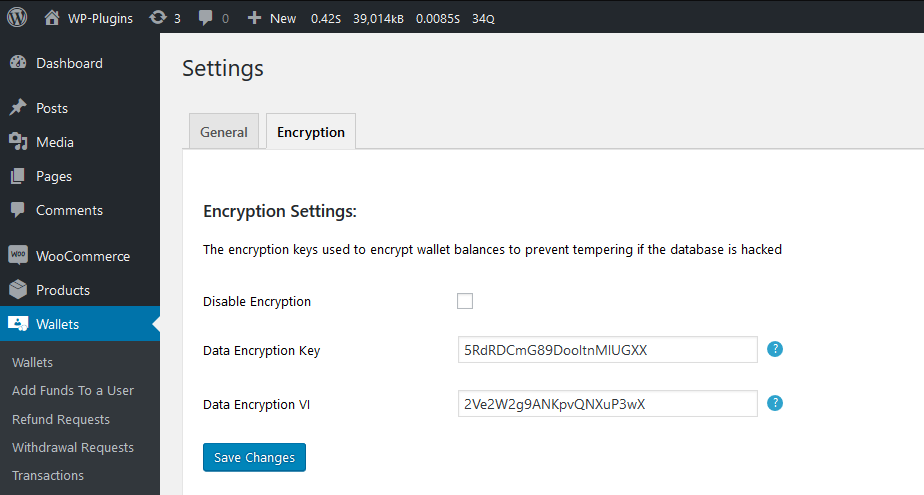


Woocommerce Wallet GPL – WordPress Plugin
$4.49
Documentation is a WordPress plugin that turns your site into a dedicated documentation hub for knowledge-base articles, help-center pages, manuals, FAQs and tutorials. It keeps that content separate.
Documentation is a WordPress plugin that turns your site into a dedicated documentation hub for knowledge-base articles, help-center pages, manuals, FAQs and tutorials. It keeps that content separate from regular posts and pages, organizes documents into parent-and-child hierarchies with their own categories and tags, and adds navigation and search tools so visitors can find the right page. You can run it on a standalone documentation site, an existing company site, a multisite subsite or a WooCommerce store.
| Product | Documentation – Build a Knowledge Base, Help Center or Wiki |
|---|---|
| Version | 4.0.0 |
| Works with | WordPress 6.x+ / PHP 8.x+ |
| Tested up to | WordPress current |
| License | GPLv2 or later |
| Delivery | Instant ZIP download, 10 downloads, 365 days |
How Documentation keeps manuals and help articles apart from blog posts
Documents live in their own area of WordPress rather than mixed into your blog feed or standard pages. That separation lets you publish guides, manuals and FAQs without changing how the rest of the site reads, and it keeps the documentation structure intact as the library grows.
Inside that area you arrange documents in parent-and-child hierarchies and assign dedicated documentation categories and tags. You can create separate sections for different products, audiences or topics, so a small FAQ and a library of thousands of documentation pages use the same organizational model.
Navigation and display tools visitors actually use
The plugin ships shortcodes that render your documentation tree and related links wherever you need them. Document Hierarchy displays and navigates the documentation tree, Document Children shows the child pages belonging to a document, and Documents displays selected groups or lists of documents.
Document Categories provides links to your documentation categories, and a documentation search form shortcode adds a search field so visitors can look for relevant content. The same functionality is available through shortcodes that can also be used inside blocks.
Where Documentation fits on an existing WordPress site
Because the plugin is built on WordPress, it fits into an existing installation and does not rely on external providers or services. You can use it on a standalone documentation website, on your company or product website, as a documentation subsite in a multisite network, on a customer support portal or on a WooCommerce store.
With the optional WooCommerce Documentation extension, documents can be connected to products and relevant documentation linked automatically on product pages. The base plugin also combines with other tools for capabilities such as live and advanced document search, access control for private documentation, content restrictions based on categories and tags, context-sensitive widgets and blocks, comments on documentation pages and social sharing.
What this build includes
| Parent-and-child hierarchies | Arrange documents in parent-and-child structures so long manuals and guides read in a logical order. |
|---|---|
| Dedicated categories and tags | Organize documents with documentation-specific categories and tags, separate from the taxonomy of your blog posts. |
| Document Hierarchy shortcode | Display and navigate your documentation tree anywhere a shortcode or block is supported. |
| Document Children shortcode | Show the child pages that belong to a given document, helping visitors move through related content. |
| Documents shortcode | Display selected groups or lists of documents on a page, for example a section index or a featured list. |
| Document Categories shortcode | Provide links to your documentation categories so visitors can browse by topic. |
| Documentation search form | Add a search form shortcode that helps visitors find relevant documentation content on your site. |
| Shortcodes in blocks | Use the same display functionality through shortcodes placed inside blocks in the block editor. |
| WooCommerce product documentation | With the optional WooCommerce Documentation extension, connect documents to products and link relevant documentation on product pages. |
Installing it on a WordPress site
- Install the plugin from the zip file through the WordPress plugins screen and activate it.
- Create your documents and assign parent documents, documentation categories and tags to build the structure.
- Place the Document Hierarchy, Documents, Document Categories, Document Children and search form shortcodes in pages or blocks to display the documentation.
Latest changes
Version 4.0.0 is the build supplied in this 0.2 MB zip.
Frequently asked questions
Can I keep documentation separate from my normal blog posts and pages?
Yes. Documentation gives you a dedicated area for managing documents, distinct from regular posts and standard pages. That means your guides, manuals and knowledge-base articles do not appear in your blog flow, and you can apply documentation categories and tags independently of your post taxonomy.
Does the plugin need any external service to work?
No. Documentation is built on WordPress and does not rely on external providers or services. Your documentation content stays within your WordPress installation, whether you run it on a standalone documentation site, an existing company site or a documentation subsite in a multisite network.
Can I show documentation links in the block editor?
Yes. The display functionality is available through shortcodes, and those shortcodes can also be used in blocks. That covers the document hierarchy, child documents, selected document lists, category links and the documentation search form.
How does this GPL build differ from the developer's package?
You receive the same plugin files the developer ships, distributed as a GPL build for $4.49. There is no vendor update channel and no vendor support desk included; the zip is 0.2 MB and version 4.0.0. Any assistance comes from the WordPress community and your own setup.
Can documentation be connected to WooCommerce products?
The optional WooCommerce Documentation extension lets you connect documents to products and automatically link relevant documentation on product pages. The base plugin can be used on a WooCommerce store, and the extension handles the product-level linking when you add it.
What the GPL build means for you
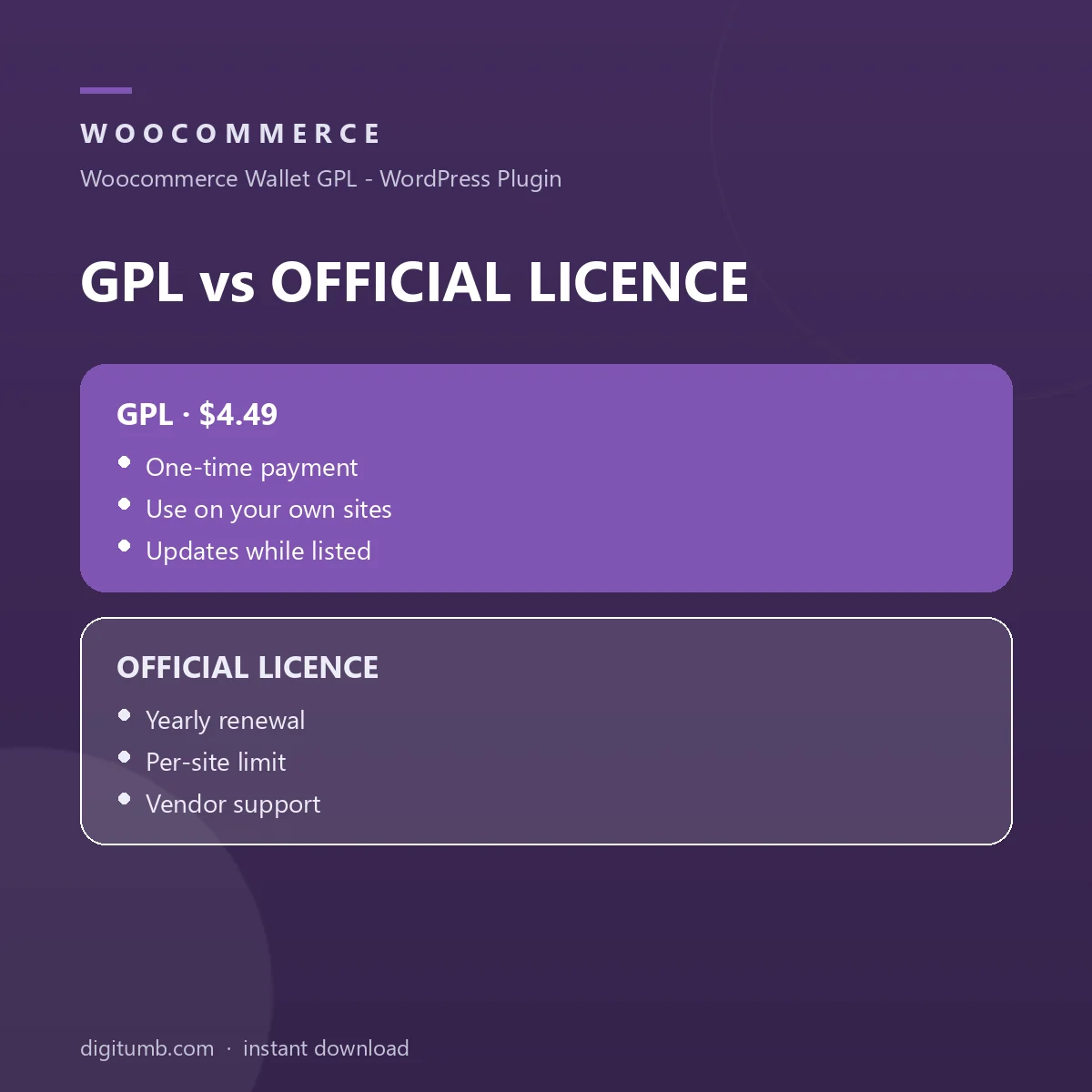
This is the same archive the developer publishes, redistributed under the GNU General Public License: you get the working files for $4.49 with no vendor update channel and no vendor support desk. If you need automatic updates or a support contract, buy the official license from the developer.
| This GPL build | Official license | |
|---|---|---|
| Price | $4.49 one time | Vendor subscription |
| Automatic updates | No | Yes |
| Developer support | No | Yes |
| Number of sites | Unlimited | Depends on plan |
Browse the rest of the WordPress plugins category or the full shop. The licence text is at GNU GPL v2, and general documentation is at WordPress.org.
You must be logged in to post a review.
You may also like…

Related products







Reviews
Clear filtersThere are no reviews yet.