


WP All Export Woocommerce Export Add On Pro GPL
$4.49
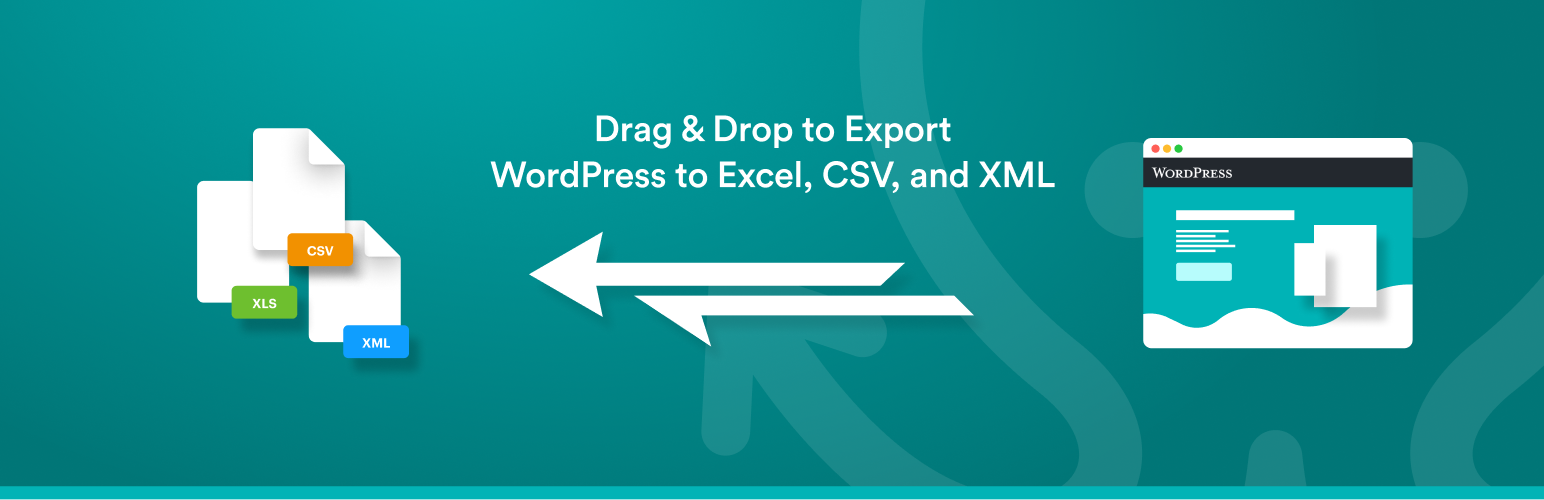
WooCommerce Export Add-On Pro is an add-on for WP All Export that lets you export WooCommerce data — products, orders and customer information — into XML or CSV files you define yourself.
WooCommerce Export Add-On Pro is an add-on for WP All Export that lets you export WooCommerce data — products, orders and customer information — into XML or CSV files you define yourself. You build each export with a drag-and-drop interface, placing the fields you want into the output layout instead of accepting a fixed report. The file you get out is one you can open in a spreadsheet, analyse, or hand to another system, whether you are working with a product catalogue, an order history or a customer list.
| Product | wp-all-export-woocommerce-export-add-on-pro |
|---|---|
| Version | 1.0.12 |
| Works with | WordPress 6.x+ / PHP 8.x+ |
| Tested up to | WordPress current |
| License | GPLv2 or later |
| Delivery | Instant ZIP download, 10 downloads, 365 days |
What WooCommerce data can this add-on export?
Three record types sit at the centre of the add-on: products, orders and customers. Each export is assembled around the data you actually want, so a product feed, an order file and a customer list can all come out of the same WooCommerce install. The vendor frames the purpose as making product, order and customer information easier to manage and analyse, which is the practical use — you take store data that lives inside WordPress and turn it into a file you can work with elsewhere.
Because the export is built field by field rather than generated as a single canned dump, you decide what lands in the file. That matters when one destination wants product titles and prices while another wants order details, and you would rather not carry every column through both.
How the drag-and-drop export builder works
The export builder is the part you spend your time in. Fields are dragged into place to form the output layout, so the structure of the XML or CSV follows the arrangement you set up. There is no query to write and no template file to edit by hand; the layout on screen is the layout of the export.
XML and CSV are both produced from this same builder. Switching between the two formats does not mean rebuilding the field selection from the beginning, so a CSV you have already shaped can be reissued as XML when a receiving system asks for it. Once the layout is set, the export runs and writes the file.
Does it work with WP All Import and existing themes?
WP All Import compatibility is the round-trip path. Data exported from WooCommerce with this add-on can be brought back into a WooCommerce store through WP All Import, which makes the pair useful for staging-to-live moves, bulk edits done outside WordPress, or reshaping a catalogue and loading it back in.
On the theme side, the add-on is designed to work with any WordPress theme that supports WooCommerce. If your theme already runs WooCommerce normally, the export side fits the same setup without a theme-specific change.
What is inside the WooCommerce Export Add-On Pro zip?
The package is a 0.1 MB zip. Inside it you find the plugin's working folders, including src, classes, controllers, models, config, helpers, views, actions, libraries, static and vendor-prefixed. These are the directories the plugin loads from at runtime, which is why the zip is installed as a plugin rather than unpacked by hand.
The build is version 1.0.12. It is a GPL build: the same plugin files the developer ships, sold here at $4.49. There is no vendor update channel and no vendor support desk attached to this purchase, so plan on managing updates and questions yourself.
What this build includes
| Export WooCommerce products | Select product data in the drag-and-drop builder and write it to XML or CSV for analysis, feeds or transfer to another system. |
|---|---|
| Export WooCommerce orders | Assemble order exports from the same interface, choosing which order fields appear in the finished file. |
| Export customer information | Include customer records in an export so customer data can be reviewed or moved alongside products and orders. |
| XML and CSV output | Produce the export in XML or CSV, whichever the receiving spreadsheet or system expects. |
| Drag-and-drop field layout | Drag the fields you want into place to define the output structure, with no query or template to write. |
| Round-trip with WP All Import | Pair the add-on with WP All Import to bring exported data back into a WooCommerce store. |
| Theme-independent integration | Runs with any WordPress theme that supports WooCommerce, so the theme does not constrain export work. |
Installing it on a WordPress site
- Install the add-on zip through the WordPress plugin installer and activate it alongside WP All Export.
- Check that WooCommerce is active and that the products, orders or customer records you want to export exist in the store.
- Open the export builder, drag the WooCommerce fields into the layout, pick XML or CSV, and run the export to write the file.
Latest changes
The current build is version 1.0.12.
Frequently asked questions
Do I need WP All Export installed to use this add-on?
Yes. This is an add-on for WP All Export, so the parent plugin needs to be present before the WooCommerce export options appear. The add-on extends WP All Export with WooCommerce data rather than standing in for it, so install both.
Can I import the exported file back into WooCommerce?
The add-on is compatible with WP All Import, the plugin used to bring data back into a WooCommerce store. Export to a format WP All Import accepts, then run the import there to load the records back in.
Which file formats can I export to?
Exports are written as XML or CSV. Pick whichever matches the tool that will open the file or the system that will receive it, and build the layout once for both.
Will it work with my current theme?
It is designed to work with any WordPress theme that supports WooCommerce. If your theme runs WooCommerce normally, the add-on fits the same setup with no theme-specific change.
What do I receive for $4.49?
You receive the GPL build of WooCommerce Export Add-On Pro, version 1.0.12, as a 0.1 MB zip holding the same plugin files the developer ships. There is no vendor update channel and no vendor support desk included with this purchase.
Can I export products, orders and customers in one go?
The add-on works with products, orders and customer information as separate export targets. You build each export around the record type and fields you need, so a product catalogue and an order file are set up as their own exports rather than one combined dump.
What the GPL build means for you
This is the same archive the developer publishes, redistributed under the GNU General Public License: you get the working files for $4.49 with no vendor update channel and no vendor support desk. If you need automatic updates or a support contract, buy the official license from the developer.
| This GPL build | Official license | |
|---|---|---|
| Price | $4.49 one time | Vendor subscription |
| Automatic updates | No | Yes |
| Developer support | No | Yes |
| Number of sites | Unlimited | Depends on plan |
Browse the rest of the WordPress plugins category or the full shop. The licence text is at GNU GPL v2, and general documentation is at WordPress.org.
You must be logged in to post a review.
You may also like…

Related products










Reviews
Clear filtersThere are no reviews yet.