
AutomatorWP – HubSpot GPL
$4.49
AutomatorWP – HubSpot is an addon for AutomatorWP that connects your WordPress site to HubSpot, the free CRM that brings together marketing, sales and customer service software.
AutomatorWP – HubSpot is an addon for AutomatorWP that connects your WordPress site to HubSpot, the free CRM that brings together marketing, sales and customer service software. Once a HubSpot account is authorized, your automations can create contacts, update contact records and add or remove contacts from a list. The plugin is a GPL build distributed at $4.49, containing the same files the developer ships.
| Product | AutomatorWP – HubSpot |
|---|---|
| Version | 1.0.4 |
| Works with | WordPress 4.4+ / PHP 8.x+ |
| Tested up to | WordPress 7.0 |
| License | GPLv2 or later |
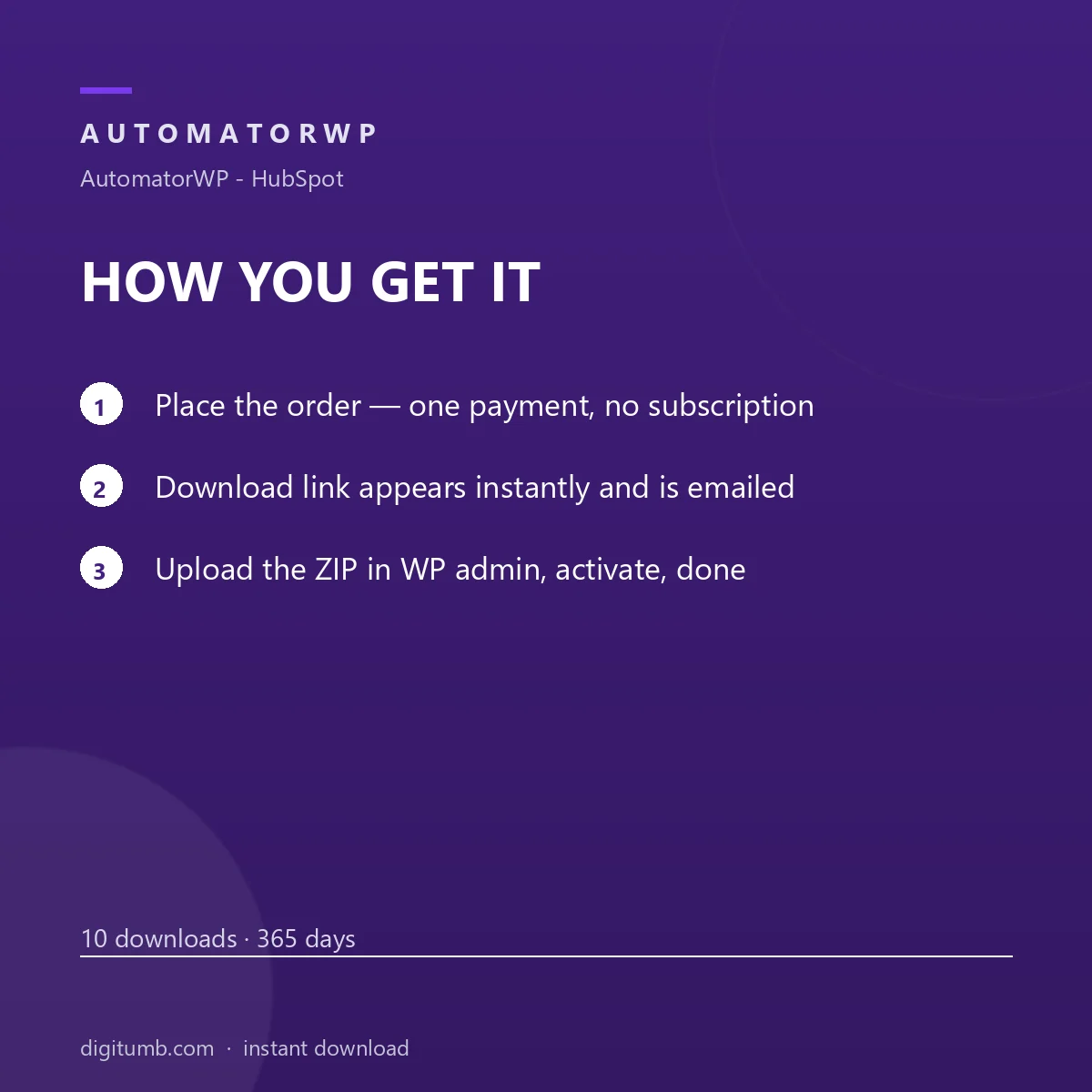
| Delivery | Instant ZIP download, 10 downloads, 365 days |
What can an automation do inside HubSpot through this addon
The addon registers three HubSpot actions inside AutomatorWP: Create a contact, Update a contact, and Add or remove contact from list. Each action runs as part of a workflow you build in AutomatorWP, so the HubSpot side of the job happens automatically once the trigger side fires.
Create a contact sends new contact information to HubSpot and the settings screen confirms it with the message "Contact created on HubSpot successfully." Update a contact writes changes to an existing record and returns "Contact updated on HubSpot successfully." The list action adds a contact to a chosen list or removes it, which lets a workflow change list membership as a contact's situation changes.
How the HubSpot connection is authorized
Authorization is handled from the plugin's settings with a Connect with HubSpot control. Until that step is completed, the interface shows "HubSpot authorization not setup yet." and the HubSpot actions cannot run.
After the account is connected, the screen reports "Site connected with HubSpot successfully." and offers a Refresh token control for renewing the connection. The 1.0.3 release fixed the scopes in the authorization URL, and 1.0.2 fixed the authorization URL itself, so the connect flow reflects the current API endpoints introduced in 1.0.4.
Where this addon fits in a WordPress stack
AutomatorWP – HubSpot is compatible with WooCommerce, so marketing tasks tied to an online store and customer interactions can be automated from the same workflows. It also works with Elementor, which means actions can follow user interactions on Elementor-built pages and custom forms.
Contact Email is the field you supply when an action needs to identify which HubSpot contact to create, update or move between lists. Because the addon is an extension, AutomatorWP itself provides the triggers and the workflow editor, and this plugin supplies the HubSpot actions those workflows call.
What this build includes
| Create a contact | Sends new contact information to HubSpot from an AutomatorWP workflow and confirms the result with a success message on the settings screen. |
|---|---|
| Update a contact | Writes changes to an existing HubSpot contact record, identified by contact email, and reports the update when it completes. |
| Add or remove contact from list | Changes HubSpot list membership from an automation, adding a contact to a list or removing it again. |
| Connect with HubSpot authorization | Links the site to a HubSpot account from the plugin settings and shows a connected state once authorization succeeds. |
| Refresh token control | Lets you refresh the stored authorization token for the HubSpot connection from the same settings screen. |
| WooCommerce compatibility | Works alongside WooCommerce so marketing tasks related to an online store and customer interactions can be automated. |
| Elementor compatibility | Works with Elementor, allowing actions to follow user interactions on Elementor-built pages and custom forms. |
Installing it on a WordPress site
- In the WordPress backend, go to Plugins -> Add new and click Upload Plugin next to the Add plugins title.
- Upload the downloaded zip file and activate the plugin. Alternatively, upload the zip into wp-content/plugins/, unzip it, then open the Plugins menu and activate it.
- Open the plugin settings, use Connect with HubSpot to authorize the account, and confirm the site reports a successful connection before building HubSpot actions into your AutomatorWP workflows.
Latest changes
Version 1.0.4 updates the endpoints to the latest version of the HubSpot API.
Frequently asked questions
Do I need AutomatorWP installed to use this addon?
Yes. AutomatorWP – HubSpot is an addon that supplies HubSpot actions to AutomatorWP workflows. The triggers and the workflow editor come from AutomatorWP, while this plugin provides Create a contact, Update a contact and Add or remove contact from list as the HubSpot-side steps your automations run.
Which HubSpot actions does the addon expose?
Three: Create a contact, Update a contact, and Add or remove contact from list. Each appears as an action you can place in an automation, and the plugin reports success for contact creation and contact updates on its settings screen.
What does the HubSpot authorization screen show before I connect?
It displays "HubSpot authorization not setup yet." until you complete the Connect with HubSpot step. After a successful connection it reports that the site connected with HubSpot successfully and exposes a Refresh token control for the stored token.
Does the plugin work with WooCommerce and Elementor?
It is compatible with WooCommerce, so marketing tasks related to your online store and customer interactions can be automated, and it works with Elementor, allowing actions based on user interactions with Elementor-built pages and custom forms.
What are the WordPress requirements?
The plugin requires WordPress 4.4 and has been tested up to WordPress 7.0. Installation is done either through Plugins -> Add new with the Upload Plugin button, or by uploading the zip into wp-content/plugins/, unzipping it there and activating it from the Plugins menu.
How is this build licensed and priced?
This is a GPL build sold at $4.49. It contains the same files the developer ships, with no vendor update channel and no vendor support desk attached to the purchase.
What the GPL build means for you
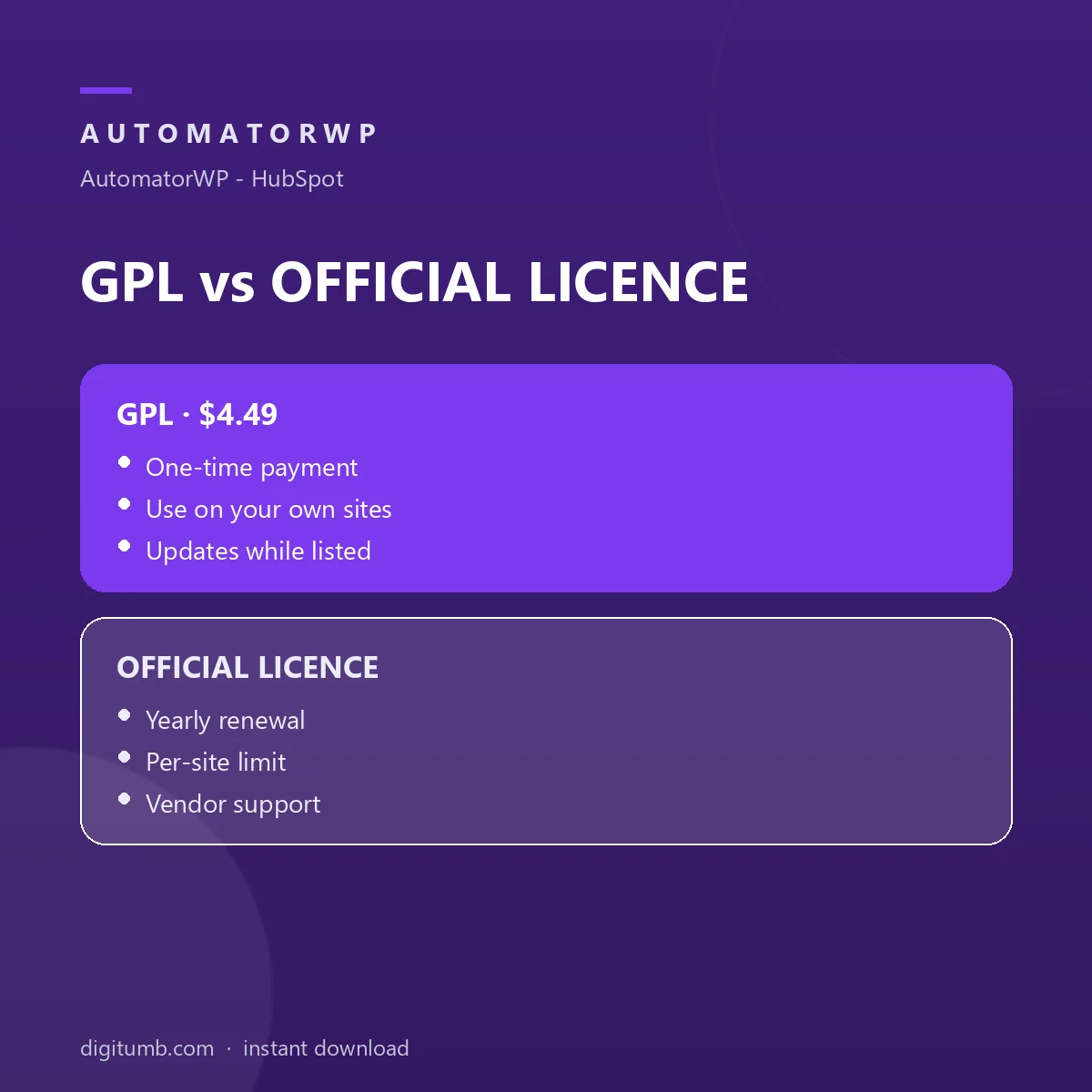
This is the same archive the developer publishes, redistributed under the GNU General Public License: you get the working files for $4.49 with no vendor update channel and no vendor support desk. If you need automatic updates or a support contract, buy the official license from the developer.
| This GPL build | Official license | |
|---|---|---|
| Price | $4.49 one time | Vendor subscription |
| Automatic updates | No | Yes |
| Developer support | No | Yes |
| Number of sites | Unlimited | Depends on plan |
Browse the rest of the WordPress plugins category or the full shop. The licence text is at GNU GPL v2, and general documentation is at WordPress.org.
You must be logged in to post a review.
You may also like…






Reviews
Clear filtersThere are no reviews yet.