


Meta Box Conditional Logic GPL
$4.49
Meta Box Conditional Logic is an addon for Meta Box that controls field visibility.
Meta Box Conditional Logic is an addon for Meta Box that controls field visibility. It lets you create custom fields in WordPress that can be shown or hidden based on specific conditions set by the site owner. The result is a simpler form that responds to what the visitor enters, so only the fields that matter at that moment appear on screen.
| Product | meta-box-conditional-logic |
|---|---|
| Version | 1.6.32 |
| Works with | WordPress 6.x+ / PHP 8.x+ |
| Tested up to | WordPress current |
| License | GPLv2 or later |
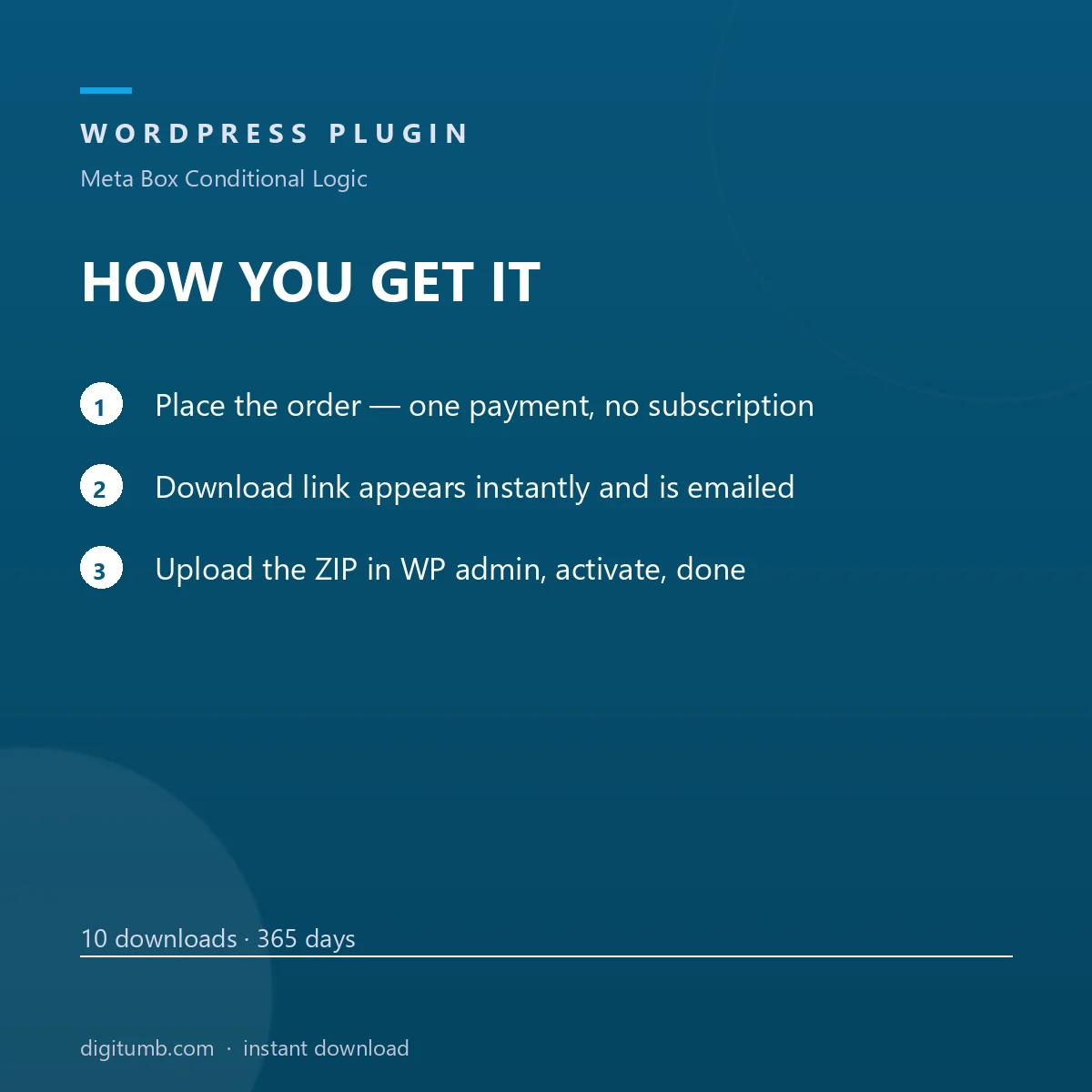
| Delivery | Instant ZIP download, 10 downloads, 365 days |
How conditional visibility changes a WordPress form
Instead of showing every field at once, Meta Box Conditional Logic lets the site owner define conditions for visibility. A custom field can appear only when the conditions you set are met, which keeps forms shorter and more relevant to the user's input.
This matters most on forms where one answer changes what you need to ask next. By tying field display to conditions, the form adapts as the visitor fills it in, and you avoid asking for information that does not apply.
Building conditions inside the Meta Box settings
Conditions are created in the Meta Box settings area. After the plugin is active, you navigate to those settings, create your custom fields, and define the conditions that decide when each field is visible based on user input.
The conditions are set by the site owner, not by the visitor. You decide which fields are tied to which input, and the plugin handles showing or hiding them at the right time.
Using conditional fields with Elementor and WooCommerce
Meta Box Conditional Logic works with Elementor, so you can build dynamic forms and custom fields that respond to user interactions directly inside the Elementor interface. The conditional behaviour is available where you build the page, not in a separate editor.
The plugin is also designed to work with other plugins, including Advanced Custom Fields and WooCommerce. Because compatibility depends on how a site is put together, check your own setup for specific issues before relying on a combination in production.
What you receive with this GPL build
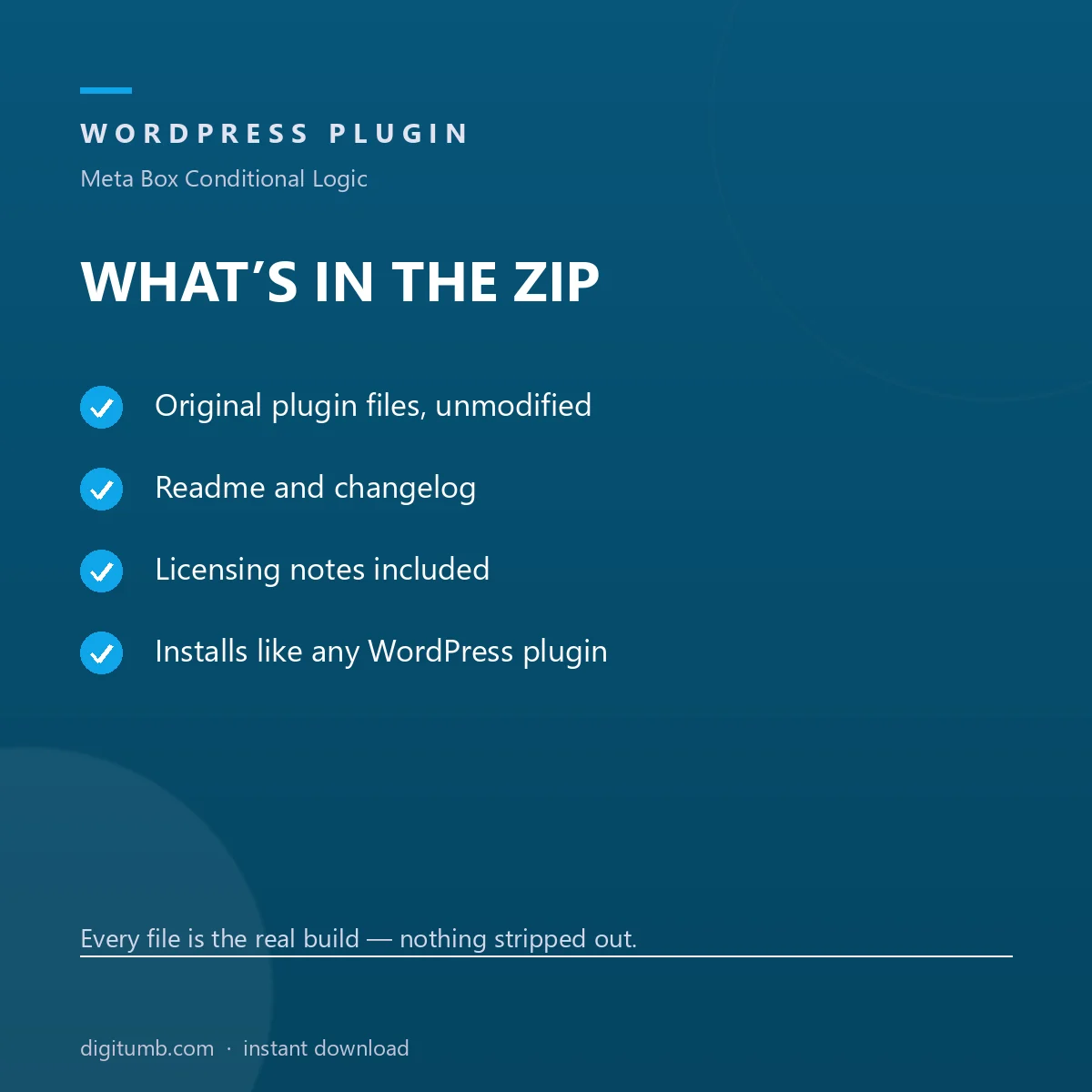
This is a GPL build of Meta Box Conditional Logic version 1.6.32, priced at $4.49. The files are the same files the developer ships; what is not included is a vendor update channel and a vendor support desk.
The download comes as a zip file of 0.0 MB. Install it the same way you would install any WordPress plugin.
What this build includes
| Condition-based field display | Create custom fields that can be shown or hidden based on specific conditions set by the site owner. |
|---|---|
| Simpler, more relevant forms | Keep forms shorter by displaying only the fields that apply to the user's input at that moment. |
| Conditions set in Meta Box settings | Define visibility conditions for your custom fields from the Meta Box settings after activation. |
| Elementor form building | Build dynamic forms and custom fields that respond to user interactions directly within the Elementor interface. |
| Works alongside other plugins | Designed to work with plugins such as Advanced Custom Fields and WooCommerce, with compatibility checked against your own site setup. |
Installing it on a WordPress site
- Install the plugin through the WordPress admin dashboard.
- Activate the plugin.
- Open the Meta Box settings, create your custom fields, and define the conditions that control their visibility based on user input.
Latest changes
This build is version 1.6.32 of Meta Box Conditional Logic.
Frequently asked questions
What does Meta Box Conditional Logic actually do?
It lets you create custom fields in WordPress that can be shown or hidden based on conditions you set. You decide the conditions, and the form simplifies itself so the fields on screen stay relevant to what the user has entered.
Does it work with Elementor?
Yes. Meta Box Conditional Logic works with Elementor, letting you create dynamic forms and custom fields that respond to user interactions directly within the Elementor interface.
Is it compatible with WooCommerce and Advanced Custom Fields?
The plugin is designed to work with other plugins, including Advanced Custom Fields and WooCommerce. Compatibility can depend on how your site is configured, so check for specific issues based on your own setup.
How do I set up the conditions?
Install the plugin through the WordPress admin dashboard and activate it. Then go to the Meta Box settings, create your custom fields there, and define the conditions for their visibility based on user input.
What version and price is this build?
This is Meta Box Conditional Logic version 1.6.32, a GPL build priced at $4.49. You get the same files the developer ships, without a vendor update channel or vendor support desk.
What the GPL build means for you
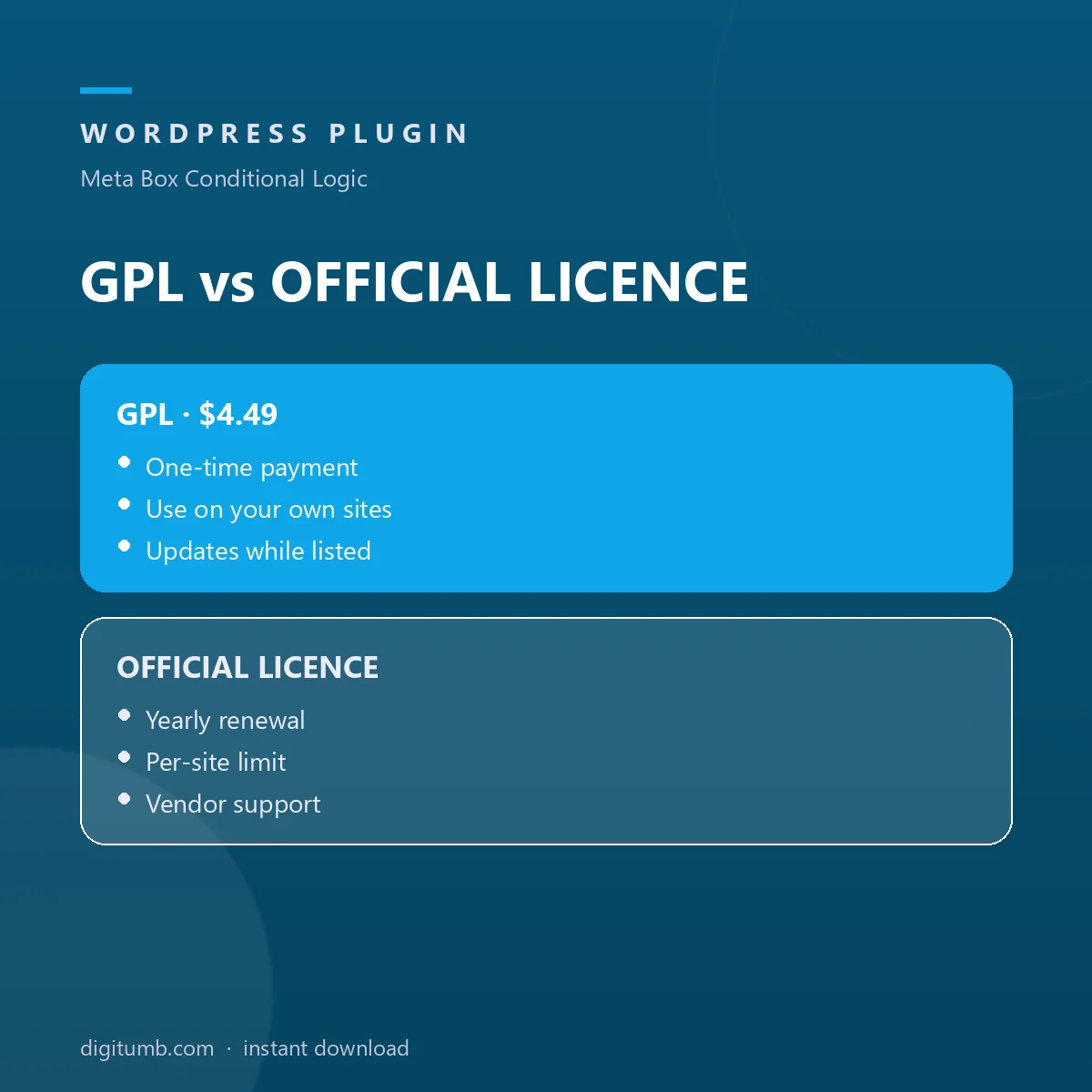
This is the same archive the developer publishes, redistributed under the GNU General Public License: you get the working files for $4.49 with no vendor update channel and no vendor support desk. If you need automatic updates or a support contract, buy the official license from the developer.
| This GPL build | Official license | |
|---|---|---|
| Price | $4.49 one time | Vendor subscription |
| Automatic updates | No | Yes |
| Developer support | No | Yes |
| Number of sites | Unlimited | Depends on plan |
Browse the rest of the WordPress plugins category or the full shop. The licence text is at GNU GPL v2, and general documentation is at WordPress.org.
You must be logged in to post a review.
You may also like…

Related products









Reviews
Clear filtersThere are no reviews yet.