



Facetwp Elementor Add On GPL
$4.49
FacetWP Elementor Add On is a plugin that connects FacetWP with Elementor Pro listings, letting you place customizable facets on listing templates.
FacetWP Elementor Add On is a plugin that connects FacetWP with Elementor Pro listings, letting you place customizable facets on listing templates. Visitors can filter posts, products or any custom content directly on the page. The add-on is compatible with WooCommerce and with themes such as Astra and OceanWP, so filtering works on product archives and standard theme layouts as well as on Elementor-built listings.
| Product | facetwp-elementor-add-on |
|---|---|
| Version | 1.9.4 |
| Works with | WordPress 6.x+ / PHP 8.x+ |
| Tested up to | WordPress current |
| License | GPLv2 or later |
| Delivery | Instant ZIP download, 10 downloads, 365 days |
How FacetWP Elementor Add On Adds Filtering to Elementor Pro Listings
The add-on gives you a FacetWP Listing element for Elementor Pro. You enable FacetWP integration in the plugin settings and then place facets on the listing template. In the editor, facets do not display; a placeholder is shown in their place, so you can arrange the layout without live results loading inside the canvas.
Each facet can carry its own heading. A widget called FacetWP Button is available for the template, and a facet selector lets you pick which facet a given element controls. The result is a listing page where visitors narrow posts, products or custom content by the facets you have configured.
Where Does the Redirect URL Field Send Visitors After They Pick Facets?
The settings include a field labelled URL to redirect to on submit of facet selections, shown with an example path such as /my-result-page/. When selections are submitted, visitors can be sent to that address instead of staying on the current listing.
The same settings screen shows a User selections entry, which is how the plugin represents the choices a visitor has made. This lets you decide how the submitted state of the facets is handled rather than leaving every interaction on the page itself.
Static Listing Templates That Do Not React to Facets
WooCommerce and Theme Compatibility for FacetWP Filtering
What this build includes
| FacetWP Listing element | Adds a listing element to Elementor Pro so you can build a template that carries facets alongside the results. |
|---|---|
| Facet selector per element | Choose which facet a given element controls through a Select a facet control in the settings. |
| Heading per facet | Add a facet heading so each filter group carries a label above its controls. |
| Editor placeholder | Facets do not display in the editor; a placeholder is shown so you can arrange the layout without live results. |
| FacetWP Button widget | A dedicated button widget is included in the widgets folder for use inside the listing template. |
| Redirect on submit | Set a URL to redirect to when facet selections are submitted, with an example path shown in the field. |
| Static listing mode | Enable a static listing template that does not react to facets, keeping the results fixed. |
| WooCommerce filtering | Fully compatible with WooCommerce, so product listings can carry the filtering options you configure. |
Installing it on a WordPress site
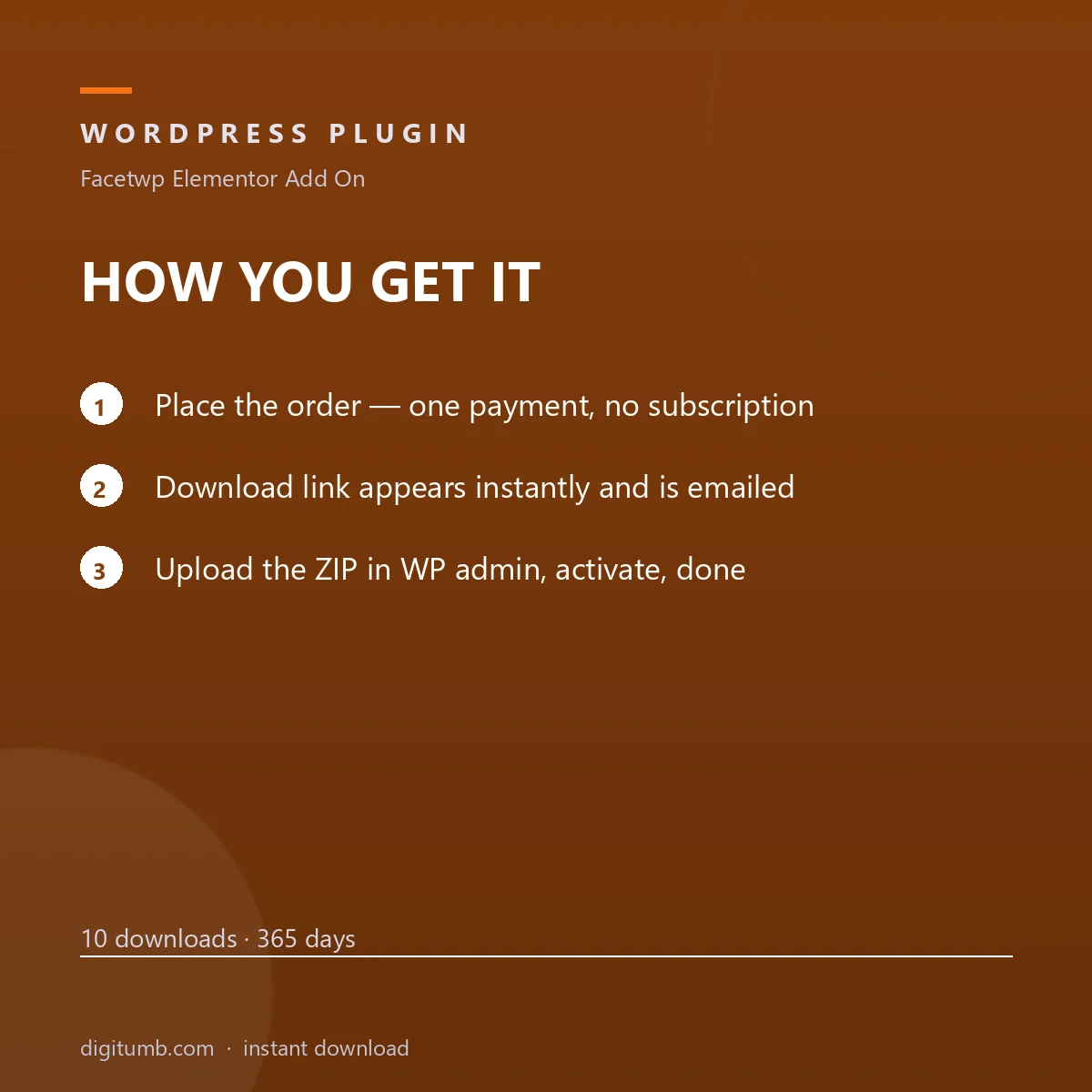
- Upload the plugin zip through the WordPress plugins screen and activate FacetWP Elementor Add On.
- Open the plugin settings and enable FacetWP integration; the screen shows the FacetWP and Elementor integration entry.
- Edit an Elementor Pro listing template, add the FacetWP Listing element, pick a facet with Select a facet and set a heading where needed.
Latest changes
This build is version 1.9.4.
Frequently asked questions
Do facets appear while I am editing the Elementor template?
No. Facets do not display in the editor and a placeholder is shown instead. You arrange the layout around that placeholder, and the live facet controls appear on the published listing where the template is rendered for visitors.
Can I send visitors to a separate results page after they choose facets?
Yes. The settings include a URL to redirect to on submit of facet selections, with an example path such as /my-result-page/. Enter the address you want used when the visitor submits their facet choices.
What happens if I turn on the static listing option?
The FacetWP Listing element can be set to create a static listing template that does not react to facets. Use it when the listing should stay fixed on the page rather than change with the visitor's selections.
Does this add-on work with WooCommerce product filtering?
Yes. The add-on is fully compatible with WooCommerce, allowing you to implement filtering options for your online store products. The facets you configure on the listing apply to the product set shown there.
Will it work with Astra or OceanWP?
Yes. The add-on is designed to work with popular themes such as Astra and OceanWP, so you can implement filtering features without compatibility issues on those themes.
What licence terms apply to this build?
This is a GPL build containing the same files as the developer ships, priced at $4.49. It comes with no vendor update channel and no vendor support desk. Version 1.9.4 is supplied as a zip of 0.0 MB.
What the GPL build means for you
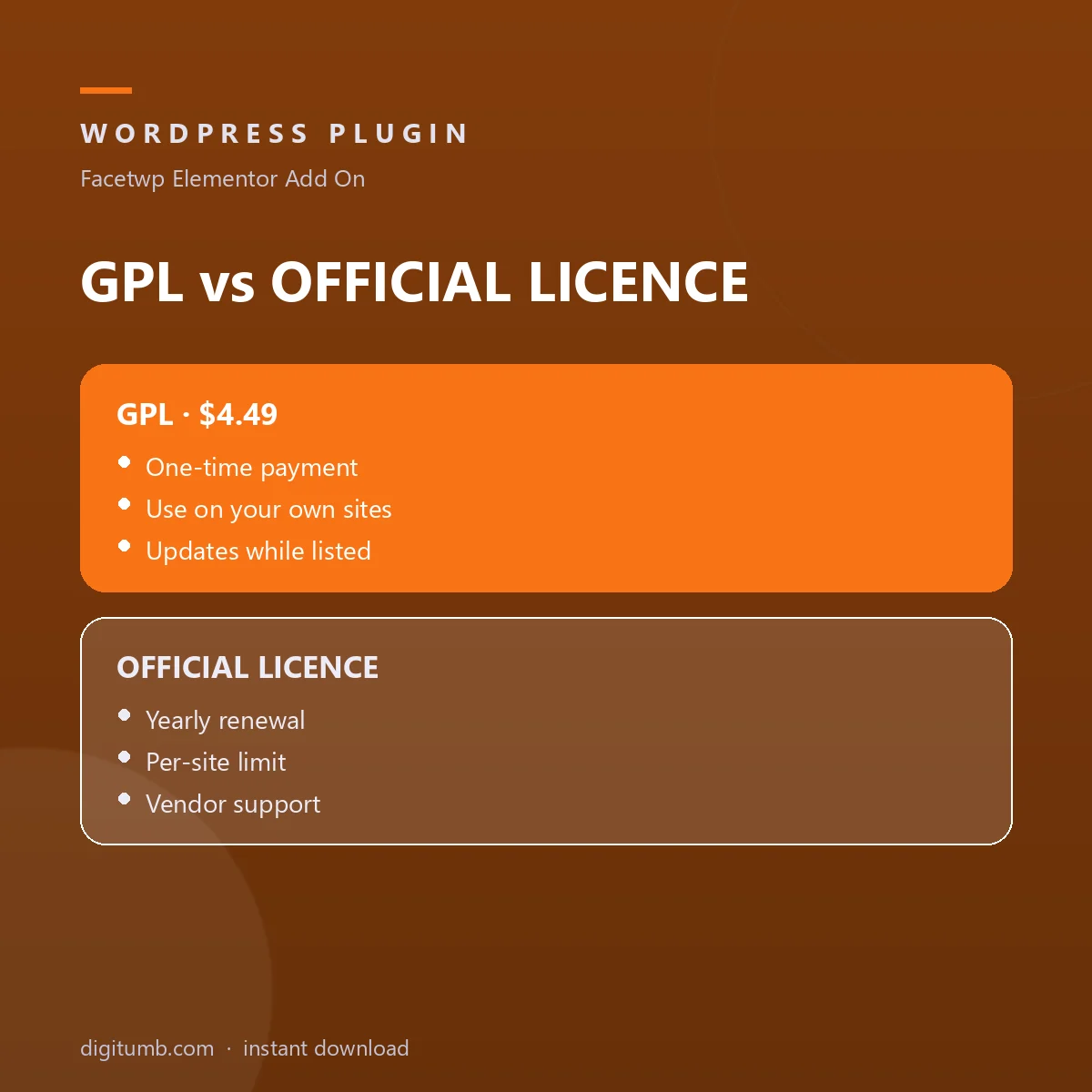
This is the same archive the developer publishes, redistributed under the GNU General Public License: you get the working files for $4.49 with no vendor update channel and no vendor support desk. If you need automatic updates or a support contract, buy the official license from the developer.
| This GPL build | Official license | |
|---|---|---|
| Price | $4.49 one time | Vendor subscription |
| Automatic updates | No | Yes |
| Developer support | No | Yes |
| Number of sites | Unlimited | Depends on plan |
Browse the rest of the WordPress plugins category or the full shop. The licence text is at GNU GPL v2, and general documentation is at WordPress.org.
You must be logged in to post a review.
You may also like…

Related products








Reviews
Clear filtersThere are no reviews yet.