



WP Rocket Integration Mainwp GPL
$4.49
WP Rocket Integration is a MainWP addon that lets you manage WP Rocket settings for all child sites from a single MainWP Dashboard, so caching and optimisation options are handled in one place.
WP Rocket Integration is a MainWP addon that lets you manage WP Rocket settings for all child sites from a single MainWP Dashboard, so caching and optimisation options are handled in one place instead of site by site. The package is the GPL build sold at digitumb.com for $4.49, and it contains the same plugin files the developer ships, without a vendor update channel or a vendor support desk. Version 5.2 adds database validation support and read-only WP Rocket abilities.
| Product | WP Rocket Integration |
|---|---|
| Version | 5.2 |
| Works with | WordPress 6.x+ / PHP 8.x+ |
| Tested up to | WordPress current |
| License | GPLv2 or later |
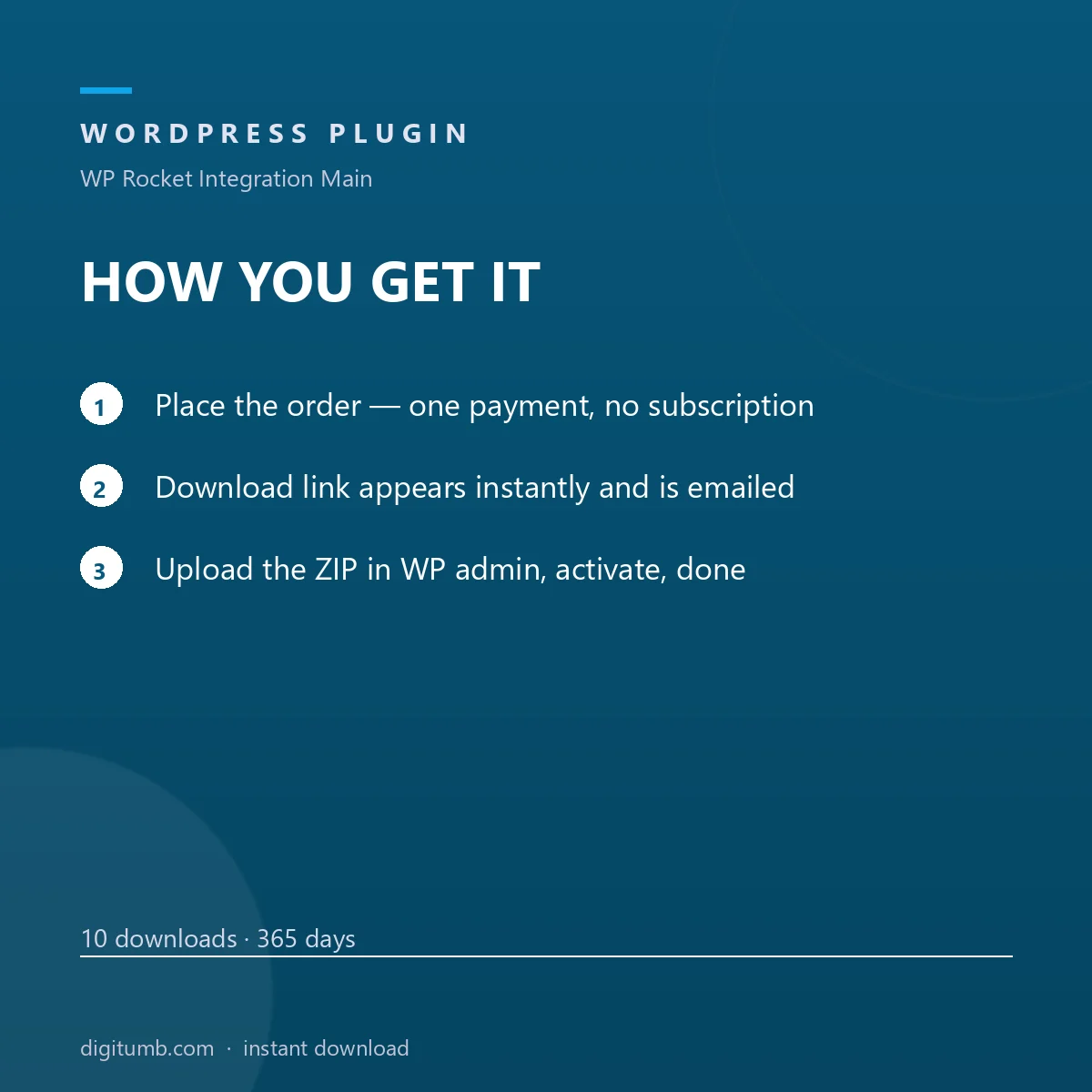
| Delivery | Instant ZIP download, 10 downloads, 365 days |
What the MainWP Dashboard addon controls
The addon extends the MainWP Dashboard with WP Rocket management for child sites. From the dashboard you reach the WP Rocket integration page for each site and work with its settings there, which keeps performance configuration in a single admin location rather than in separate WP Rocket screens on every site.
Version 5.2 adds read-only WP Rocket abilities and support for database validation. The plugin also handles import settings notifications with correct localization, and its admin assets load only on relevant admin pages.
Does it work with WooCommerce and Elementor sites?
WP Rocket Integration is compatible with WooCommerce and can optimise an online store's performance without disrupting its functionality. It also works with Elementor and other popular page builders, applying optimisation without affecting the design or functionality of your pages.
That matters when a MainWP network mixes store sites, builder-heavy sites and ordinary blogs, because the same dashboard workflow applies to all of them.
How 5.2 fixes the Optimize CSS delivery selection
Version 5.1.7 corrected incorrect selection of the Load CSS Async option when managing the Optimize CSS delivery option. Earlier, 5.1.4 stopped automatic syncs from firing on every page load when you viewed an individual site's WP Rocket integration page, and 5.1.3 fixed unreadable text in the Delay JavaScript Execution option.
Version 5.1.6 updated localization for all import settings error and redirect notifications so they use the correct text domain, and moved DataTable initialization into a jQuery(document).ready() block so it runs after the DOM loads.
What this build includes
| Dashboard-wide WP Rocket management | Manage WP Rocket settings for all child sites from your MainWP Dashboard through one addon, instead of opening each site's plugin settings separately. |
|---|---|
| Read-only WP Rocket abilities | Version 5.2 adds read-only WP Rocket abilities, giving the dashboard access to WP Rocket information without write actions. |
| Database validation support | Version 5.2 adds support for database validation as part of the integration's checks. |
| Optimize CSS delivery handling | Manage the Optimize CSS delivery option, with the Load CSS Async selection corrected in version 5.1.7. |
| Admin asset loading | Enqueues assets only on relevant admin pages, so the integration's CSS and JavaScript are not loaded across the whole dashboard. |
| Localized import notifications | Import settings error and redirect notifications use the correct text domain, so their messages are localized. |
Installing it on a WordPress site
- Install the plugin through your WordPress dashboard and activate it.
- Open the settings page and configure caching options, minification and other performance settings to your preferences.
- In MainWP, open a child site's WP Rocket integration page to manage that site's WP Rocket settings from the dashboard.
Frequently asked questions
What does WP Rocket Integration do?
It is a MainWP addon that manages WP Rocket settings for all child sites from your MainWP Dashboard. It supports caching, minification and other optimisation techniques, and version 5.2 adds database validation support and read-only WP Rocket abilities.
Is this the same plugin the developer ships?
Yes. The GPL build contains the same plugin files the developer ships. There is no vendor update channel and no vendor support desk with this purchase, and the price is $4.49 at digitumb.com.
Can I use it on WooCommerce stores?
Yes. WP Rocket Integration is compatible with WooCommerce and can optimise an online store's performance without disrupting its functionality, so store sites in your network can be managed from the same dashboard.
Does it work with Elementor?
Yes. It works with Elementor and other popular page builders, providing optimisation without affecting the design or functionality of your pages.
What is in the download?
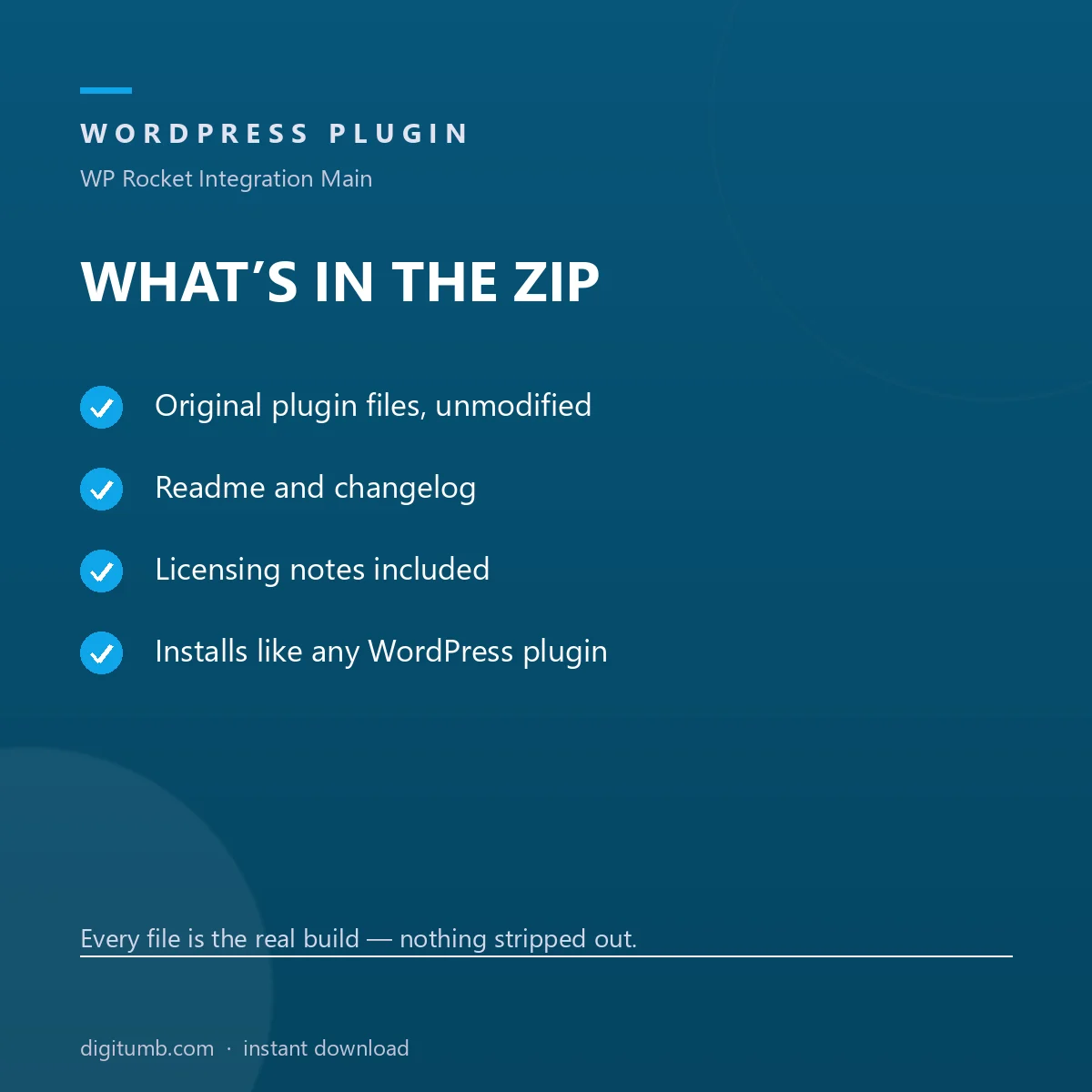
The zip is 0.2 MB and contains the class, css and js folders that make up the plugin. Version 5.2 is the release in this package.
What the GPL build means for you
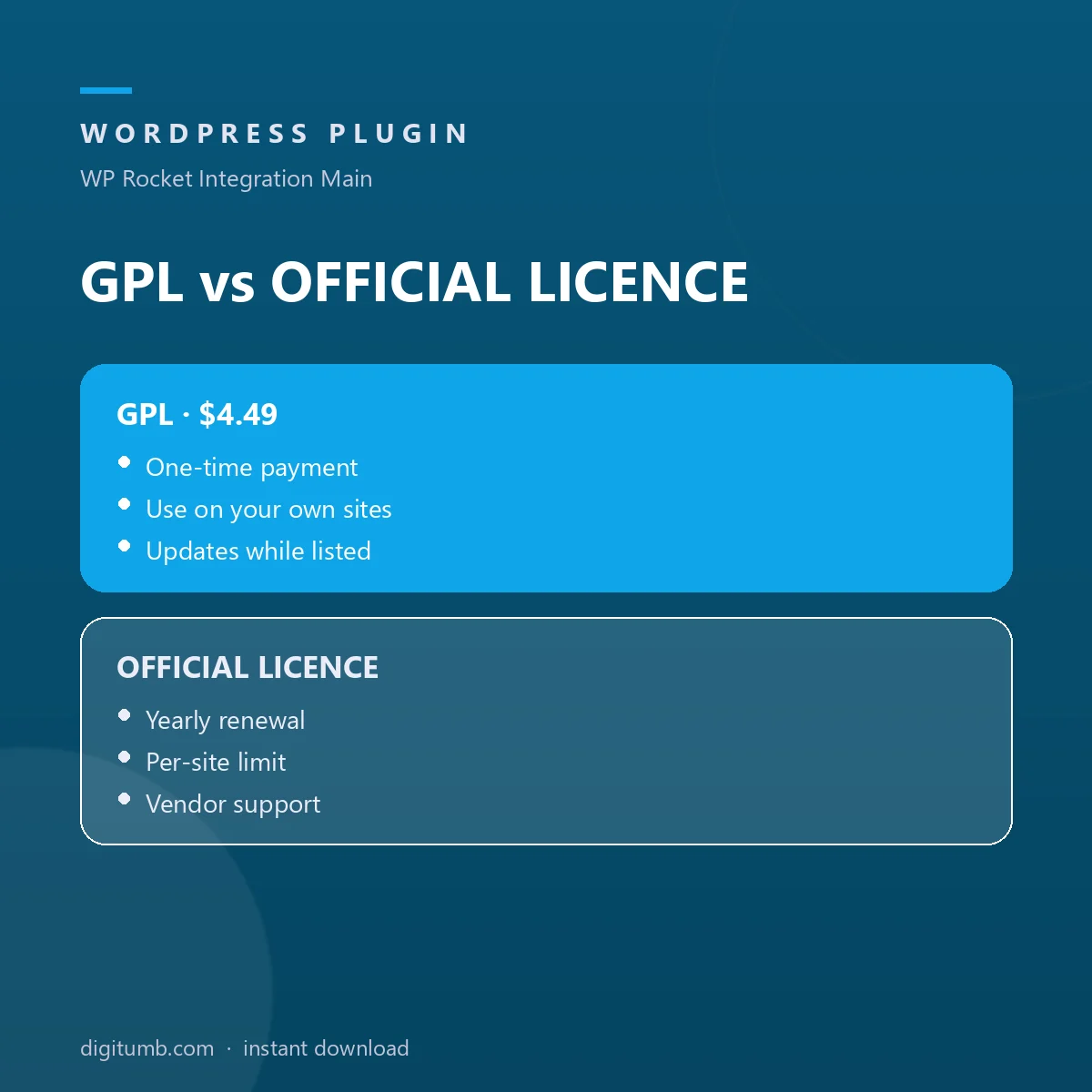
This is the same archive the developer publishes, redistributed under the GNU General Public License: you get the working files for $4.49 with no vendor update channel and no vendor support desk. If you need automatic updates or a support contract, buy the official license from the developer.
| This GPL build | Official license | |
|---|---|---|
| Price | $4.49 one time | Vendor subscription |
| Automatic updates | No | Yes |
| Developer support | No | Yes |
| Number of sites | Unlimited | Depends on plan |
Browse the rest of the WordPress plugins category or the full shop. The licence text is at GNU GPL v2, and general documentation is at WordPress.org.
You must be logged in to post a review.
You may also like…

Related products








Reviews
Clear filtersThere are no reviews yet.