


Thrive Headline Optimizer GPL
$4.49
Thrive Headline Optimizer is a WordPress plugin that lets you test different headlines on your site and see which ones perform better in terms of clicks and conversions.
Thrive Headline Optimizer is a WordPress plugin that lets you test different headlines on your site and see which ones perform better in terms of clicks and conversions. It is built for content optimization, giving you data-driven insight into headline effectiveness. The plugin is compatible with WooCommerce and with Elementor and other popular page builders, so you can run headline tests on product pages and regular content alike.
| Product | thrive-headline-optimizer |
|---|---|
| Version | 2.3.1 |
| Works with | WordPress 6.x+ / PHP 8.x+ |
| Tested up to | WordPress current |
| License | GPLv2 or later |
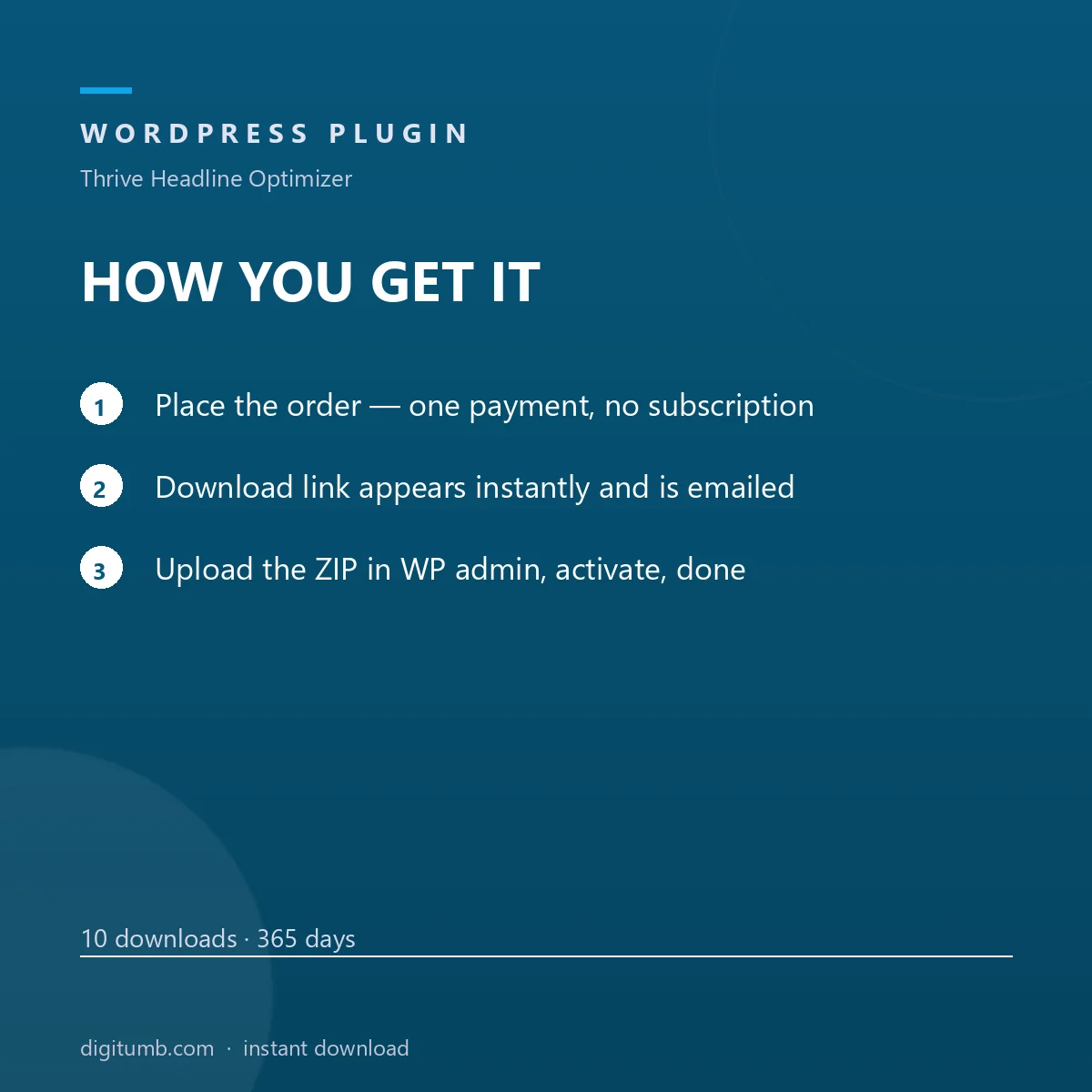
| Delivery | Instant ZIP download, 10 downloads, 365 days |
How Thrive Headline Optimizer tests headlines on your site
The plugin lets users test different headlines on their website to see which ones perform better in terms of clicks and conversions. You create headline variants for a post or page, and the plugin measures how each one performs against the others. The result is a data-driven view of which headline works, rather than a guess.
Headline effectiveness is the core metric the plugin reports on. It helps optimize content by showing which of your tested headlines earns more clicks and conversions, so you can keep the version that performs and replace the ones that do not.
Headline testing for WooCommerce product pages
Thrive Headline Optimizer is compatible with WooCommerce, which means you can run headline tests on product pages, not just blog posts. Testing the headline on a product page lets you optimize it and work toward higher sales conversions from the same traffic.
The testing workflow is the same as for any other page: you open the post or page where you want to test headlines and use the option to create and manage your headline tests. Product pages are included in that scope.
Using Thrive Headline Optimizer alongside Elementor and other page builders
The plugin works well with Elementor and other popular page builders, so you can enhance your headlines regardless of the design tools you use to build the page. You do not have to switch builders or rebuild a layout to run a headline test.
This matters when different parts of a site are built in different tools. A headline test can be set up on the post or page itself, and the design work stays in the builder you already use.
What you get in the $4.49 GPL build
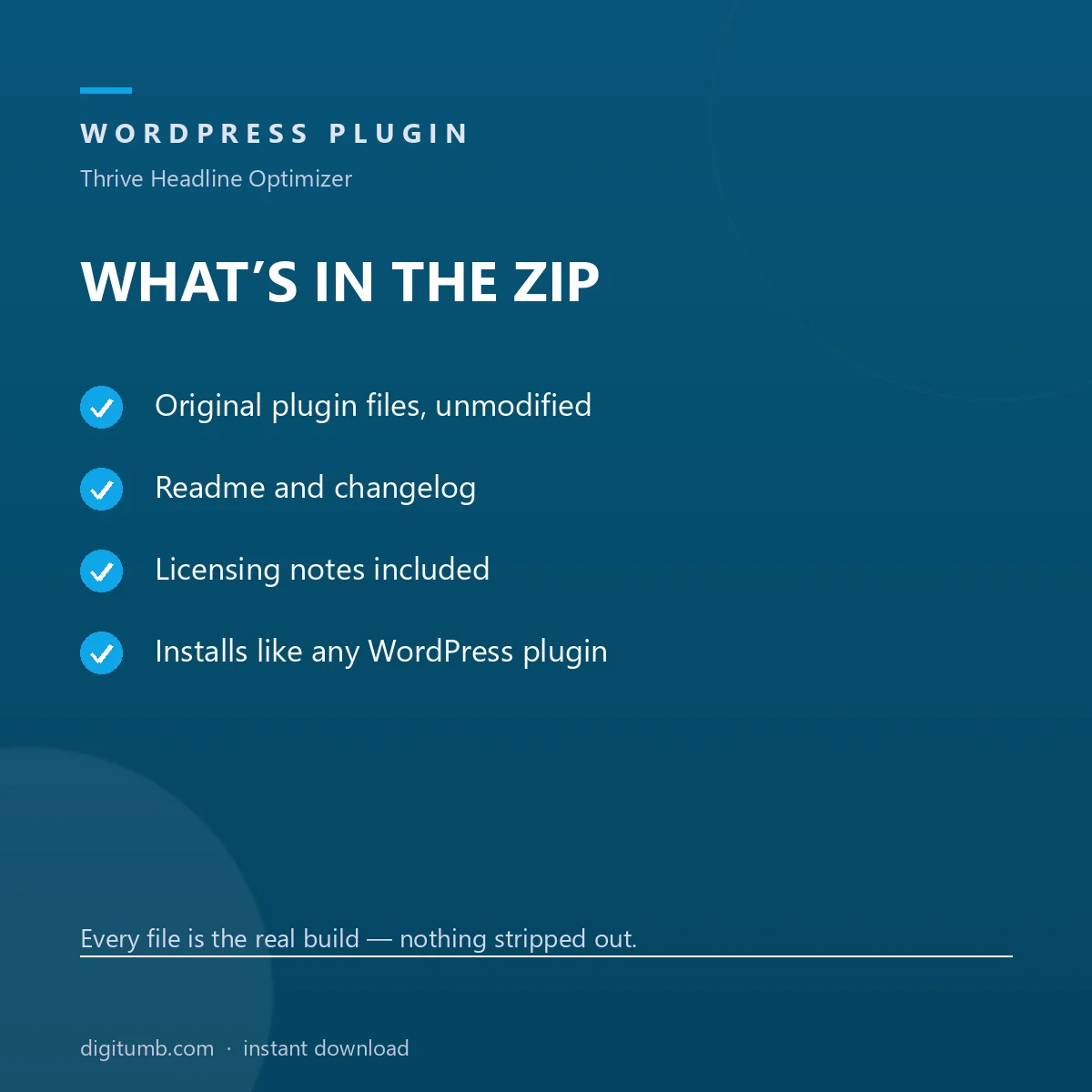
This is a GPL build of Thrive Headline Optimizer version 2.3.1, sold at $4.49. The package contains the same files as the developer ships, delivered as a 2.8 MB zip. There is no vendor update channel and no vendor support desk with this build.
Inside the zip you will find the thrive-dashboard, admin, inc, init and frontend folders. The plugin is installed the usual way on a WordPress site, and updates included for life are part of the vendor's own product. The GPL build itself does not connect to the developer for updates or support.
What this build includes
| Headline A/B testing | Create and manage multiple headline variants on a post or page and see which ones perform better in terms of clicks and conversions. |
|---|---|
| Data-driven headline insights | The plugin reports on headline effectiveness, giving you data-driven insight into which headlines earn more clicks and conversions. |
| WooCommerce product page testing | Because the plugin is compatible with WooCommerce, you can optimize headlines for product pages and work toward higher sales conversions. |
| Works with Elementor and page builders | Thrive Headline Optimizer works well with Elementor and other popular page builders, so you can test headlines regardless of the design tools you use. |
| In-dashboard test management | After activation, navigate to the post or page where you want to test headlines and use the option to create and manage your headline tests. |
Installing it on a WordPress site
- Upload the Thrive Headline Optimizer plugin file through the WordPress admin dashboard under Plugins.
- Activate the plugin.
- Navigate to the post or page where you want to test headlines; the option to create and manage your headline tests appears there.
Frequently asked questions
What does Thrive Headline Optimizer do?
It allows users to test different headlines on their website to see which ones perform better in terms of clicks and conversions. It helps optimize content by providing data-driven insights into headline effectiveness, so you can decide which headline to keep based on how it performs.
Can I test headlines on WooCommerce product pages?
Yes. Thrive Headline Optimizer is compatible with WooCommerce, allowing you to optimize headlines for product pages and increase sales conversions. The headline test is created and managed from the product page itself, the same way as on a regular post or page.
Does Thrive Headline Optimizer work with Elementor?
Yes. The plugin works well with Elementor and other popular page builders, allowing you to enhance your headlines regardless of the design tools you are using. You can keep your existing page layouts and still run headline tests on the pages you build with those tools.
How do I set up Thrive Headline Optimizer on my WordPress site?
Upload the plugin file through the WordPress admin dashboard under Plugins, then activate it. After activation, navigate to the post or page where you want to test headlines, and you will see the option to create and manage your headline tests there.
What do I receive for $4.49?
You receive a GPL build of Thrive Headline Optimizer version 2.3.1 as a 2.8 MB zip. The files are the same as the developer ships. This build has no vendor update channel and no vendor support desk; the price for the build is $4.49.
What the GPL build means for you
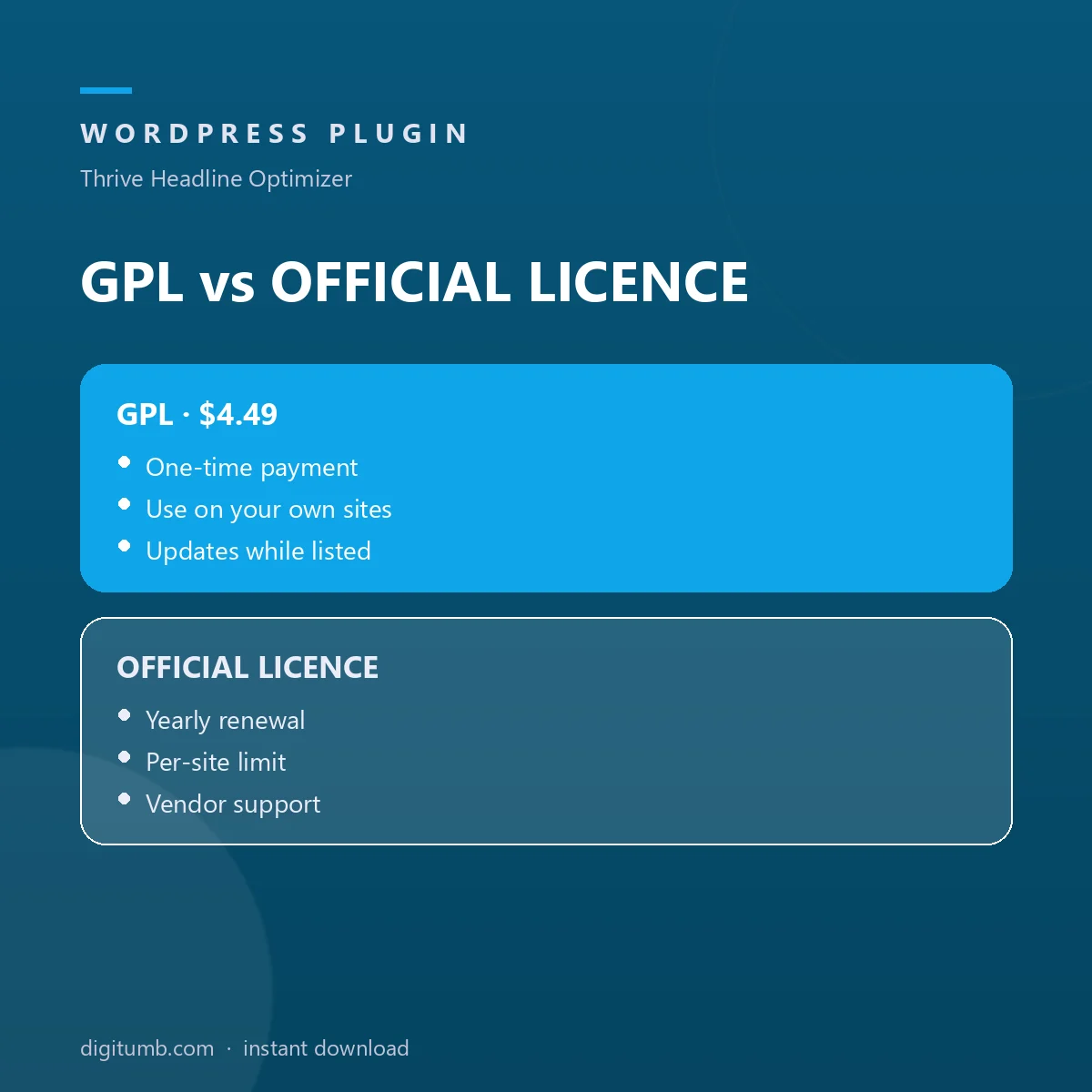
This is the same archive the developer publishes, redistributed under the GNU General Public License: you get the working files for $4.49 with no vendor update channel and no vendor support desk. If you need automatic updates or a support contract, buy the official license from the developer.
| This GPL build | Official license | |
|---|---|---|
| Price | $4.49 one time | Vendor subscription |
| Automatic updates | No | Yes |
| Developer support | No | Yes |
| Number of sites | Unlimited | Depends on plan |
Browse the rest of the WordPress plugins category or the full shop. The licence text is at GNU GPL v2, and general documentation is at WordPress.org.
You must be logged in to post a review.
You may also like…

Related products







Reviews
Clear filtersThere are no reviews yet.