
Gravity Forms Emma Addon GPL
$4.49
Gravity Forms Emma Addon is a WordPress plugin that connects Gravity Forms to Emma so form submissions can be collected and managed as subscribers.
Gravity Forms Emma Addon is a WordPress plugin that connects Gravity Forms to Emma so form submissions can be collected and managed as subscribers. Each feed you build selects an Emma group for new members, maps an email field and pairs Gravity Forms fields with Emma custom fields. Conditional Logic controls when a feed runs, so you can subscribe a member to Emma only when a payment is received. This build is version 1.8.0, packaged as a GPL build from digitumb.com for $4.49.
| Product | gravity-forms-emma-addon |
|---|---|
| Version | 1.8.0 |
| Works with | WordPress 6.x+ / PHP 8.x+ |
| Tested up to | WordPress current |
| License | GPLv2 or later |
| Delivery | Instant ZIP download, 10 downloads, 365 days |
How the Emma feed decides who gets subscribed
Every feed starts with a name that uniquely identifies the setup, then you select which Emma group the feed will add members to. A separate setting picks which form field supplies the member's email address, so the subscriber record is built from the entry rather than a fixed address. Conditional Logic determines whether the feed runs at all, which is where the payment rule comes in: subscribe member to Emma only when payment is received.
The add-on reports its own state in the settings screens. If the API was not initialized, the feed is not processed and the plugin says so. If Emma rejects the request, the screen shows Unable to add member followed by the reason. Account information is entered once under Emma Account Information using the Public API Key and Private API Key.
Pairing Gravity Forms fields with Emma custom fields
Beyond the email address, the feed maps form data onto Emma custom fields. Select Emma Field lets you pair a Gravity Forms field with an existing custom field, and Add Custom Field lets you create a new one from the same screen. This means the data that lands in Emma matches the questions your form actually asks.
Group selection and field mapping sit together in one feed configuration, so a single form can target a specific Emma group with a specific set of subscriber attributes. The settings screens confirm changes with the message Emma settings have been updated.
Working with WooCommerce, Yoast SEO and your theme
The add-on is designed to work alongside other popular plugins, including WooCommerce and Yoast SEO, without conflicts. It is also compatible with most WordPress themes, so forms display correctly regardless of your site's design.
That combination matters when the form sits on a shop or a content site: the placement and appearance follow the theme, while the subscriber data is handled by the Emma feed.
What you receive and how it is licensed
You get the same plugin files the developer ships, as a GPL build, for $4.49 from digitumb.com. There is no vendor update channel and no vendor support desk attached to this build; the files are delivered in a zip with an images folder alongside the plugin.
The package is small, listed at 0.0 MB, and the current version is 1.8.0.
What this build includes
| Emma group targeting | Choose which Emma group a feed adds new members to, so subscribers land in the list you want. |
|---|---|
| Email field selection | Pick the Gravity Forms field that supplies each member's email address for the Emma record. |
| Custom field pairing | Select an Emma custom field to pair with Gravity Forms fields, or add a new custom field from the feed screen. |
| Conditional Logic on feeds | Control when a feed runs, including subscribing a member to Emma only when payment is received. |
| API key configuration | Enter your Emma Public API Key and Private API Key under Emma Account Information to initialize the connection. |
| Inline error reporting | The settings screens report an uninitialized API and show Unable to add member when Emma rejects a request. |
| Named feed setups | Give each feed a name that uniquely identifies the setup, keeping multiple configurations distinguishable. |
Installing it on a WordPress site
- Install the plugin zip in WordPress and activate it, then open the Emma settings page and enter your Public API Key and Private API Key under Emma Account Information.
- Create a feed for your Gravity Forms form, enter a feed name that uniquely identifies the setup, and select the Emma group the feed will add members to.
- Choose which field supplies the member's email address, pair Gravity Forms fields with Emma custom fields or add a new one, and set Conditional Logic if the feed should run only under specific conditions.
Latest changes
This package is version 1.8.0 of the Gravity Forms Emma Addon.
Frequently asked questions
Can I subscribe someone only after their payment goes through?
Yes. The feed includes Conditional Logic, and the add-on provides the option to subscribe a member to Emma only when payment is received. The feed is evaluated against that condition, so the subscription is tied to the payment outcome rather than to every submission.
Does the add-on work with WooCommerce and Yoast SEO?
Yes. The add-on is designed to work alongside other popular plugins, including WooCommerce and Yoast SEO, without conflicts. It is also compatible with most WordPress themes, so your forms display correctly regardless of the site's design.
What happens if the Emma connection is not set up?
The feed is not processed and the screen reports that the feed was not processed because the API was not initialized. Enter your Public API Key and Private API Key under Emma Account Information; once saved, the settings screens confirm that Emma settings have been updated.
Can I send different form answers into different Emma fields?
Yes. Select Emma Field to pair a Gravity Forms field with an existing Emma custom field, or use Add Custom Field to create a new one from the same screen. This lets the subscriber record in Emma carry the specific data your form collects.
What if Emma rejects a member?
The add-on shows Unable to add member in its feedback, so you can see that the request did not complete. Combined with the API initialization message, this gives you a clear signal of whether the connection is configured and whether the member was added.
What the GPL build means for you
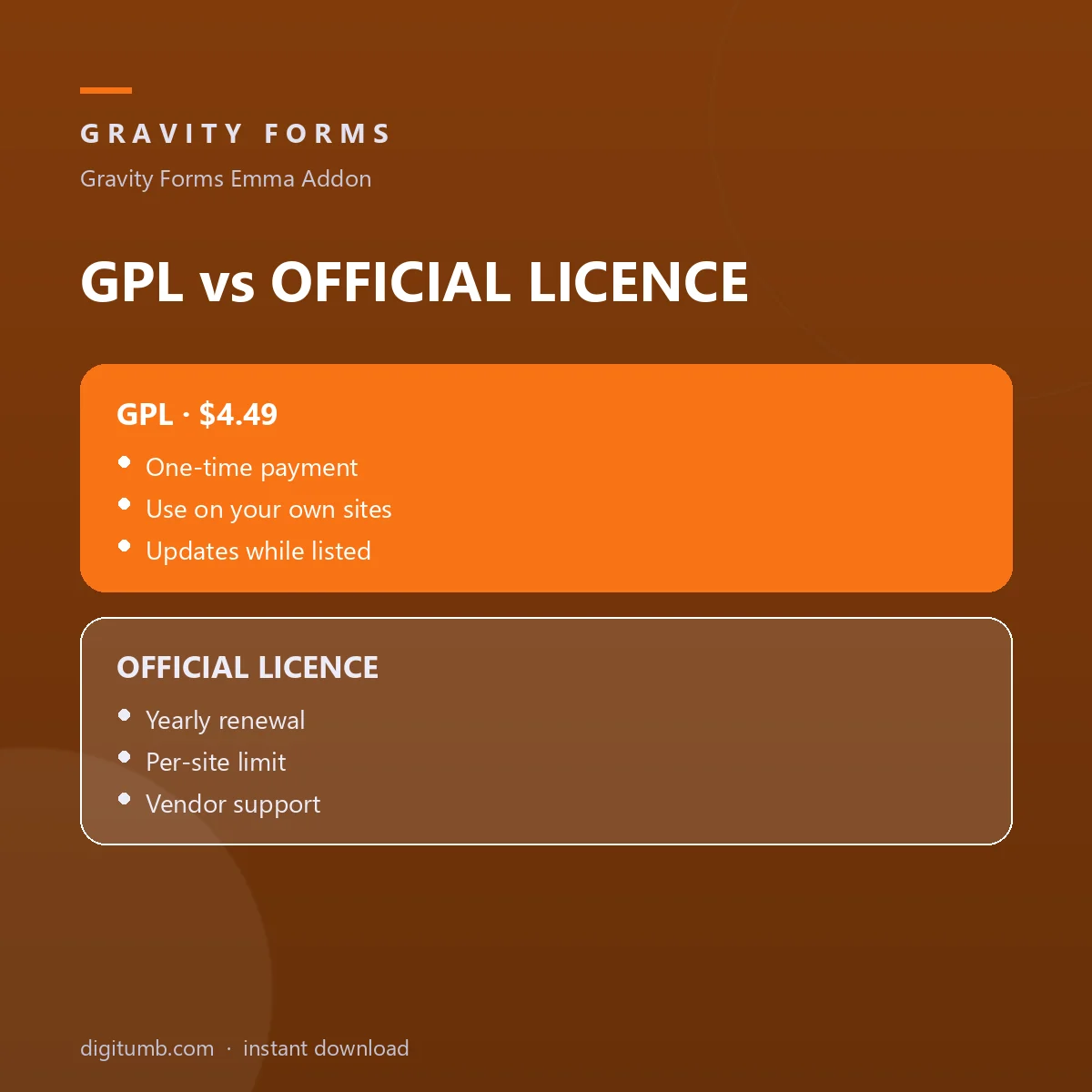
This is the same archive the developer publishes, redistributed under the GNU General Public License: you get the working files for $4.49 with no vendor update channel and no vendor support desk. If you need automatic updates or a support contract, buy the official license from the developer.
| This GPL build | Official license | |
|---|---|---|
| Price | $4.49 one time | Vendor subscription |
| Automatic updates | No | Yes |
| Developer support | No | Yes |
| Number of sites | Unlimited | Depends on plan |
Browse the rest of the WordPress plugins category or the full shop. The licence text is at GNU GPL v2, and general documentation is at WordPress.org.
You must be logged in to post a review.
You may also like…

Related products




Reviews
Clear filtersThere are no reviews yet.