


Popup Builder Scheduling Extension GPL
$4.49
Popup Builder Scheduling Extension is a WordPress addon for Popup Builder that lets you schedule popups to appear based on specific timeframes or user interactions.
Popup Builder Scheduling Extension is a WordPress addon for Popup Builder that lets you schedule popups to appear based on specific timeframes or user interactions. Instead of showing every popup at once, you set when each one displays, so the timing of your popups matches how visitors move through your site. This build is the same plugin files the developer ships, distributed under GPL at $4.49.
| Product | popup-builder-scheduling-extension |
|---|---|
| Version | 3.1 |
| Works with | WordPress 6.x+ / PHP 8.x+ |
| Tested up to | WordPress current |
| License | GPLv2 or later |
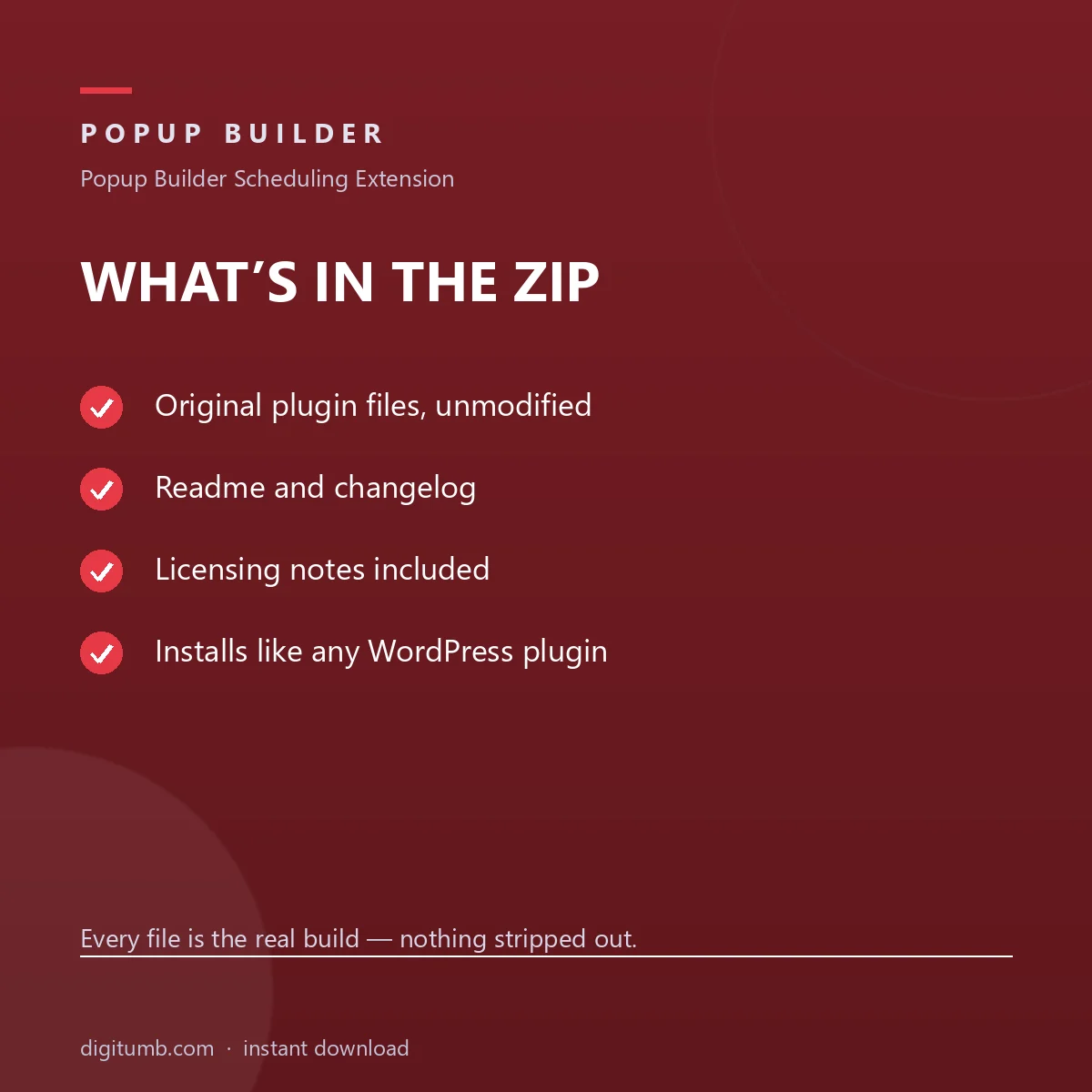
| Delivery | Instant ZIP download, 10 downloads, 365 days |
What can you schedule with Popup Builder Scheduling Extension?
The extension gives you control over when a popup appears. You can schedule popups to display based on specific timeframes, so a popup can be tied to a window of time rather than shown permanently. You can also schedule popups around user interactions, which means the moment a popup appears can follow what the visitor does on the page.
Both scheduling types are managed from the plugin settings after activation. You configure your popups according to your scheduling preferences, and the extension handles the timing. This keeps the popup list on your site deliberate instead of every message competing for attention at the same moment.
Does the Scheduling Extension work with WooCommerce and Elementor?
Yes. The extension is designed to work with a variety of popular plugins, including WooCommerce and Elementor. If your site already runs either of these, the scheduling addon fits into that existing setup to extend your website's functionality.
Compatibility also extends to themes. The extension works with many popular WordPress themes, so scheduled popups integrate with your site's design rather than sitting outside it. You keep the theme you have and add scheduling on top.
How the GPL build from digitumb.com is delivered
You receive the same files as the developer ships, packaged as a GPL build for $4.49. There is no vendor update channel and no vendor support desk attached to this purchase. The download is a zip archive, version 3.1, with the top-level folders com and public inside.
Because the archive is small, the download is quick and the plugin installs through the standard WordPress plugins screen. Nothing about the scheduling behaviour changes in this build; the scheduling options described above are what you configure after activation.
What this build includes
| Timeframe-based popup scheduling | Create and manage popups that appear during specific timeframes, so each popup has a defined window instead of running indefinitely. |
|---|---|
| Interaction-based popup scheduling | Schedule popups to display based on user interactions, tying the moment a popup appears to what the visitor does. |
| WooCommerce compatibility | Designed to work with WooCommerce, so scheduled popups can run alongside an existing store setup. |
| Elementor compatibility | Works with Elementor, letting you keep your current page-building setup while adding scheduled popups. |
| Theme compatibility | Compatible with many popular WordPress themes, so scheduled popups fit the design of your existing site. |
| Settings-based configuration | After activation you go to the settings and configure your popups according to your scheduling preferences. |
Installing it on a WordPress site
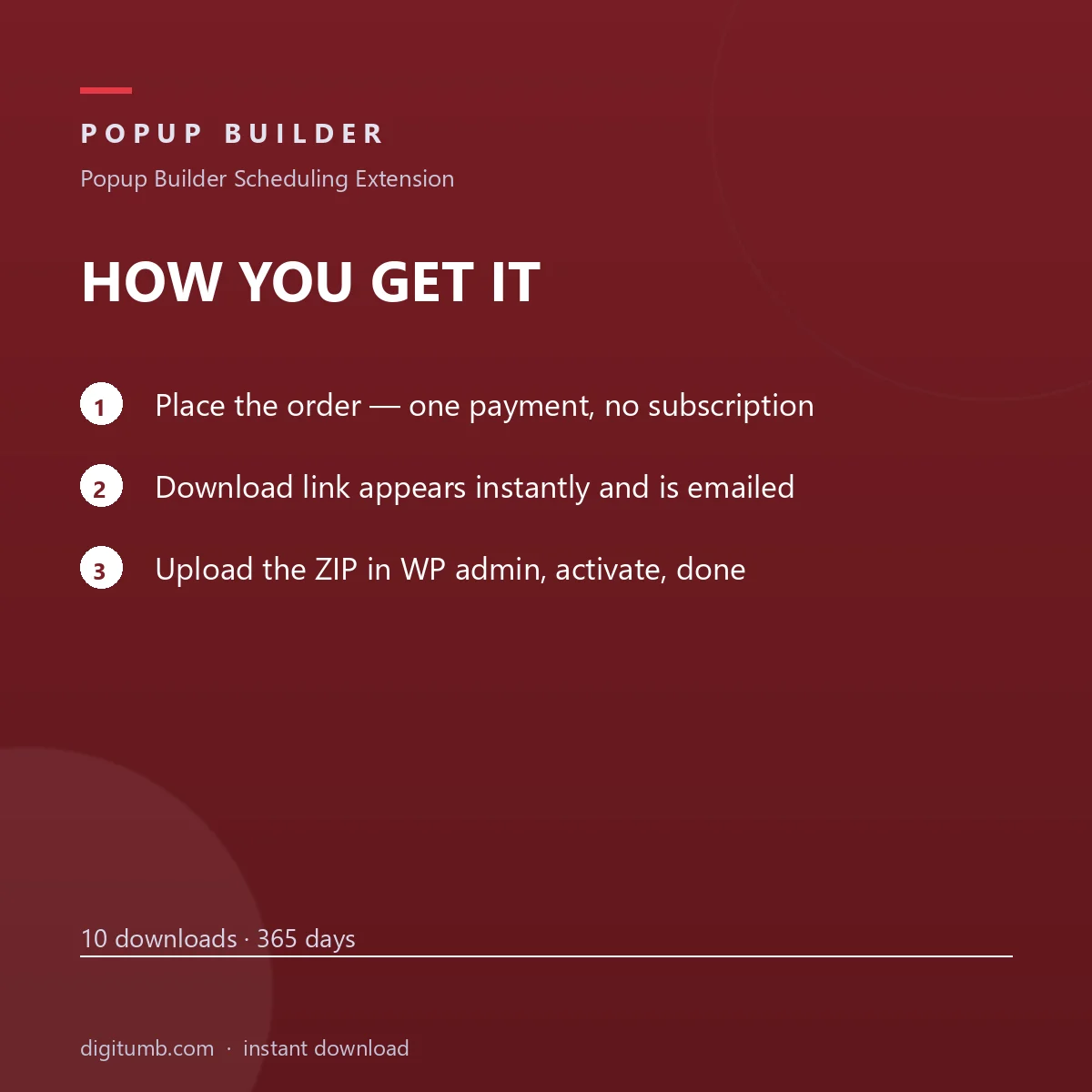
- Upload the downloaded plugin zip file to your WordPress site through the Plugins section.
- Activate the Popup Builder Scheduling Extension plugin.
- Navigate to the settings and configure your popups according to your scheduling preferences.
Latest changes
This package is version 3.1 of the Popup Builder Scheduling Extension.
Frequently asked questions
What does Popup Builder Scheduling Extension actually do?
It lets you create and manage popups that are scheduled to appear based on specific timeframes or user interactions. Rather than showing popups without timing control, you define when each one displays, which helps keep engagement on your site intentional.
Will it work with the plugins I already use?
The extension is designed to work with a variety of popular plugins, including WooCommerce and Elementor. If your site uses those, the scheduling addon is built to fit into that setup. It is also compatible with many popular WordPress themes.
How do I set it up on my WordPress site?
Upload the downloaded plugin file through the Plugins section of your WordPress site, activate it, then open the settings to configure your popups according to your scheduling preferences. The setup follows the standard WordPress plugin flow.
What do I get for $4.49?
You get a GPL build of the plugin: the same files as the developer ships, version 3.1, delivered as a zip download. There is no vendor update channel and no vendor support desk with this purchase.
Can I use it with my current theme?
Yes. The extension is compatible with many popular WordPress themes, so scheduled popups integrate well with your site's design instead of requiring a theme change.
What the GPL build means for you
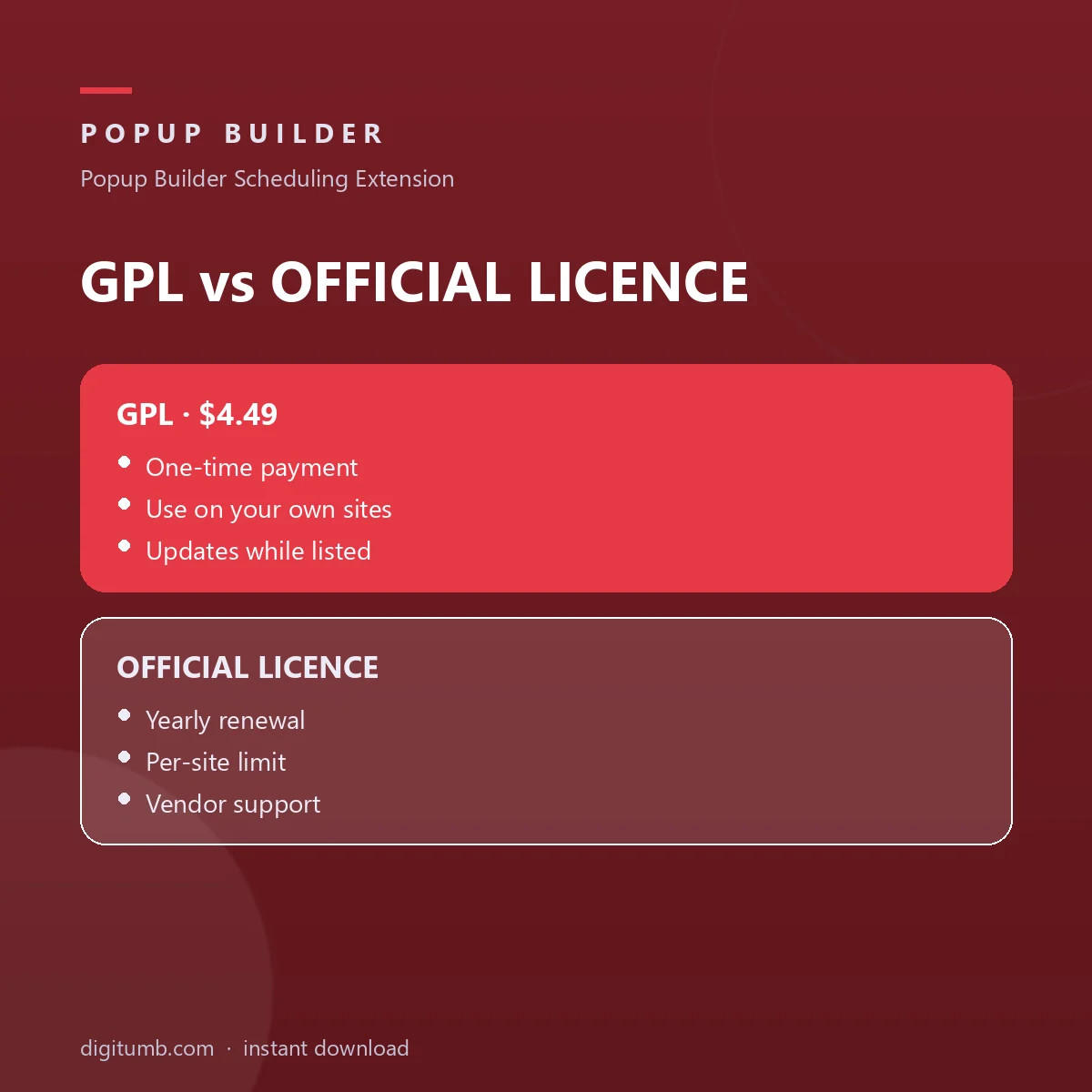
This is the same archive the developer publishes, redistributed under the GNU General Public License: you get the working files for $4.49 with no vendor update channel and no vendor support desk. If you need automatic updates or a support contract, buy the official license from the developer.
| This GPL build | Official license | |
|---|---|---|
| Price | $4.49 one time | Vendor subscription |
| Automatic updates | No | Yes |
| Developer support | No | Yes |
| Number of sites | Unlimited | Depends on plan |
Browse the rest of the WordPress plugins category or the full shop. The licence text is at GNU GPL v2, and general documentation is at WordPress.org.
You must be logged in to post a review.
You may also like…

Related products







Reviews
Clear filtersThere are no reviews yet.