

Elegant Themes Bloom Email Opt Ins GPL
$4.49
Elegant Themes Bloom Email Opt-Ins is a WordPress theme that lets you build customizable email opt-in forms and capture leads across your site.
Elegant Themes Bloom Email Opt-Ins is a WordPress theme that lets you build customizable email opt-in forms and capture leads across your site. You design the forms, place them where visitors meet them, and grow your email list from the traffic you already have. It also works alongside WooCommerce and Elementor.
| Product | elegant-themes-bloom-email-opt-ins |
|---|---|
| Version | 1.3.12 |
| Works with | WordPress 6.x+ / PHP 8.x+ |
| Tested up to | WordPress current |
| License | GPLv2 or later |
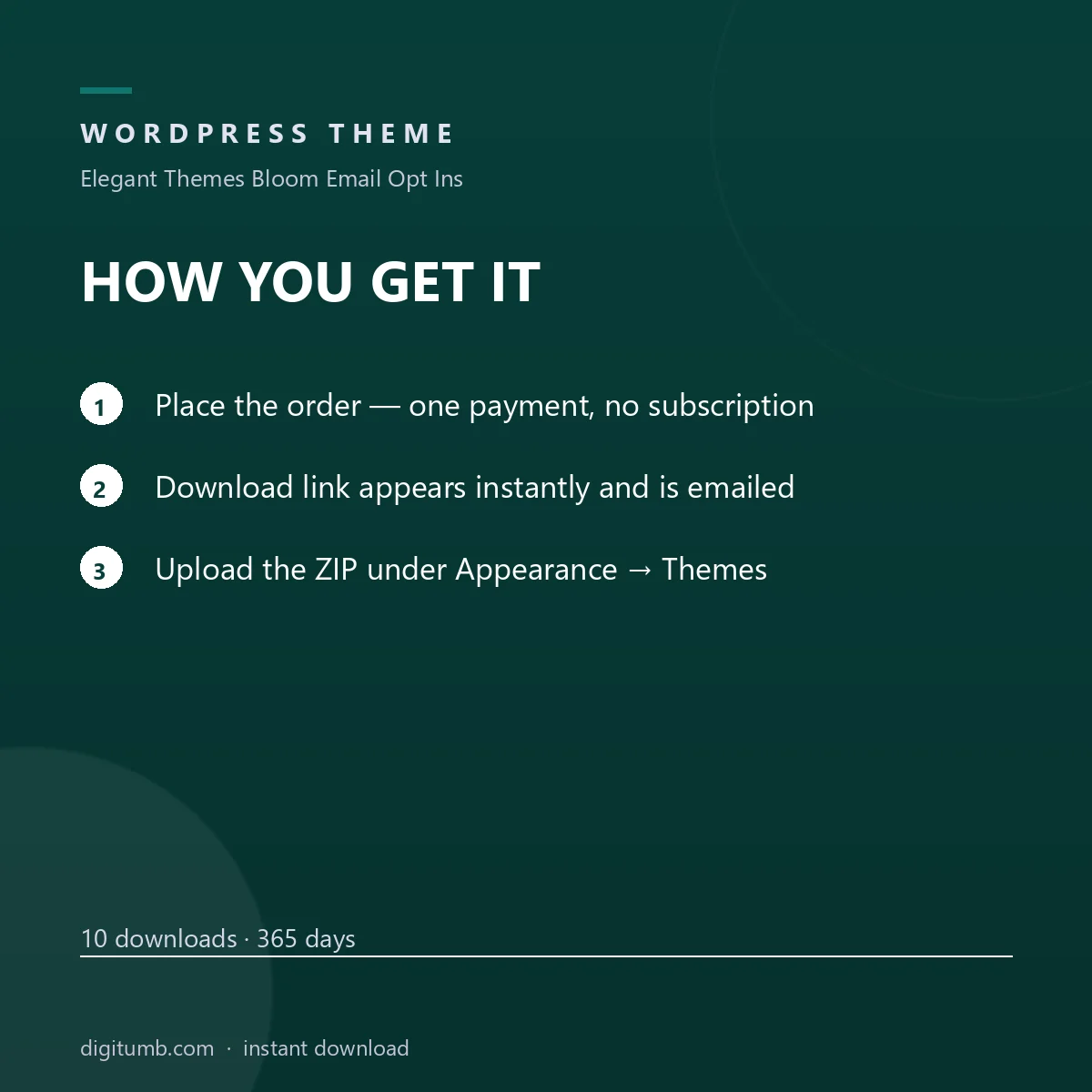
| Delivery | Instant ZIP download, 10 downloads, 365 days |
What Bloom Email Opt-Ins does on a WordPress site
Bloom gives you a dedicated tool for creating email opt-in forms and placing them in front of your visitors. Instead of hunting for a separate lead-capture service, you build the forms inside WordPress and manage them from the Bloom settings area.
The purpose is straightforward: capture leads and grow your email lists. Every form you publish is a point where a visitor can subscribe, so the plugin turns existing page traffic into a contact list you can use later.
How Bloom fits with WooCommerce stores
Bloom is compatible with WooCommerce, which means you can capture leads from your online store effectively. A store visitor who is browsing products can subscribe without leaving the shopping experience.
That compatibility keeps your lead capture inside the same WordPress installation that runs your shop, so your subscriber list and your product catalog live side by side.
Using Bloom with the Elementor page builder
Bloom works well with Elementor, so you can add opt-in forms to pages you build with the Elementor page builder. If your layouts are already designed in Elementor, the forms fit into those pages rather than forcing you onto a separate editor.
This matters for landing pages and campaign pages, where the design is often built in Elementor first and the opt-in is added afterwards.
What this build includes
| Customizable opt-in forms | Create email opt-in forms you can customize, so the signup fields match the look you want on your site. |
|---|---|
| Lead capture | Capture leads directly in WordPress, turning visitor interest into subscribers you can contact later. |
| Email list growth | Grow your email lists from the traffic your site already receives, using forms placed on your own pages. |
| WooCommerce compatibility | Capture leads from your online store effectively, with opt-in forms working alongside a WooCommerce shop. |
| Elementor compatibility | Add opt-in forms to pages created with the Elementor page builder, keeping your existing layouts intact. |
| Settings inside WordPress | Create and customize your opt-in forms from the Bloom settings in the WordPress admin dashboard. |
Installing it on a WordPress site
- Upload the downloaded theme file through the WordPress admin dashboard under Appearance > Themes.
- Activate the theme.
- Navigate to the Bloom settings to create and customize your opt-in forms.
Latest changes
This listing is the GPL build of Bloom Email Opt-Ins version 1.3.12.
Frequently asked questions
What does Elegant Themes Bloom Email Opt-Ins do?
It is a WordPress theme that allows you to create customizable email opt-in forms to capture leads and grow your email lists. You build the forms in the Bloom settings, publish them on your site, and collect subscribers from the visitors who already reach your pages.
Is Bloom compatible with WooCommerce?
Yes. Bloom is compatible with WooCommerce, allowing you to capture leads from your online store effectively. Store visitors can subscribe through your opt-in forms while they browse, so lead capture runs alongside your shop rather than in a separate system.
Can I use Bloom with Elementor?
Yes. Bloom works well with Elementor, enabling you to add opt-in forms to pages created with the Elementor page builder. Pages you have already designed in Elementor can carry your opt-in forms without rebuilding the layout in another editor.
How do I set up Bloom on my WordPress site?
Upload the downloaded theme file through the WordPress admin dashboard under Appearance > Themes, then activate the theme. After activation, navigate to the Bloom settings to create and customize your opt-in forms. The whole setup happens in the WordPress dashboard.
What am I buying at $4.49?
You receive the GPL build of Bloom Email Opt-Ins, version 1.3.12, as a 1.8 MB zip. The files are the same files the developer ships. There is no vendor update channel and no vendor support desk included with this purchase.
What the GPL build means for you
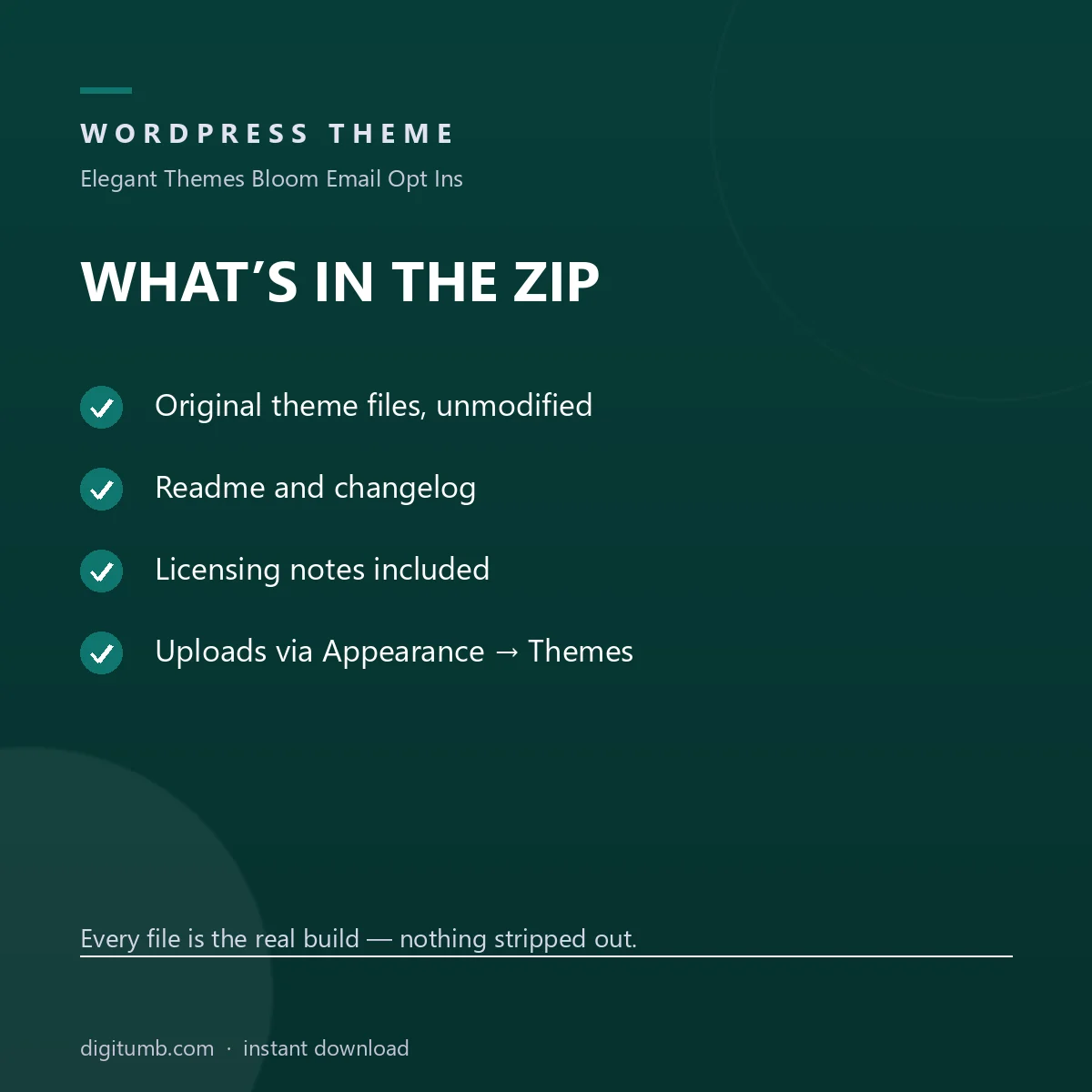
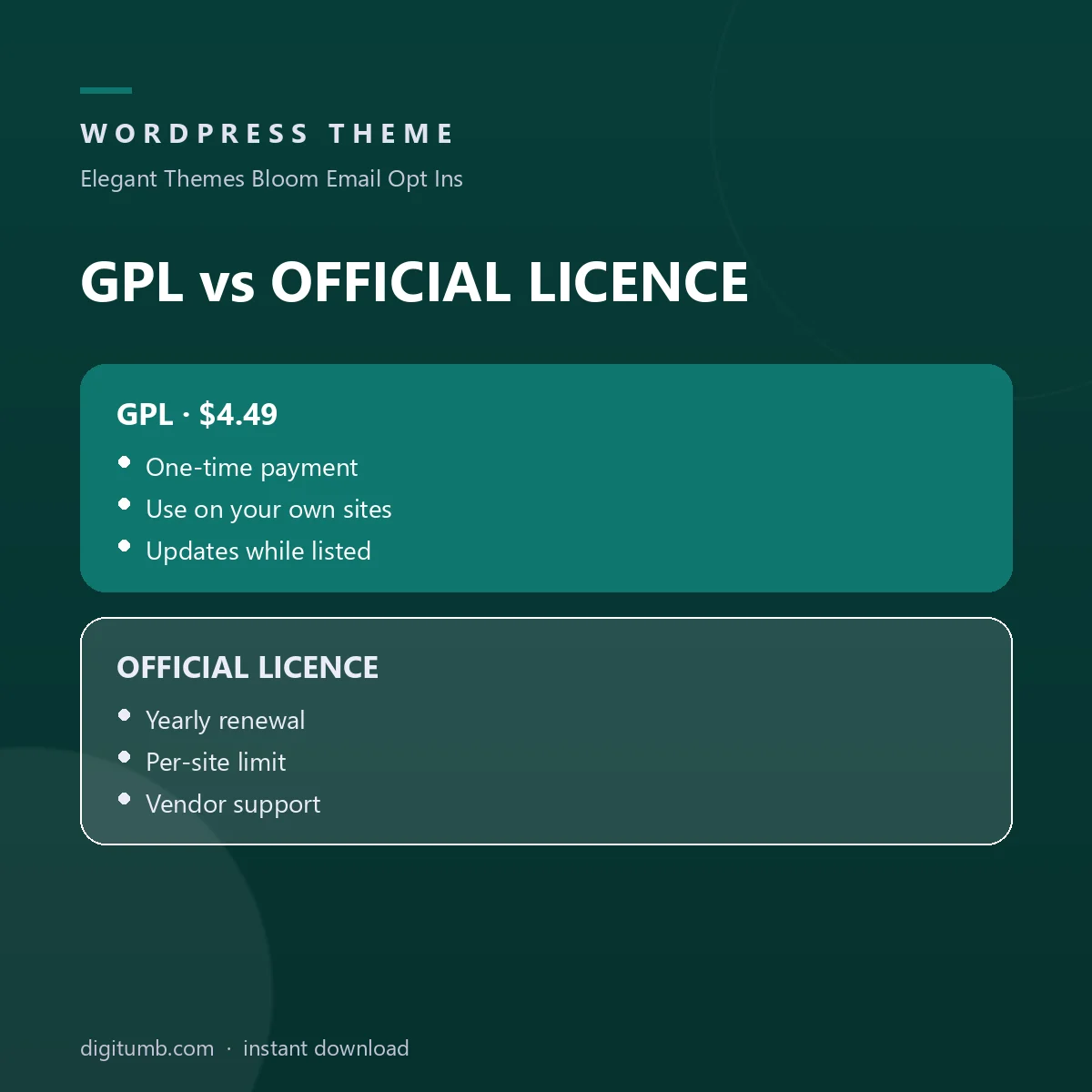
This is the same archive the developer publishes, redistributed under the GNU General Public License: you get the working files for $4.49 with no vendor update channel and no vendor support desk. If you need automatic updates or a support contract, buy the official license from the developer.
| This GPL build | Official license | |
|---|---|---|
| Price | $4.49 one time | Vendor subscription |
| Automatic updates | No | Yes |
| Developer support | No | Yes |
| Number of sites | Unlimited | Depends on plan |
Browse the rest of the WordPress themes category or the full shop. The licence text is at GNU GPL v2, and general documentation is at WordPress.org.
You must be logged in to post a review.
You may also like…

Related products








Reviews
Clear filtersThere are no reviews yet.