



Instagram Sync for WooCommerce GPL
$4.49
Instagram Sync for WooCommerce is a WooCommerce integration plugin that connects a WooCommerce store with an Instagram account.
Instagram Sync for WooCommerce is a WooCommerce integration plugin that connects a WooCommerce store with an Instagram account. It uploads your product catalog to Instagram and lets you showcase how customers are using your products. Products become shoppable Instagram posts and stories, and the catalog data feed is refreshed periodically with the latest product data. You can buy the GPL build from digitumb.com for $4.49.
| Product | Instagram Sync for WooCommerce |
|---|---|
| Version | 5.1.2 |
| Works with | WordPress 6.2+ / PHP 7.4+ |
| Tested up to | WordPress 7.0.4 |
| License | GPLv2 or later |
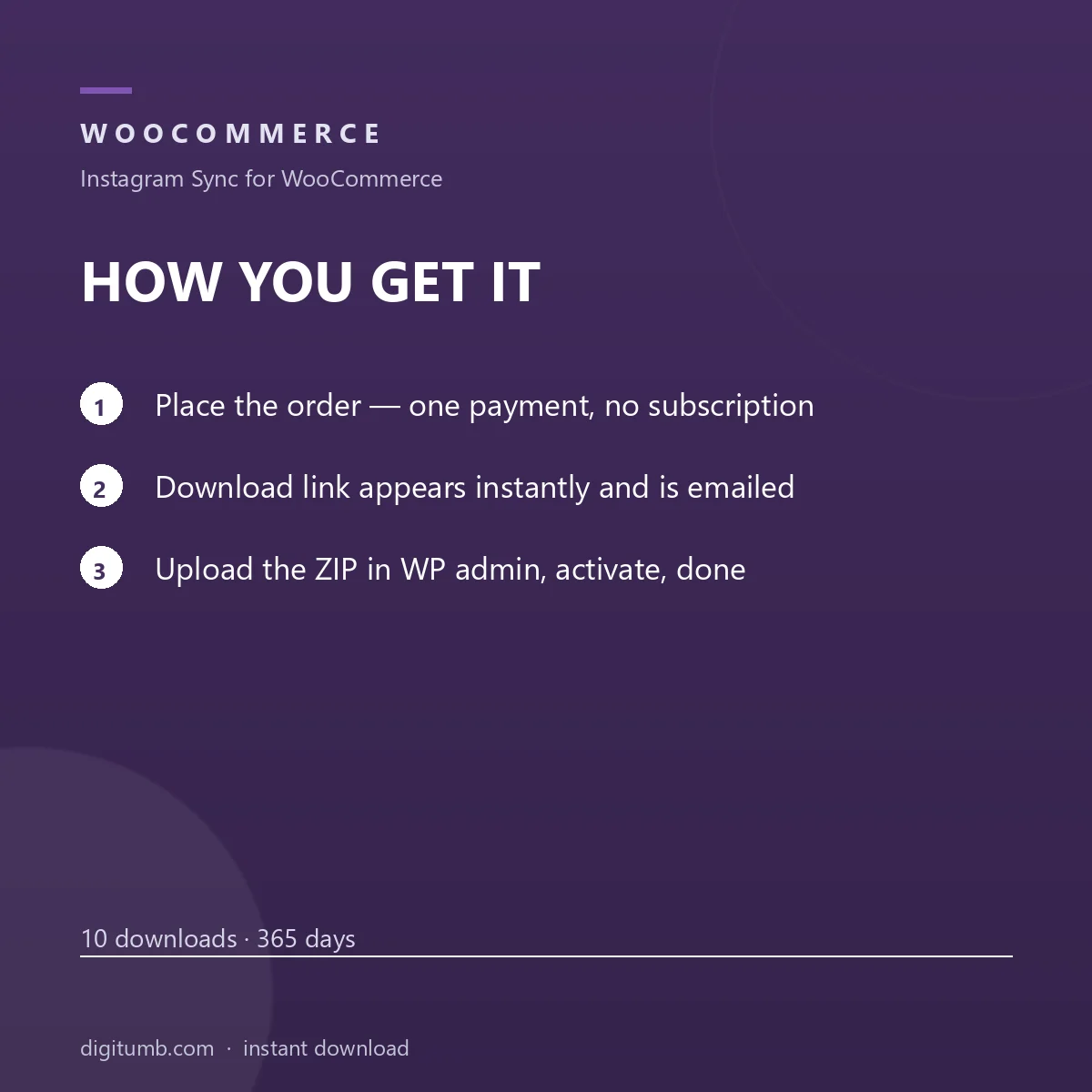
| Delivery | Instant ZIP download, 10 downloads, 365 days |
How Instagram Sync for WooCommerce connects your store to Instagram
The plugin adds Instagram settings inside WooCommerce. From there you connect your Instagram account; the settings screens report a successful connection, a disconnection, or an authentication attempt that failed or was canceled by the user. A single account connection is what the plugin works from.
Once connected, the plugin creates a catalog for your store and manages it from the same settings area. Catalogs can be created and deleted, and the screen notes that the feeds will be updated periodically with the latest product data.
Shoppable Instagram posts and stories from WooCommerce products
The integration is built to turn WooCommerce products into shoppable Instagram posts and stories. Customers who see a product on Instagram can move toward buying it through the platform instead of leaving the post to search your site.
Catalog creation is the step that puts product data into Instagram. Before you create a catalog, the plugin shows a short list of considerations, so you can check the setup before the feed is built.
Catalog attributes, categories and image handling in the settings
The settings screens include fields for a Google attribute and an associated Google attribute, plus a Google product category. These fields accept only specific values, and the interface provides dropdowns to select an attribute, an option, a category or a subcategory instead of typing free text.
Image housekeeping is handled from the same area. You can clear Instagram images and clear Instagram image transients, and the screens confirm when each action completes. Errors surface as a plain message that an unexpected error occurred.
Working alongside your existing WordPress setup
The plugin is designed to work alongside popular plugins such as Yoast SEO and Elementor, so it can sit inside a store that already uses them. It is also compatible with most WordPress themes, which means the Instagram integration does not force a design change.
The package requires WordPress 6.2 and PHP 7.4, and is tested up to WordPress 7.0.4. The zip is 1.8 MB and contains the folders vendor-scoped, legacy, src, templates, docs, data and i18n.
What this build includes
| Account connection | Connect and disconnect an Instagram account from the WooCommerce settings, with a confirmation message shown after each action. |
|---|---|
| Product catalog upload | Create and delete an Instagram catalog from the plugin settings so your WooCommerce products are available on Instagram. |
| Shoppable posts and stories | Turn WooCommerce products into shoppable Instagram posts and stories, giving viewers a path from the post to a purchase. |
| Periodic feed refresh | The catalog feed is updated periodically with the latest product data, keeping the Instagram side aligned with your store. |
| Google attribute fields | Set a Google attribute, an associated Google attribute and a Google product category using dropdowns that accept only specific values. |
| Image cleanup tools | Clear Instagram images and Instagram image transients from the settings, with an on-screen confirmation when the clear finishes. |
| Documentation and ticket links | The settings screen links to WooCommerce Instagram documentation and to a support ticket form at WooCommerce.com. |
Installing it on a WordPress site
- Install the plugin zip on a WordPress 6.2 or later site running PHP 7.4 or later, then activate it.
- Open the Instagram settings inside WooCommerce and connect your Instagram account; confirm the success message appears.
- Review the considerations shown before catalog creation, then create the catalog and set the Google attribute and category fields from the dropdowns.
Frequently asked questions
What does Instagram Sync for WooCommerce actually do?
It connects your WooCommerce store with your Instagram account, displays your products on Instagram and makes direct purchases through the platform possible. The plugin uploads a product catalog, keeps the feed updated periodically and turns products into shoppable posts and stories.
Will it work with my current theme and plugins?
The plugin is compatible with most WordPress themes, so you can add it to your existing design. It is also designed to work alongside popular plugins such as Yoast SEO and Elementor, which means the Instagram integration fits into a store that already uses them.
What are the server requirements?
You need WordPress 6.2 or newer and PHP 7.4 or newer. The plugin is tested up to WordPress 7.0.4. Check those versions before installing, especially if your host still runs an older PHP branch.
How is this GPL build sold and what do I get for $4.49?
You receive the same plugin files the developer ships, as a GPL build, for $4.49 from digitumb.com. There is no vendor update channel and no vendor support desk attached to this purchase; the plugin's own settings screen links to WooCommerce documentation and a ticket form at WooCommerce.com.
Can I clean up Instagram images from the settings?
Yes. The settings include actions to clear Instagram images and clear Instagram image transients. Each action reports back on screen when it has completed, and the plugin also reports when the Instagram account was disconnected successfully.
What the GPL build means for you
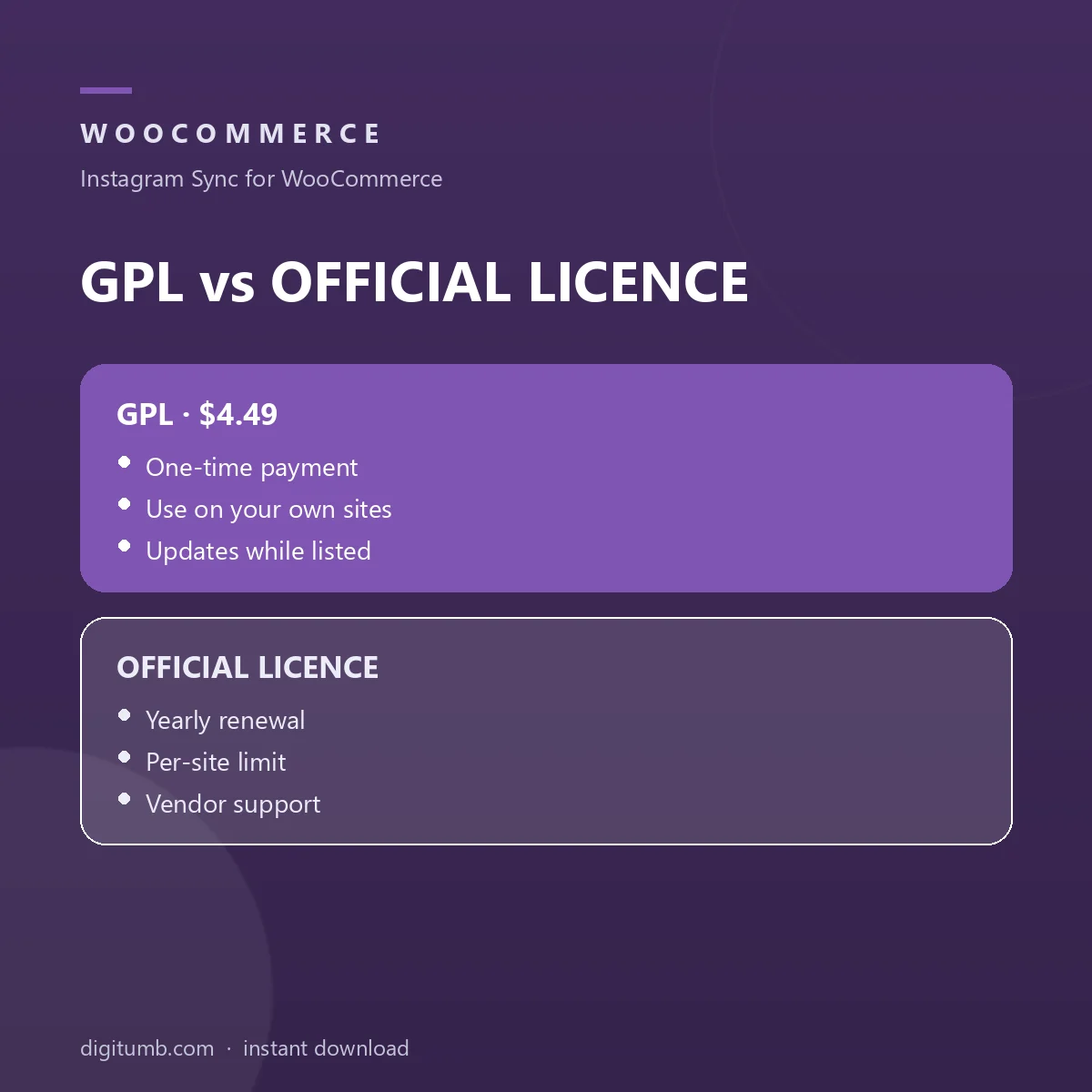
This is the same archive the developer publishes, redistributed under the GNU General Public License: you get the working files for $4.49 with no vendor update channel and no vendor support desk. If you need automatic updates or a support contract, buy the official license from the developer.
| This GPL build | Official license | |
|---|---|---|
| Price | $4.49 one time | Vendor subscription |
| Automatic updates | No | Yes |
| Developer support | No | Yes |
| Number of sites | Unlimited | Depends on plan |
Browse the rest of the WordPress plugins category or the full shop. The licence text is at GNU GPL v2, and general documentation is at WordPress.org.
You must be logged in to post a review.
You may also like…

Related products






Reviews
Clear filtersThere are no reviews yet.