





Bulk Edit WooCommerce Orders – WP Sheet Editor Pro GPL
$4.49
Bulk Edit WooCommerce Orders – WP Sheet Editor is a WordPress plugin that shows all your WooCommerce orders in a spreadsheet inside wp-admin, so changes apply live as you edit.
Bulk Edit WooCommerce Orders – WP Sheet Editor is a WordPress plugin that shows all your WooCommerce orders in a spreadsheet inside wp-admin, so changes apply live as you edit. It supports quick edits, advanced multi-field searches, and bulk updates across thousands of orders, and you can also work in Excel or Google Sheets and import the changes back. This GPL build is version 1.4.1, a 7.1 MB zip, priced at $4.49 on digitumb.com.
| Product | Bulk Edit WooCommerce Orders – WP Sheet Editor |
|---|---|
| Version | 1.4.1 |
| Works with | WordPress 6.2+ / PHP 8.x+ |
| Tested up to | WordPress 7.1 |
| License | GPLv2 or later |
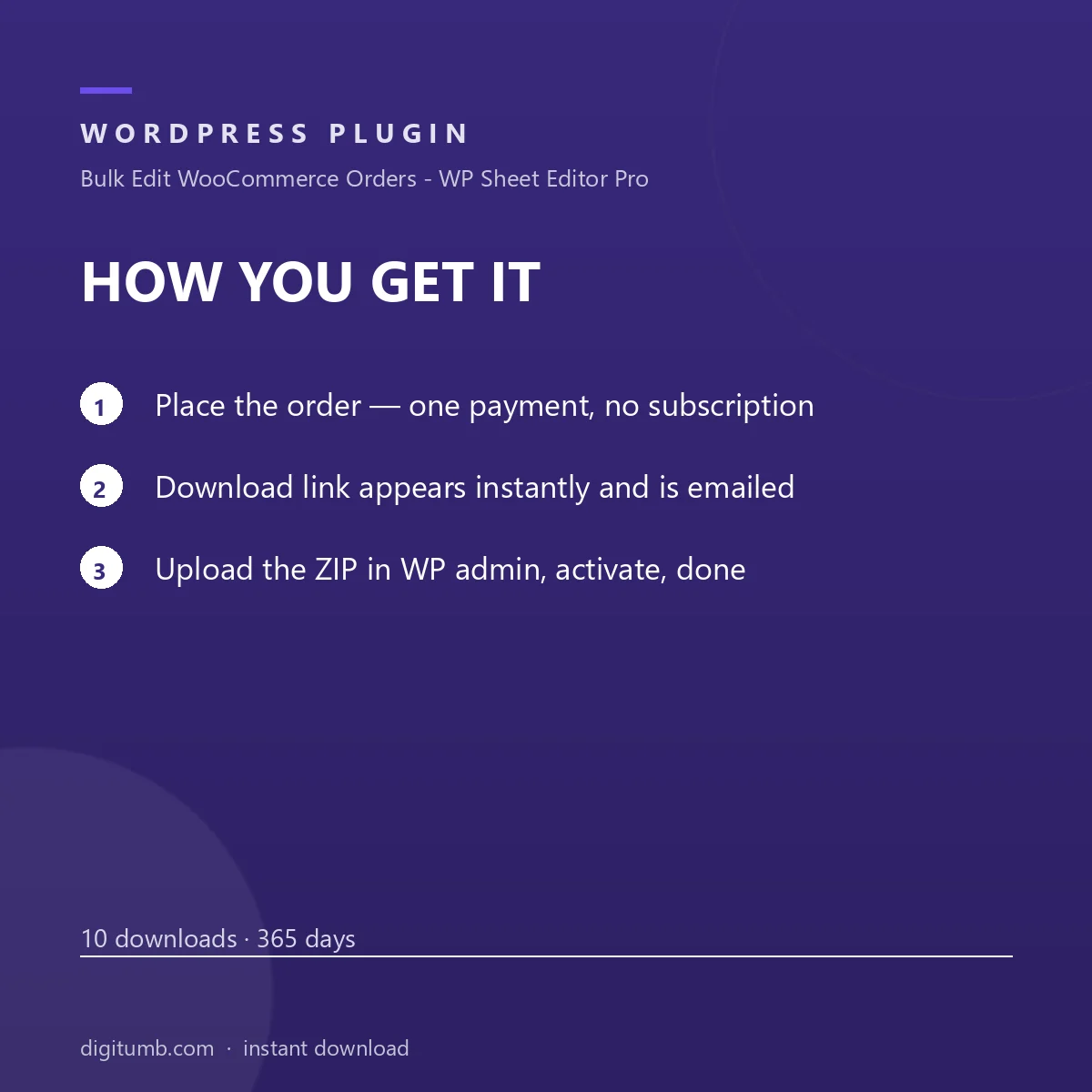
| Delivery | Instant ZIP download, 10 downloads, 365 days |
Editing WooCommerce orders in a spreadsheet inside wp-admin
The plugin opens your orders as a grid in the WordPress admin. Each order appears as a row, and you can view all the Orders in a single place instead of opening them one by one. Edits made in the spreadsheet apply live, so the order data changes as you work.
Because the grid sits inside wp-admin, you do not need a separate tool or export step to start editing. Store staff who already work in the WordPress dashboard can open the editor and change order information directly.
Searching orders by keyword, notes, products and address fields
Advanced searches let you find orders by multiple fields with multiple conditions at once. For example, you can find all orders containing a keyword in the order notes, containing multiple products, or matching an address, street, city, state or payment method.
Any field can be used with any search operator, including LIKE and NOT IN. The product also includes a search for orders containing specific variation IDs or variation attributes, which helps when you need to isolate orders with a particular item configuration.
Bulk updates with the formulas engine and Excel imports
A formulas engine lets you update a lot of orders quickly. You can replace values in any field: change status on thousands of orders, change customer information, change payment methods, dates and more.
Two editing paths are available. You can edit in the spreadsheet inside wp-admin with changes applied live, or edit in Excel or Google Sheets and import the changes easily. The spreadsheet view is also suited to dispatching orders, where you review order information, change status and act on it in one pass.
Order actions available from the editor
Beyond field edits, the editor exposes order operations such as regenerating download permissions, recalculating taxes, resending a WooCommerce email, sending order details to the customer and resending the new order email. Germanized invoice fields, including invoice numbers, invoice date, invoice delivery status, invoice PDF and invoice status, appear as columns you can work with.
WooCommerce Subscriptions data is also handled, with parent order ID and subscription details visible in the editor. You can delete orders completely, and you can choose whether to delete the user account after deleting the only order of that user.
Exporting line items and handling larger stores
When exporting orders, you can export every product line item as separate rows. This lets you include product meta fields in the export and exclude specific columns from the line-item export by entering column names separated with commas. You can also add formatting to totals.
The plugin is designed to work on cheap or shared servers. You set the number of posts saved per batch and the waiting time between batches, and by tweaking those settings you can make it work with any server.
What this build includes
| Spreadsheet order grid in wp-admin | View all WooCommerce orders in one spreadsheet inside the WordPress dashboard and edit them there with changes applied live. |
|---|---|
| Multi-condition order search | Search orders by multiple fields and conditions, using any operator such as LIKE or NOT IN, across notes, products, customers and address fields. |
| Formulas engine for bulk replacement | Replace values in any field across many orders at once, including status, customer information, payment methods and dates. |
| Excel and Google Sheets round trip | Edit orders in Excel or Google Sheets outside WordPress, then import the changes back into the store easily. |
| Line item export as separate rows | Export every product line item as its own row, include chosen product meta fields, and exclude columns by name. |
| Batch settings for shared hosting | Set how many posts are saved per batch and the wait between batches so the editor runs on cheap or shared servers. |
| Germanized invoice columns | Work with Germanized invoice numbers, invoice date, invoice delivery status, invoice PDF and invoice status as columns in the editor. |
| Order email and tax actions | Resend a WooCommerce email, send order details to the customer, resend the new order email, recalculate taxes and regenerate download permissions. |
Installing it on a WordPress site
- Automatic: log in to your WordPress dashboard, go to Plugins and click Add New, search for the plugin name, then click Install Now.
- Manual: download the plugin zip and upload it to your web server with your FTP application, following the WordPress instructions for manual plugin installation.
- After activation, open the order spreadsheet in wp-admin, then adjust the posts per batch and the waiting time between batches to suit your server.
Latest changes
Version 1.4.1 updates the plugin to CORE v2.27.1.
Frequently asked questions
Yes. The editor opens your WooCommerce orders as a spreadsheet inside wp-admin, and changes you make there apply live. You can view all orders in a single place, change status, edit customer information, payment methods and dates, and run bulk replacements with the formulas engine.
Yes. The plugin supports editing in the spreadsheet inside wp-admin, and it also supports editing in Excel or Google Sheets and importing the changes easily. That makes it possible to prepare bulk updates outside WordPress and then apply them to your orders.
The plugin is built to work on cheap and shared servers. You can set the number of posts to save per batch and the waiting time between batches, and by tweaking those settings you can make it work with any server.
The editor includes actions such as regenerating download permissions, recalculating taxes, resending a WooCommerce email, sending order details to the customer and resending the new order email. Germanized invoice fields and WooCommerce Subscriptions details, including parent order ID, are also available as columns.
This is a GPL build sold by digitumb.com for $4.49. It contains the same files the developer ships, but it does not include a vendor update channel or a vendor support desk. You receive the plugin files as version 1.4.1 in a 7.1 MB zip.
What the GPL build means for you
This is the same archive the developer publishes, redistributed under the GNU General Public License: you get the working files for $4.49 with no vendor update channel and no vendor support desk. If you need automatic updates or a support contract, buy the official license from the developer.
| This GPL build | Official license | |
|---|---|---|
| Price | $4.49 one time | Vendor subscription |
| Automatic updates | No | Yes |
| Developer support | No | Yes |
| Number of sites | Unlimited | Depends on plan |
Browse the rest of the WordPress plugins category or the full shop. The licence text is at GNU GPL v2, and general documentation is at WordPress.org.
You must be logged in to post a review.
You may also like…

Related products








Reviews
Clear filtersThere are no reviews yet.