



Extension for WooCommerce Product Finder GPL
$4.49
WooCommerce Product Finder is a WordPress plugin that adds an advanced product search and filter form to a WooCommerce store.
WooCommerce Product Finder is a WordPress plugin that adds an advanced product search and filter form to a WooCommerce store. Shoppers pick criteria such as product category and attributes, and the plugin returns matching products, so they reach the item they want without scrolling the whole catalogue. This is the GPL build of the plugin, version 1.5.2, sold at digitumb.com for $4.49 as a 0.1 MB zip.
| Product | Extension for WooCommerce |
|---|---|
| Version | 1.5.2 |
| Works with | WordPress 5.6+ / PHP 7.4+ |
| Tested up to | WordPress 7.1.3 |
| License | GPLv2 or later |
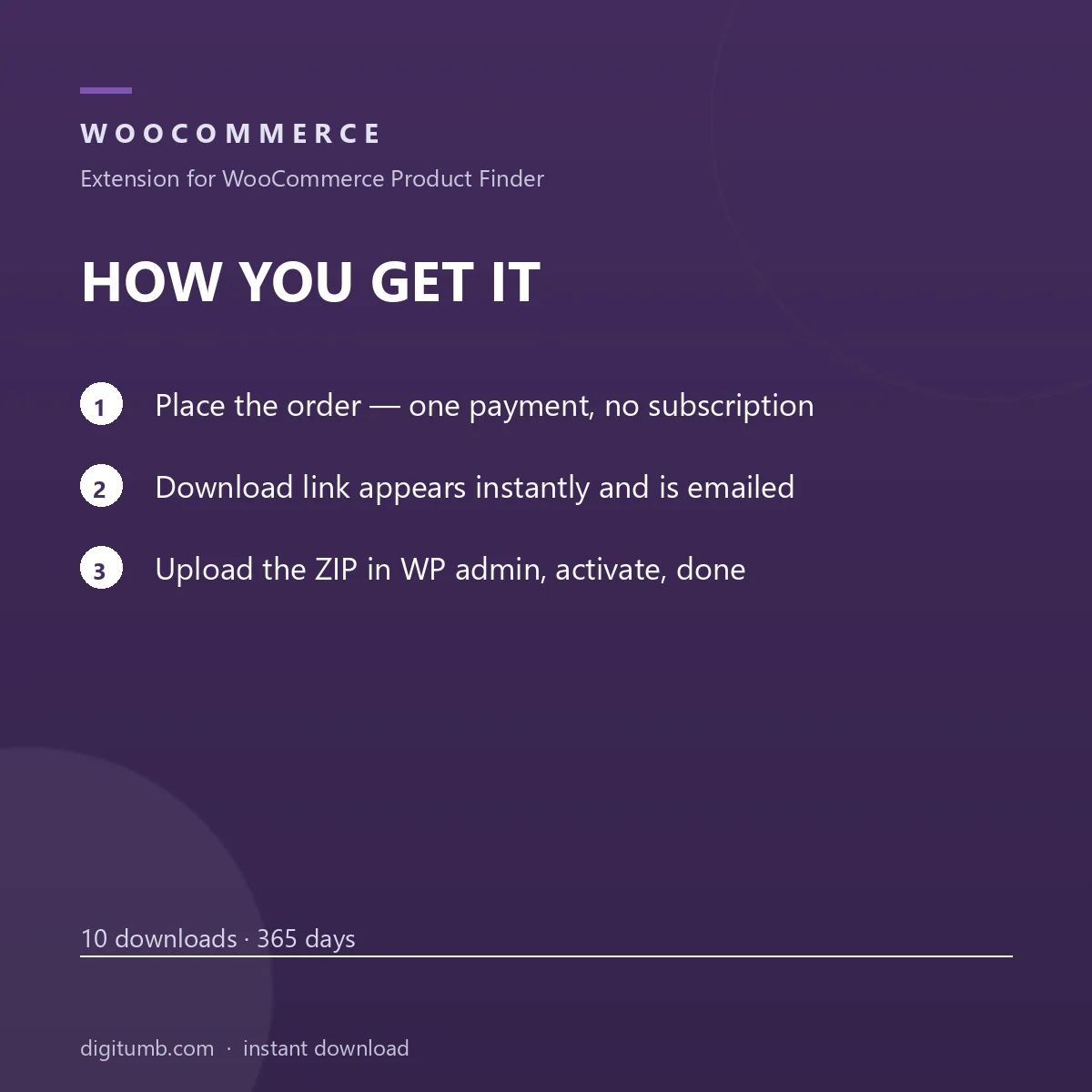
| Delivery | Instant ZIP download, 10 downloads, 365 days |
What shoppers can filter on with Product Finder
The plugin gives your shop a customisable Product Finder widget. In its settings you choose which criteria to include, and the form exposes them to the customer as a set of selectable options. Product Category is one of the criteria named in the settings, alongside product attributes that you add to the form.
You also decide which attribute is selected by default. The setting screen states that the attribute chosen there will be selected by default on the Product Finder form, so the widget opens with a sensible starting choice instead of an empty selector. Shoppers then move through the criteria and submit the form to see matching results.
How the Product Finder form behaves on the front end
Customers meet a search form built from the criteria you enabled. The form carries the label Select criteria, and when nothing has been chosen yet it shows Select criteria first, which tells the shopper to make a selection before results appear. Results are returned under the Search Results heading.
Because the widget is customisable, the set of criteria on the form is whatever you configure in the plugin settings. The same settings area links to the Product Finder for WooCommerce documentation, and the plugin's interface also points to opening a support ticket at WooCommerce.com.
Themes and page builders Product Finder works with
The plugin is built to integrate with most popular WordPress themes that support WooCommerce, so the finder can sit inside your existing shop design. Elementor is supported as well, which means you can place the finder's features on pages you build in Elementor.
On the server side, the plugin requires WordPress 5.6 or later and PHP 7.4 or later, and it is tested up to WordPress 7.1.3. The zip unpacks to the folders src, classes and i18n, and the i18n folder is where the translation files live.
What the $4.49 GPL build includes
You receive the same plugin files the developer ships, packaged as a GPL build. There is no vendor update channel and no vendor support desk attached to this purchase; the price is $4.49. Version 1.5.2 is the build in the zip, which is 0.1 MB.
If you need help after installing, the plugin's own interface links to the Product Finder for WooCommerce documentation and to the WooCommerce.com support ticket page. Those are the developer's public resources, not a support contract sold with this build.
What this build includes
| Attribute-based filtering | Choose which product attributes appear on the Product Finder form, so shoppers narrow the catalogue by the attributes your products actually use. |
|---|---|
| Product Category criterion | Include Product Category among the criteria so customers can restrict a search to the category they are shopping in. |
| Default attribute selection | Set the attribute that is selected by default when the Product Finder form loads, giving shoppers a starting point. |
| Customisable widget | Configure the widget's criteria from the plugin settings, so the finder shows only the options you want customers to use. |
| Search results output | Submitted criteria return matching products under a Search Results heading, and the form prompts Select criteria first until a choice is made. |
| Elementor compatibility | Use the finder's features inside Elementor-built pages, alongside support for most popular WooCommerce-ready themes. |
Installing it on a WordPress site
- Upload the plugin zip through your WordPress dashboard and activate it.
- Open the Product Finder for WooCommerce settings page from the plugin's settings link.
- Select which criteria to include, choose the default attribute, and save so the widget appears on your shop.
Latest changes
This build is version 1.5.2 of the plugin.
Frequently asked questions
What does WooCommerce Product Finder actually do for my shop?
It adds a search and filter form to your WooCommerce store. Customers choose criteria such as product category and attributes, submit the form, and see matching products. The aim is a shorter path from browsing to the product a shopper wants, which the developer ties to a better shopping experience and more chances of a sale.
Can I control which filters customers see?
Yes. The widget is customisable, and the settings screen asks you to select which criteria to include. You pick the attributes and the Product Category option that belong on the form, and you set which attribute is selected by default when the form first loads.
Does it work with my theme and with Elementor?
The plugin is designed to integrate with most popular WordPress themes that support WooCommerce, keeping the finder consistent with your shop's look. It is also compatible with Elementor, so you can use its features on Elementor-built pages.
What are the server requirements?
The plugin requires WordPress 5.6 or later and PHP 7.4 or later. It is tested up to WordPress 7.1.3. Check those versions on your host before installing, since an older PHP or WordPress install will not meet the stated requirements.
Do I get updates and support with this build?
This is a GPL build: you get the same files the developer ships, at $4.49, without a vendor update channel or a vendor support desk. The plugin's interface links to the Product Finder for WooCommerce documentation and to the WooCommerce.com support ticket page if you want to read the developer's public material.
What the GPL build means for you
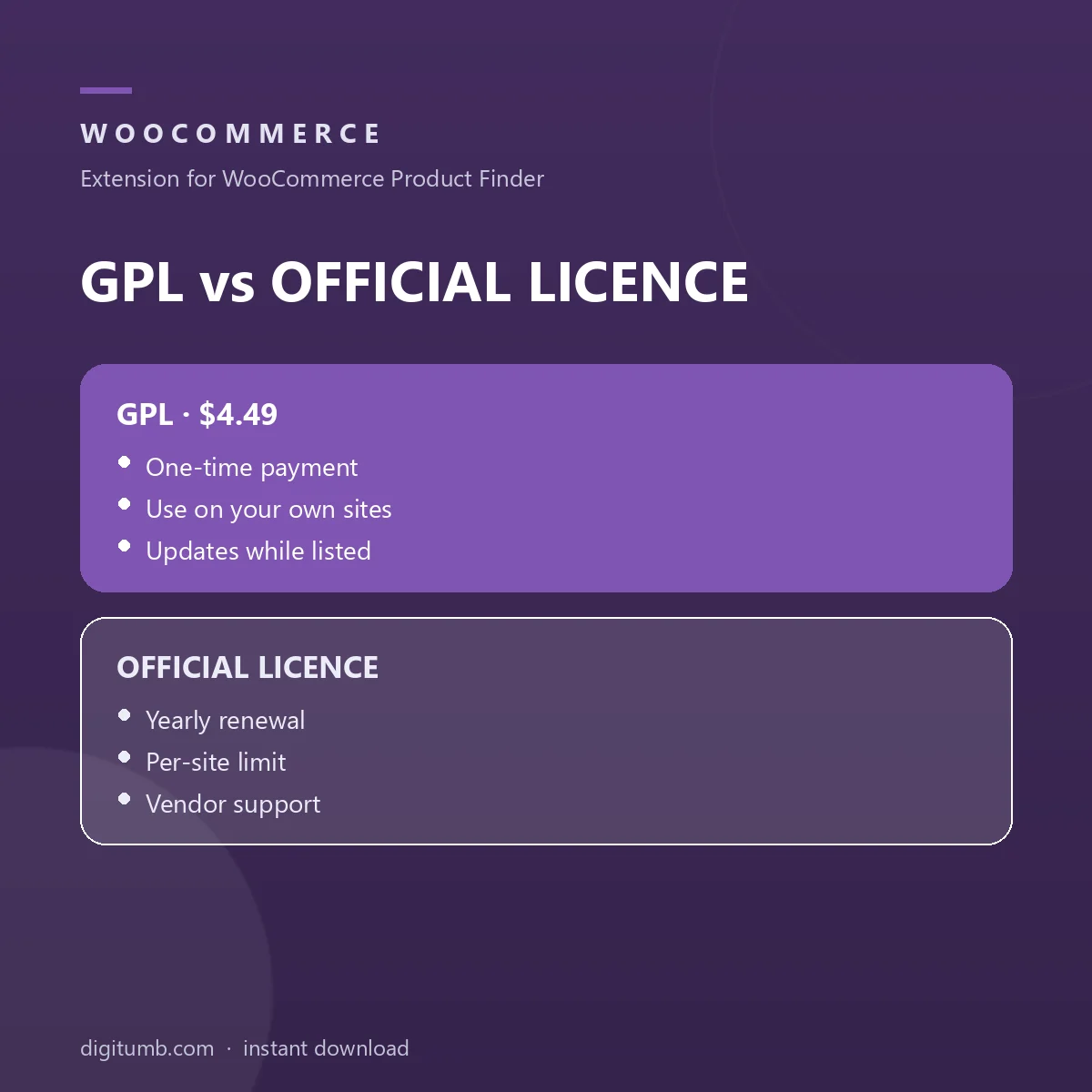
This is the same archive the developer publishes, redistributed under the GNU General Public License: you get the working files for $4.49 with no vendor update channel and no vendor support desk. If you need automatic updates or a support contract, buy the official license from the developer.
| This GPL build | Official license | |
|---|---|---|
| Price | $4.49 one time | Vendor subscription |
| Automatic updates | No | Yes |
| Developer support | No | Yes |
| Number of sites | Unlimited | Depends on plan |
Browse the rest of the WordPress plugins category or the full shop. The licence text is at GNU GPL v2, and general documentation is at WordPress.org.
You must be logged in to post a review.
You may also like…

Related products








Reviews
Clear filtersThere are no reviews yet.