



Bookly Pro Custom Fields Add On GPL
$4.49
Bookly Pro Custom Fields Add-on is a plugin extension for Bookly Pro that lets you add custom fields to your booking form.
Bookly Pro Custom Fields Add-on is a plugin extension for Bookly Pro that lets you add custom fields to your booking form. Businesses use it to collect specific information from clients during the appointment booking process, so each appointment request carries the details you actually need. This build ships the same files as the developer releases, with no vendor update channel and no vendor support desk, for $4.49.
| Product | bookly-pro-custom-fields-add-on |
|---|---|
| Version | 5.5 |
| Works with | WordPress 6.x+ / PHP 8.x+ |
| Tested up to | WordPress current |
| License | GPLv2 or later |
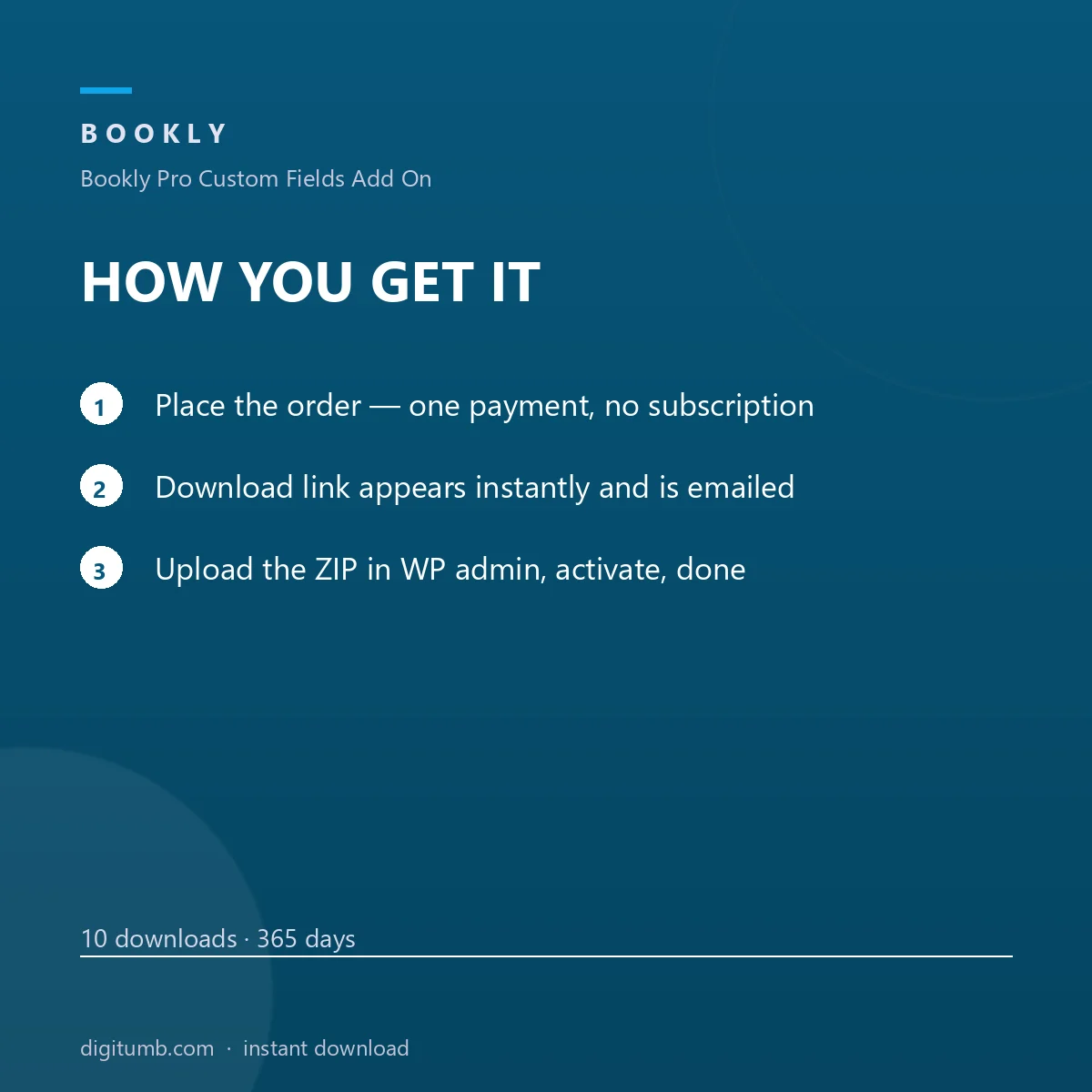
| Delivery | Instant ZIP download, 10 downloads, 365 days |
What Custom Fields Does This Add-on Add to a Bookly Pro Form
The add-on adds custom fields to the booking form itself. Rather than relying only on the inputs Bookly Pro presents by default, you can place additional fields that ask clients for the specific information your business needs at the moment they book an appointment. Those fields live inside the booking flow, so a client fills them in as part of requesting a slot.
Because the fields sit within the booking form, the details a client enters arrive together with the appointment request. The information stays attached to the booking instead of being collected somewhere separate, which makes it easier to read a booking and see exactly what the client told you.
The plugin is organised into three top-level folders in the zip: lib, backend and frontend. That split reflects how the add-on works: the backend side handles the field configuration inside your WordPress installation, the frontend side renders the fields on the booking form visitors see, and the lib folder holds the shared code both sides rely on.
How Custom Fields Work in WooCommerce Booking Forms
Bookly Pro Custom Fields Add-on is compatible with WooCommerce, allowing you to integrate custom fields into your WooCommerce booking forms. If your appointments are sold through WooCommerce rather than a standalone booking flow, the extra fields you configure still appear as part of that booking form.
This matters for stores that already run their appointments through a WooCommerce checkout. You keep the same custom questions in front of the client, and the answers travel with the booking rather than being gathered by a separate form or a manual follow-up email. The add-on does not replace WooCommerce; it extends the booking form inside it.
Displaying Custom Fields Correctly on the Astra Theme
Bookly Pro Custom Fields Add-on works well with the Astra theme, ensuring that your custom fields are displayed correctly across your site. If Astra is your active theme, the fields you add render as intended on the booking pages visitors use.
Theme compatibility matters for form fields because a field that renders badly is a field clients skip. With Astra, the custom fields display correctly across your site, so the questions you set up stay visible and readable wherever the booking form appears.
What You Receive With This GPL Build
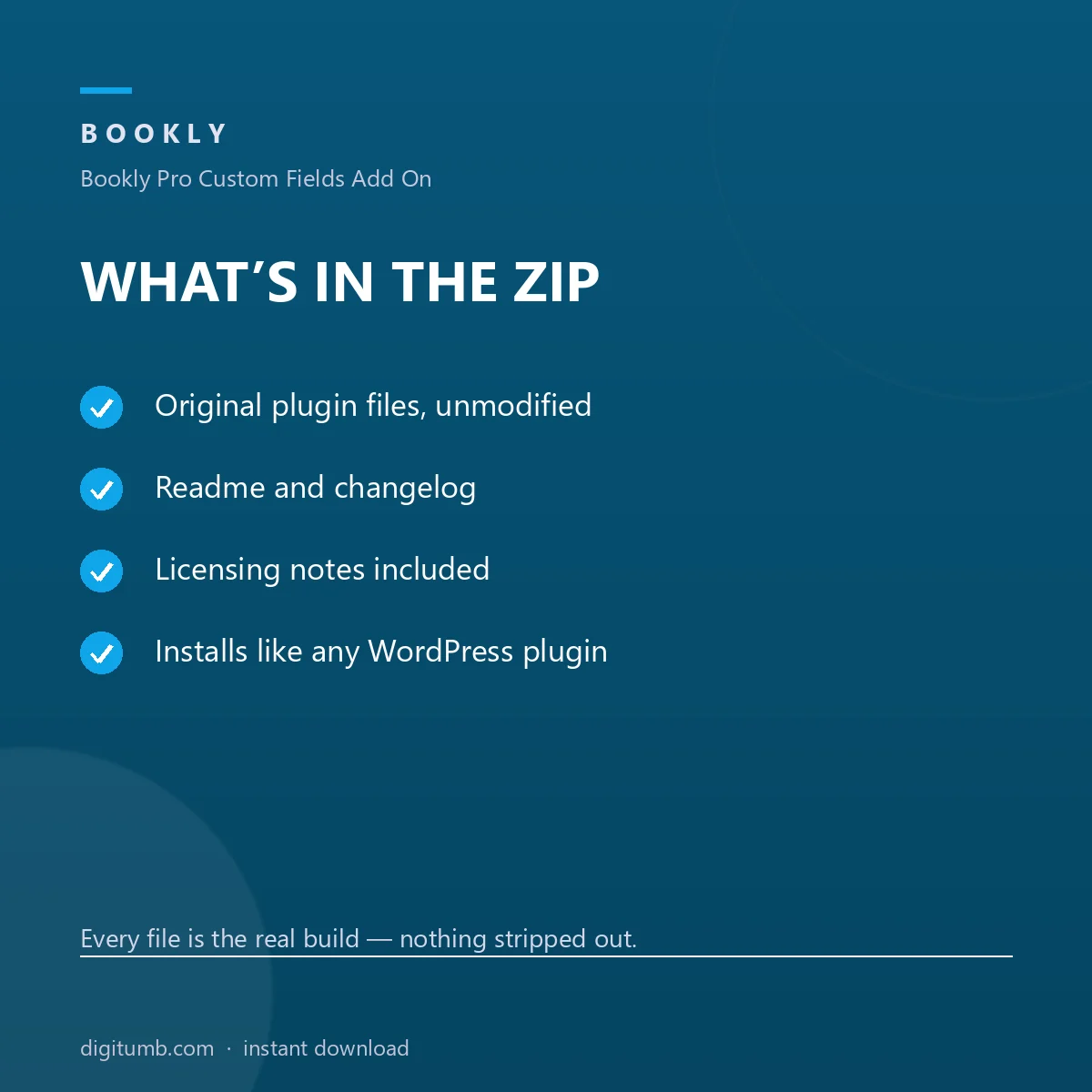
You receive the same files as the developer ships, packaged as a GPL build and priced at $4.49. The download is a zip file of 0.1 MB, containing the lib, backend and frontend folders described above.
There is no vendor update channel and no vendor support desk with this purchase. Updates and help come from your own WordPress maintenance routine rather than from the original developer. The version provided in this package is 5.5.
What this build includes
| Add custom fields to the booking form | Place extra fields on the Bookly Pro booking form so clients can supply information specific to your business while they book an appointment. |
|---|---|
| Collect client details during booking | Gather the specific information you need from clients at the point of appointment booking, with the answers attached to the booking itself. |
| WooCommerce booking form integration | Integrate custom fields into WooCommerce booking forms, keeping the same extra questions in a WooCommerce booking flow. |
| Astra theme compatibility | Custom fields display correctly across your site when the Astra theme is active, keeping the booking form readable for visitors. |
| Backend and frontend field handling | The zip separates backend, frontend and lib folders, covering field configuration in the admin and field rendering on the booking form. |
Installing it on a WordPress site
- Upload the plugin zip file through the WordPress plugins screen and activate Bookly Pro Custom Fields Add-on.
- Confirm that Bookly Pro is installed and active, since this add-on extends the Bookly Pro booking form.
- Open your Bookly Pro booking form settings and add the custom fields you want clients to fill in.
- If you sell appointments through WooCommerce, check the booking form there to confirm the custom fields appear in that flow as well.
Latest changes
Version 5.5 is the release provided in this package.
Frequently asked questions
What does Bookly Pro Custom Fields Add-on do?
It allows users to add custom fields to the booking form, enabling businesses to collect specific information from clients during the appointment booking process. The fields become part of the booking flow in Bookly Pro, so the answers arrive with the appointment request.
Is this add-on compatible with WooCommerce?
Yes. The add-on is compatible with WooCommerce, allowing you to integrate custom fields into your WooCommerce booking forms. The extra fields appear in the WooCommerce booking flow alongside your other booking details, so you do not need a separate form to gather them.
Will the custom fields display correctly with the Astra theme?
Yes. Bookly Pro Custom Fields Add-on works well with the Astra theme, ensuring that your custom fields are displayed correctly across your site. The form stays consistent for visitors on Astra, so the questions you configure remain visible on the booking pages.
How is this build licensed and supported?
You receive the same files as the developer ships, distributed as a GPL build for $4.49. There is no vendor update channel and no vendor support desk included with this purchase, so plan on handling updates and troubleshooting through your own WordPress maintenance routine.
What is in the zip file and how large is it?
The zip file is 0.1 MB. Inside you find three top-level folders: lib, backend and frontend. The backend folder covers the admin side of field configuration, the frontend folder renders the fields on the booking form, and lib holds the shared code.
Does this add-on work without Bookly Pro?
The add-on extends the Bookly Pro booking form, so it is built to work alongside Bookly Pro. Confirm that Bookly Pro is installed and active before you configure your custom fields, otherwise there is no booking form for the add-on to add fields to.
What the GPL build means for you
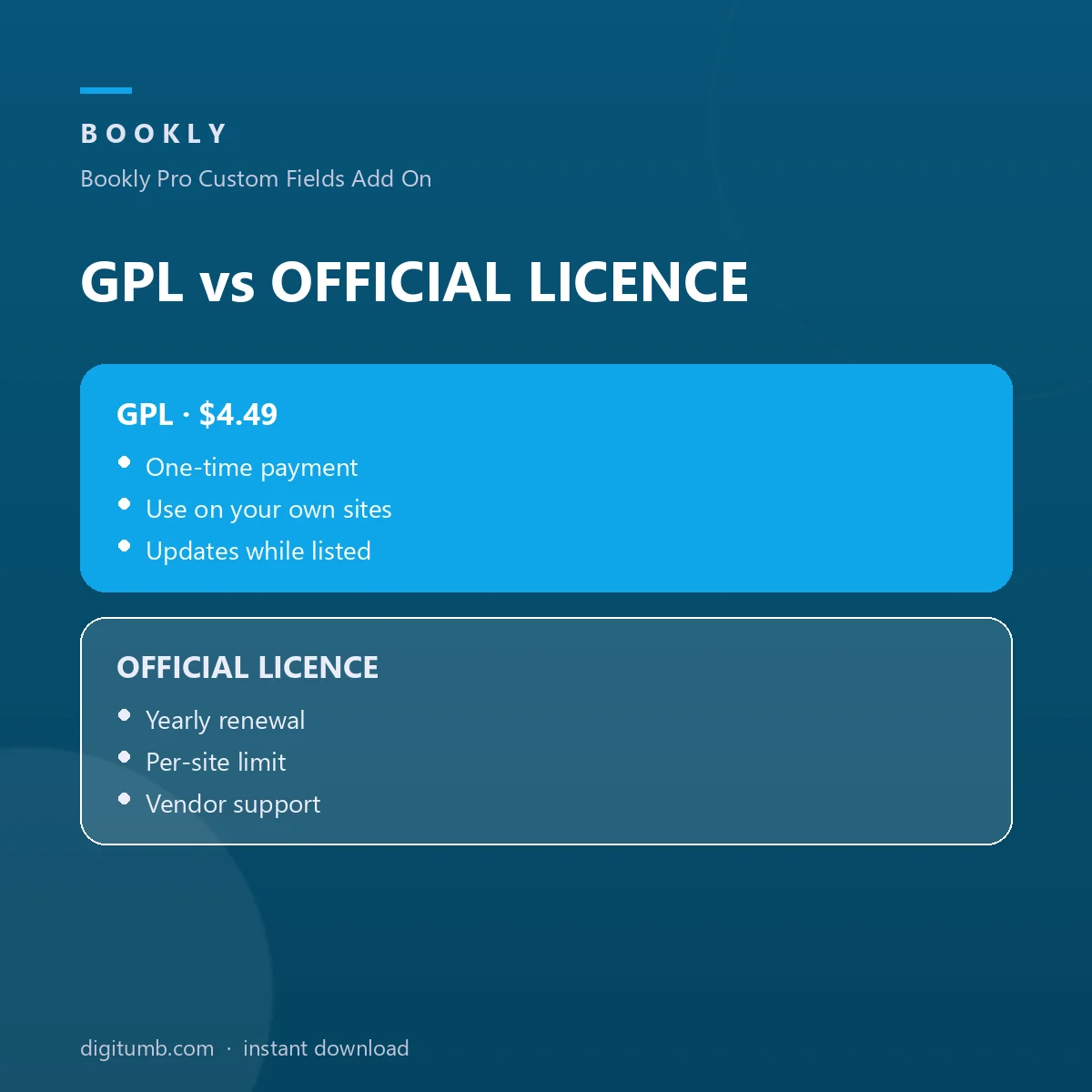
This is the same archive the developer publishes, redistributed under the GNU General Public License: you get the working files for $4.49 with no vendor update channel and no vendor support desk. If you need automatic updates or a support contract, buy the official license from the developer.
| This GPL build | Official license | |
|---|---|---|
| Price | $4.49 one time | Vendor subscription |
| Automatic updates | No | Yes |
| Developer support | No | Yes |
| Number of sites | Unlimited | Depends on plan |
Browse the rest of the WordPress plugins category or the full shop. The licence text is at GNU GPL v2, and general documentation is at WordPress.org.
You must be logged in to post a review.
You may also like…









Reviews
Clear filtersThere are no reviews yet.