


Bulk Edit Products for WooCommerce – WP Sheet Editor Premium GPL
$4.49
Bulk Edit Products for WooCommerce – WP Sheet Editor is a WooCommerce products bulk editor that shows your catalog as a spreadsheet table inside wp-admin.
Bulk Edit Products for WooCommerce – WP Sheet Editor is a WooCommerce products bulk editor that shows your catalog as a spreadsheet table inside wp-admin. You can view all products on a single page, edit fields inline, and bulk create products quickly. Free editing covers simple products: title, description, SKU, stock quantity, stock status, manage stock, regular price, sale price and virtual flag, while all product information stays visible in the grid.
| Product | Bulk Edit Products for WooCommerce – WP Sheet Editor |
|---|---|
| Version | 1.8.23 |
| Works with | WordPress 4.7+ / PHP 8.x+ |
| Tested up to | WordPress 7.1 |
| License | GPLv2 or later |
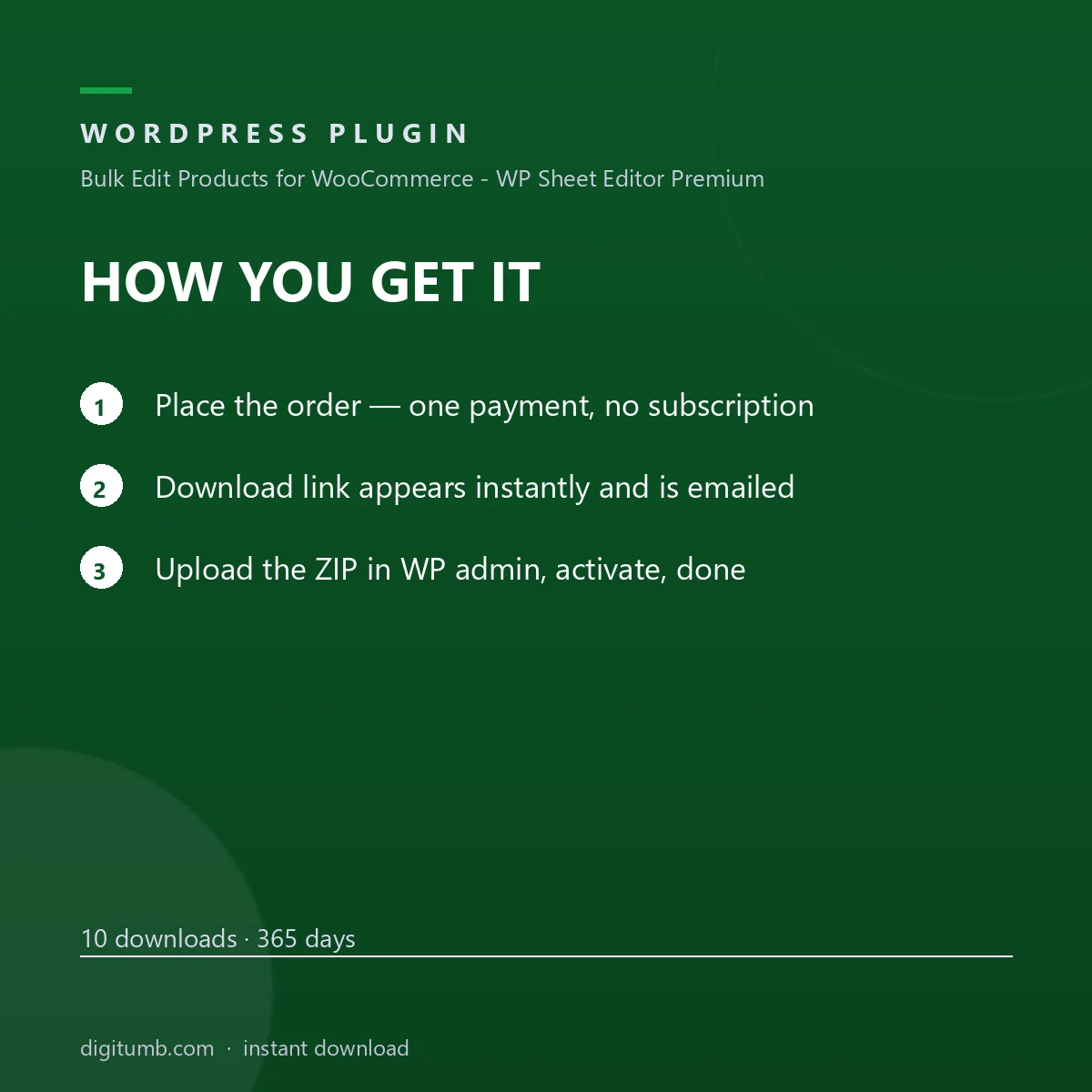
| Delivery | Instant ZIP download, 10 downloads, 365 days |
How the spreadsheet editor handles product data in wp-admin
The plugin opens a spreadsheet view of your WooCommerce products inside the WordPress admin, so you see every product in one table instead of opening each product edit screen. Changes made in the in-admin spreadsheet apply live. You can search products by keyword, status and author, and narrow the list with multiple fields and conditions such as category and stock level using operators like =, LIKE and NOT IN.
For stores that prefer working outside the dashboard, you can edit the same data in Excel or Google Sheets and import the changes back into the store.
Which product fields can you edit in the free version
The free build edits simple products and lets you change the product title, description, SKU, stock quantity, stock status, manage stock, regular price, sale price and the virtual flag. All product information is visible in the spreadsheet even when a field is not editable there.
Editing is built for volume: you can copy settings from one product into many products and update hundreds of products from a spreadsheet table rather than one record at a time.
Creating products in bulk and updating many rows at once
Bulk creation is part of the workflow: fill rows in the spreadsheet and create a lot of products quickly. A formulas engine lets you update many products at once, including replacing values in any field.
You can set the number of posts saved per batch and the waiting time between batches, so the same editor can run on cheap or shared servers.
Product types, attributes and variations in the premium feature set
The full feature set edits all product types, including Simple, Variable, Variations, External products, Subscription products and Membership products. All product fields are editable, including Gallery Images, Attributes, Variations and Custom Fields added by other plugins, and you can create new columns for new fields.
Variations are visible in the spreadsheet, can be created in bulk, and variation and attribute settings can be copied from one product to multiple products. Downloadable files can also be copied between products and updated in bulk.
What this build includes
| Single-page product view | See all WooCommerce products in one spreadsheet table inside wp-admin instead of opening each product individually. |
|---|---|
| Live inline editing | Edit product fields directly in the in-admin spreadsheet, where changes apply live to the store. |
| Bulk product creation | Create many products quickly by filling rows in the spreadsheet rather than using the standard product form repeatedly. |
| Keyword, status and author search | Search products by keyword, status and author to narrow a large catalog before editing. |
| Multi-condition advanced search | Combine several fields and conditions, such as category and stock level, with operators including =, LIKE and NOT IN. |
| Copy settings between products | Copy settings from one product into many products to avoid repeating the same configuration. |
| Excel and Google Sheets round trip | Edit product data in Excel or Google Sheets and import the changes back into the store. |
| Formulas engine | Update large numbers of products quickly, including replacing values in any field. |
| Batch saving controls | Set the number of posts saved per batch and the waiting time between batches to suit shared hosting. |
| Variation and attribute bulk work | View variations in the spreadsheet, create variations in bulk, and copy variations and attributes across multiple products. |
Installing it on a WordPress site
- Automatic install: log in to WordPress, go to Plugins > Add New, search for the plugin name, then click Install Now and activate.
- Manual install: download the plugin zip and upload it to your web server with your FTP application, following the WordPress manual plugin installation instructions.
- Open the WP Sheet Editor – WooCommerce Products screen in wp-admin to load your products into the spreadsheet.
Latest changes
Version 1.8.23 updates the Freemius SDK and fixes formula append/prepend edits with multiple taxonomy terms plus ACF checkbox handling.
Frequently asked questions
Which fields can I edit without the premium version?
The free version edits simple products only and covers the product title, description, SKU, stock quantity, stock status, manage stock, regular price, sale price and the virtual flag. You can still view all the fields in the spreadsheet. The premium version edits all fields, including custom fields, and lets you create new columns for new fields.
Can this run on cheap or shared hosting?
Yes. You can configure the number of posts saved per batch and the waiting time between batches. Adjusting those settings lets the plugin work on any server, including shared environments.
Do I have to work inside WordPress?
No. You can edit in the spreadsheet inside wp-admin, where changes apply live, or edit in Excel or Google Sheets and import the changes. Both routes use the same product data.
How does the GPL build compare to buying from the developer?
You receive the same files the developer ships, distributed under the GPL, for $4.49. There is no vendor update channel and no vendor support desk with this build, so updates and assistance come from the GPL distribution rather than the original developer.
What does version 1.8.23 change?
Version 1.8.23 updates the Freemius SDK to the latest version, fixes append and prepend bulk edits in formulas when adding multiple taxonomy terms, and improves handling of ACF checkboxes.
What the GPL build means for you
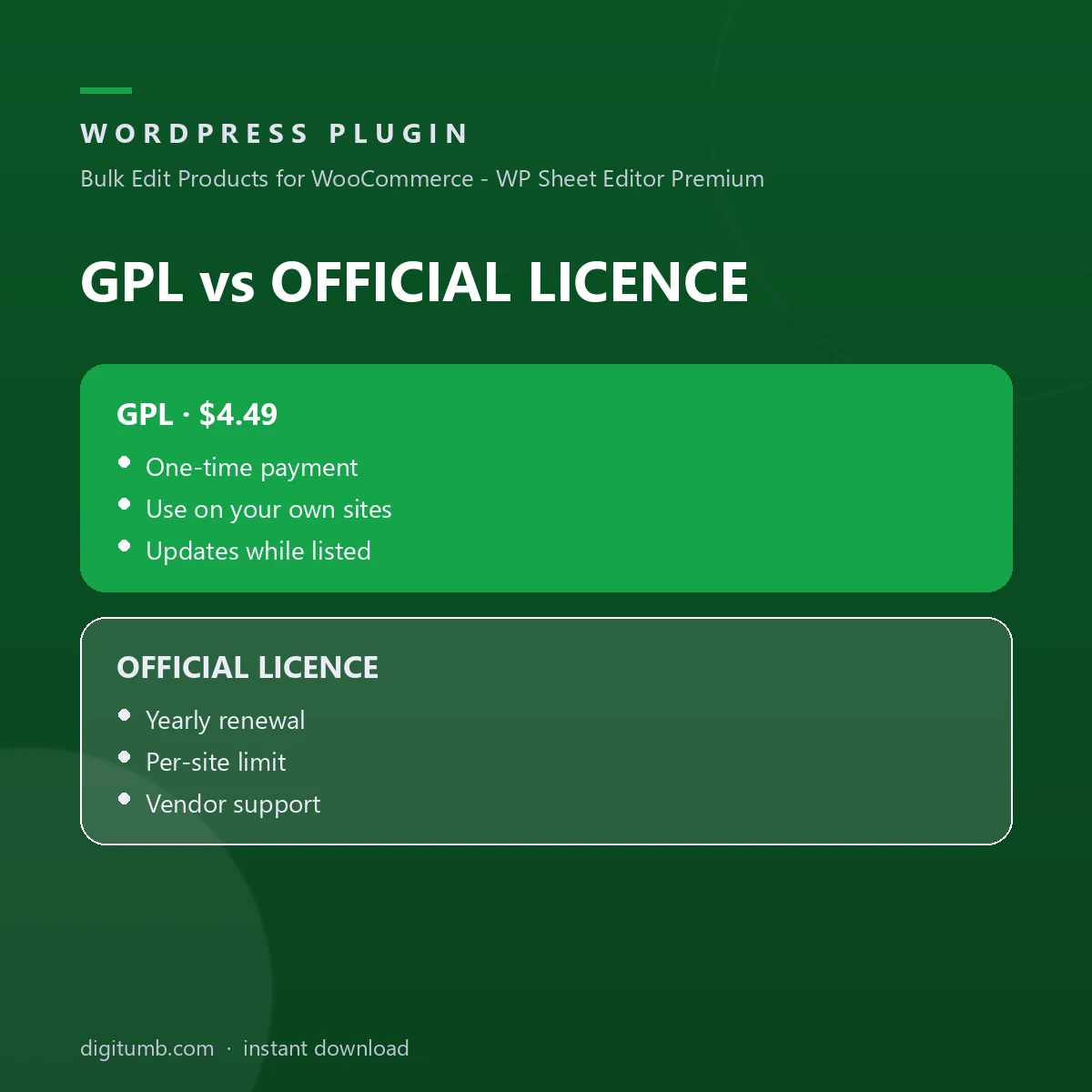
This is the same archive the developer publishes, redistributed under the GNU General Public License: you get the working files for $4.49 with no vendor update channel and no vendor support desk. If you need automatic updates or a support contract, buy the official license from the developer.
| This GPL build | Official license | |
|---|---|---|
| Price | $4.49 one time | Vendor subscription |
| Automatic updates | No | Yes |
| Developer support | No | Yes |
| Number of sites | Unlimited | Depends on plan |
Browse the rest of the WordPress plugins category or the full shop. The licence text is at GNU GPL v2, and general documentation is at WordPress.org.
You must be logged in to post a review.
You may also like…

Related products







Reviews
Clear filtersThere are no reviews yet.