




Bulk Actions PRO for Gravity Forms Jetsloth GPL
$4.49
Bulk Actions PRO for Gravity Forms is a WordPress plugin that adds bulk field management to the Gravity Forms form editor.
Bulk Actions PRO for Gravity Forms is a WordPress plugin that adds bulk field management to the Gravity Forms form editor. It lets you select all, none or an inverted set of fields in one click, then edit labels, class names and required status across the selection, duplicate or delete multiple fields, drag and drop them into a new order, and copy groups of fields into another form. The build sold here is the GPL release, version 1.4.9, in a 0.1 MB zip.
| Product | Bulk Actions PRO for Gravity Forms |
|---|---|
| Version | 1.4.9 |
| Works with | WordPress 4.0+ / PHP 8.x+ |
| Tested up to | WordPress 7.1.2 |
| License | GPLv2 or later |
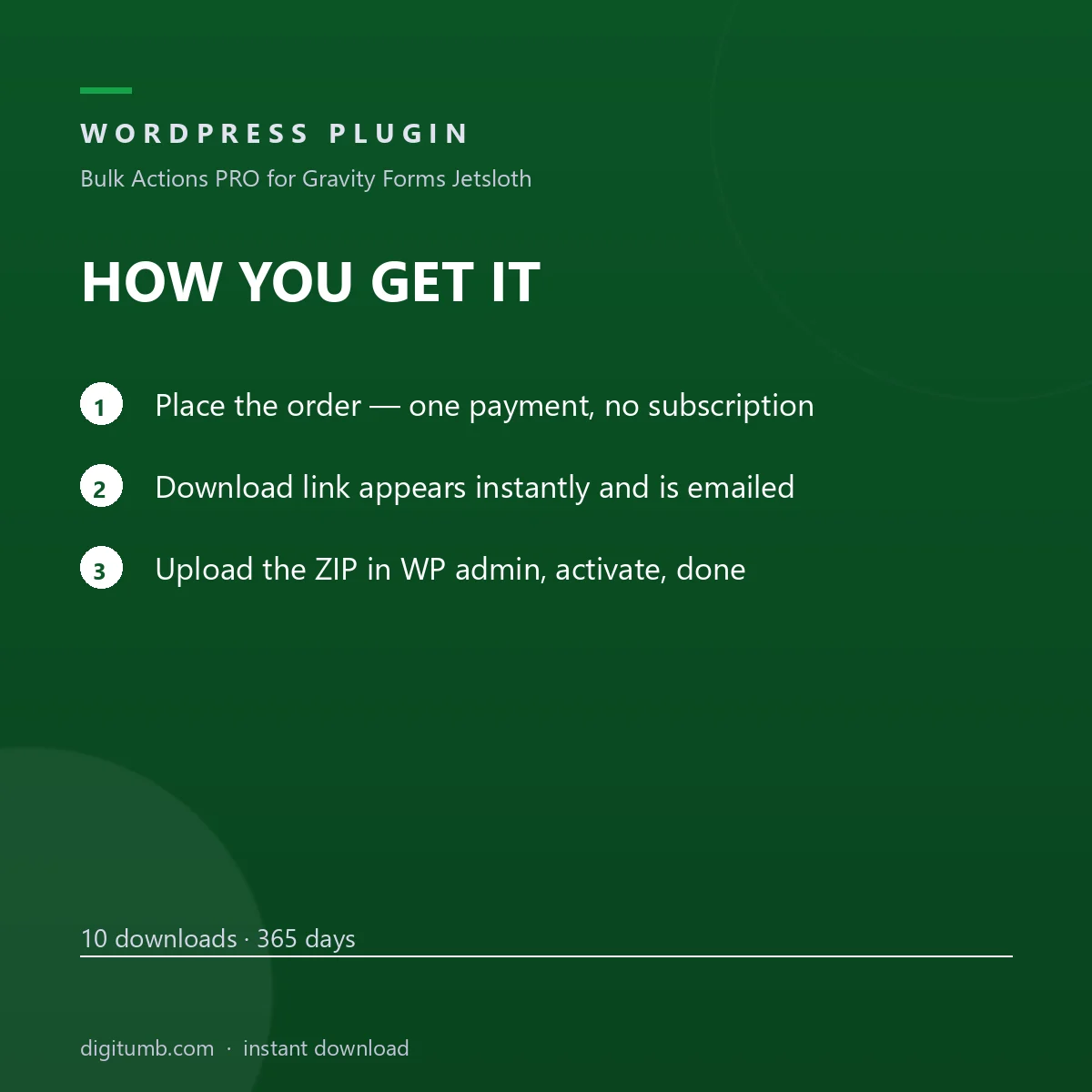
| Delivery | Instant ZIP download, 10 downloads, 365 days |
How bulk field selection works inside the Gravity Forms editor
Selection is the starting point for every other action in the plugin. From the form editor you get one-click options to select all fields, select none, or invert the current selection. That means a form with many fields does not need to be handled field by field when you want to apply the same change to most of them.
Once the fields you need are selected, the bulk actions become available for that set. The plugin is reached through the Forms > Bulk Actions PRO menu, through quick links in the Forms section, or from the toolbar while you are inside the form editor.
What can you change across several fields at once?
Bulk edit applies quick editing options to the selected fields. You can edit individual field labels, add field class names, and set the required status across multiple fields in one pass. If the same option should apply to every field, the selection covers all of them.
The same selection also supports deleting and duplicating. Multi-select any form fields and duplicate them inline to streamline your Gravity Forms workflow, or remove several fields together instead of one at a time.
Reordering fields and copying them to other forms
The reorder function supports drag and drop of individual or multiple form fields. Select one field or all of them and move the group into the order you want, so field order changes do not require repeated single-field drags.
Copy to form moves a group of fields from one form into a new or existing form. It is aimed at users who reuse similar field sets across a number of Gravity Forms, since a new form can be built from fields that already exist elsewhere.
Gravity Forms version requirement and GPL build details
Gravity Forms must be installed and active for this plugin to work. The plugin's FAQ states a minimum of Gravity Forms v2.6, while the installation notes mention at least v4.0; check your installed Gravity Forms version before relying on either figure. WordPress 4.0 is the stated minimum, tested up to WordPress 7.1.2.
This is a GPL build: you receive the same files the developer ships, with no vendor update channel and no vendor support desk. The price is $4.49. The download is version 1.4.9 and the zip is 0.1 MB, containing the css, lib, js, edd and images folders.
What this build includes
| One-click select all, none or invert | Select every field in the form, clear the selection, or invert it so unselected fields become selected, without clicking each field. |
|---|---|
| Bulk label editing | Edit field labels across the selected fields in a single bulk operation instead of opening each field's settings. |
| Bulk class names | Add field class names to multiple selected fields at once, so styling hooks can be applied to a group. |
| Bulk required status | Set the required status across several fields together, or apply the same option to all fields in the form. |
| Inline duplication | Multi-select form fields and duplicate them inline, keeping the copies inside the same form editor. |
| Multi-field delete | Remove several selected fields from a form in one action rather than deleting them individually. |
| Drag-and-drop reordering | Reorder one field or a whole selection by drag and drop, placing fields in the order you want in seconds. |
| Copy fields to another form | Copy a group of fields into a new or existing form, reusing field sets you already built across your Gravity Forms. |
Installing it on a WordPress site
- Upload the 'bulk-actions-pro-for-gravity-forms' folder to the '/wp-content/plugins/' directory.
- Activate the plugin through the Plugins menu in WordPress, with Gravity Forms active.
- Enter your license key in the Bulk Actions PRO settings tab under Forms > Settings, then open Forms > Bulk Actions PRO, the Forms quick links, or the form editor toolbar.
Frequently asked questions
Do I need Gravity Forms installed to use this plugin?
Yes. The plugin relies on Gravity Forms and will not work without it. The plugin FAQ gives a minimum of Gravity Forms v2.6, and the installation steps mention at least v4.0, so confirm which applies to your setup before installing.
Can I change several field labels and class names in one go?
Yes. After selecting multiple fields, bulk edit lets you edit individual field labels, add field class names, and set the required status across the selected fields, including applying the same option to every field.
How does copying fields to another form work?
The Copy to form function takes a group of fields from one form and places them into a new or existing form. It is intended for users who reuse similar form fields across a number of Gravity Forms.
Where do I find the bulk actions in the WordPress admin?
There are three routes: the Forms > Bulk Actions PRO menu, the quick links in the Forms section, and the toolbar shown while you are inside the form editor. A license key is entered first under Forms > Settings.
What WordPress version does the plugin support?
The stated minimum is WordPress 4.0, and the plugin is tested up to WordPress 7.1.2. The zip contains the css, lib, js, edd and images folders and is 0.1 MB in size.
What the GPL build means for you
This is the same archive the developer publishes, redistributed under the GNU General Public License: you get the working files for $4.49 with no vendor update channel and no vendor support desk. If you need automatic updates or a support contract, buy the official license from the developer.
| This GPL build | Official license | |
|---|---|---|
| Price | $4.49 one time | Vendor subscription |
| Automatic updates | No | Yes |
| Developer support | No | Yes |
| Number of sites | Unlimited | Depends on plan |
Browse the rest of the WordPress plugins category or the full shop. The licence text is at GNU GPL v2, and general documentation is at WordPress.org.
You must be logged in to post a review.
You may also like…

Related products









Reviews
Clear filtersThere are no reviews yet.