




WP E Signature Business Add Ons Included GPL
$4.49
WP E-Signature (Business Add-ons included) is a WordPress plugin for creating, sending and managing electronic signatures for contracts and agreements from inside your own site.
WP E-Signature (Business Add-ons included) is a WordPress plugin for creating, sending and managing electronic signatures for contracts and agreements from inside your own site. Documents are signed securely and are legally binding, so you can run a signing workflow without sending customers to a third-party tool. This build bundles the Business add-ons and is compatible with WooCommerce and Elementor.
| Product | wp-e-signature-business-add-ons-included |
|---|---|
| Version | 2.0 |
| Works with | WordPress 6.x+ / PHP 8.x+ |
| Tested up to | WordPress current |
| License | GPLv2 or later |
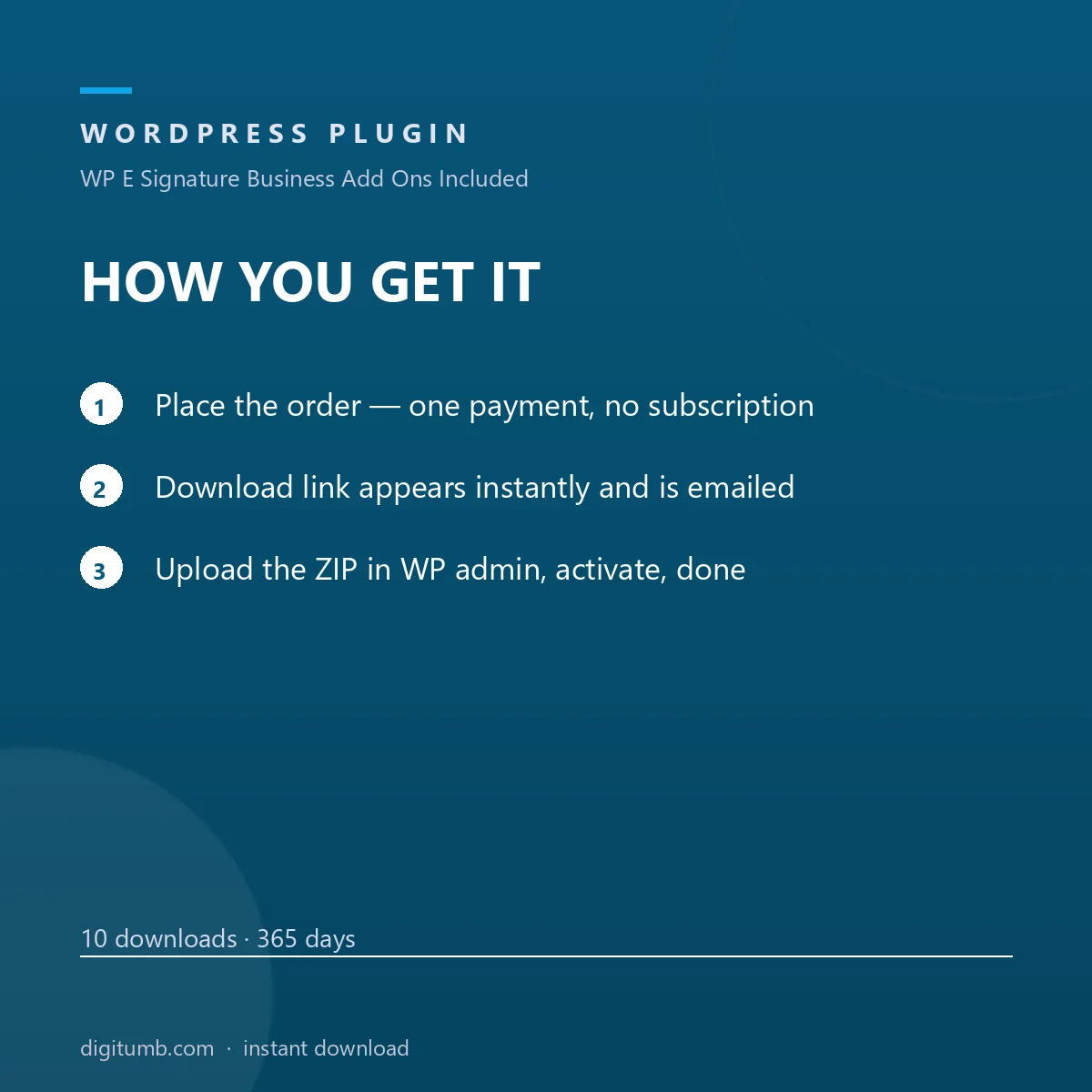
| Delivery | Instant ZIP download, 10 downloads, 365 days |
How signing works inside your WordPress site
The plugin handles the full loop of an agreement: you create the document, send it to the signer, and manage the signed result from your WordPress dashboard. Nothing in that loop requires a separate signing account, because the signature request is generated and tracked by the plugin on your installation.
Because the documents are signed securely and are legally binding, the output is not a placeholder image or a checkbox. It is a signature record attached to the contract or agreement the signer received.
Sending contracts after a WooCommerce purchase
WooCommerce compatibility means a contract can be sent for signature once a purchase is made. That fits stores selling services, licences or anything that needs a signed agreement before work starts, without a manual step between the order and the signature request.
The plugin and WooCommerce work together in the same WordPress install, so order data and the signature request live in one place rather than in two systems that have to be reconciled.
Building signature request layouts with Elementor
Elementor compatibility lets you build custom layouts for your signature requests and documents. The page a signer sees can be styled with the same builder you use for the rest of the site, instead of being locked to a fixed template.
That matters when the signing step is part of a branded sales or onboarding flow and the document presentation should match the rest of the site.
What this build includes
| Create e-signature documents | Build contracts and agreements inside WordPress and prepare them for electronic signature without leaving the dashboard. |
|---|---|
| Send signature requests | Send prepared documents to signers so they can sign electronically, with the request managed from your WordPress site. |
| Manage signed agreements | Track and manage the e-signatures collected for your contracts and agreements from within the plugin. |
| Legally binding signatures | Documents are signed securely and are legally binding, so signed agreements carry real weight rather than acting as acknowledgements. |
| WooCommerce contract sending | Send a contract for signature after a purchase is made, connecting the order step to the signing step in the same store. |
| Elementor layout support | Design custom layouts for signature requests and documents with Elementor so the signing page matches your site. |
| Business add-ons included | This build ships with the Business add-ons included, so the extended Business feature set is part of the package. |
Installing it on a WordPress site
- Upload the plugin zip file through the WordPress Plugins screen and activate WP E-Signature.
- Confirm the Business add-ons are active, then create your first contract or agreement document.
- Send a signature request and, if you sell with WooCommerce, connect it to the purchase step.
Frequently asked questions
What can I do with WP E-Signature on my WordPress site?
You can create, send and manage electronic signatures for contracts and agreements directly within WordPress. Documents are signed securely and are legally binding, so the signing process stays on your own installation instead of moving to a separate signing service.
Does WP E-Signature work with WooCommerce?
Yes. WooCommerce compatibility lets you send contracts for signature after a purchase is made, which streamlines the sales process for stores that need a signed agreement attached to an order.
Can I design the signing page with Elementor?
Yes. WP E-Signature works with Elementor, so you can create custom layouts for your signature requests and documents and keep the signing step visually consistent with the rest of your site.
What exactly is in this GPL build?
You get the same plugin files the developer ships, with the Business add-ons included, for $4.49. There is no vendor update channel and no vendor support desk attached to this build.
How large is the download?
The plugin package is version 2.0 and the zip file is 13.0 MB, so it installs through the standard WordPress plugin uploader.
What the GPL build means for you
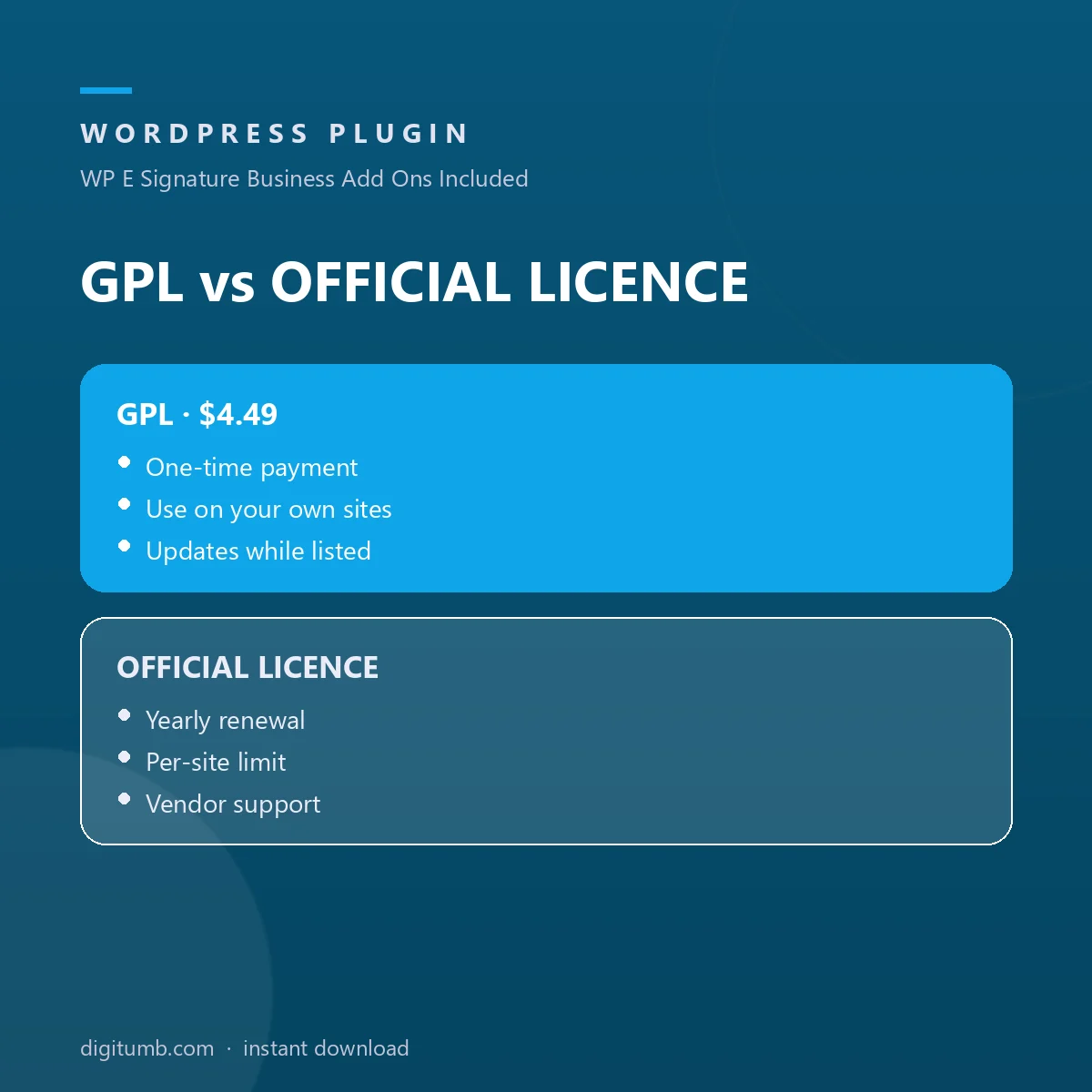
This is the same archive the developer publishes, redistributed under the GNU General Public License: you get the working files for $4.49 with no vendor update channel and no vendor support desk. If you need automatic updates or a support contract, buy the official license from the developer.
| This GPL build | Official license | |
|---|---|---|
| Price | $4.49 one time | Vendor subscription |
| Automatic updates | No | Yes |
| Developer support | No | Yes |
| Number of sites | Unlimited | Depends on plan |
Browse the rest of the WordPress plugins category or the full shop. The licence text is at GNU GPL v2, and general documentation is at WordPress.org.
You must be logged in to post a review.
You may also like…

Related products









Reviews
Clear filtersThere are no reviews yet.