

Woocommerce Cart Add Ons – WordPress Plugin
$4.49
WooCommerce Cart Add-ons is a plugin that presents additional products, discounts or promotions to customers inside the WooCommerce cart page. Store owners define the add-ons that appear, set how.
WooCommerce Cart Add-ons is a plugin that presents additional products, discounts or promotions to customers inside the WooCommerce cart page. Store owners define the add-ons that appear, set how many upsells show, and choose whether the display uses thumbnails, titles or titles with prices. The result is a cart page that offers a cross-sell before checkout instead of a single list of items.
| Product | woocommerce-cart-add-ons |
|---|---|
| Version | 2.3.2 |
| Works with | WordPress 6.x+ / PHP 8.x+ |
| Tested up to | WordPress current |
| License | GPLv2 or later |
| Delivery | Instant ZIP download, 10 downloads, 365 days |
What appears in the cart with Cart Add-ons active
The plugin adds a section to the WooCommerce cart page where chosen products, discounts or promotions are offered to the shopper. You control what is offered from the plugin settings, so the cart can show cross-selling items that match the products already in the basket.
Display is configurable. The settings screen offers Product Thumbnails, Product Thumbnails with Title, Product Thumbnails with Title and Price, Product Titles, and Product Titles with Price, so the add-on block can be as visual or as compact as the cart layout allows.
Targeting add-ons by product, category or variation
Product Add-ons can be matched to specific products through a product search field, and category rules can be added with the + Add Category control. The plugin also reads the categories of all variable products in the cart, so variation products can take part in the matching.
An include variations option lets variation products be considered when add-ons are matched. Two areas, Product Matches and Category Matches, hold the rules you define, and a No add-ons defined message appears while the list is still empty.
Limits, buttons and shortcode placement
A Max. Products to Show setting caps the number of upsells displayed in the cart. The Add to Cart button setting controls the button shown beside each add-on, and the Update Settings button saves changes with a Settings updated confirmation.
Beyond the cart page, shortcodes can be used on any page or post. The plugin can use your theme's template, or be called directly in your theme, giving two ways to place the add-on block outside the default cart location.
What this build includes
| Cart-page cross-selling | Present additional products, discounts or promotions to customers inside the WooCommerce cart page, before they reach checkout. |
|---|---|
| Five display styles | Choose between product thumbnails, thumbnails with title, thumbnails with title and price, titles only, or titles with price. |
| Upsell limit | Set the maximum number of upsells shown in the cart with the Max. Products to Show field. |
| Product and category matching | Search for a product to add a Product Match, or add category rules through + Add Category, with separate Category Matches and Product Matches areas. |
| Variable product awareness | The plugin reads the categories of all variable products in the cart and offers an include variations option for matching. |
| Add to Cart button control | Decide how the Add to Cart button is presented next to each offered add-on using the dedicated button setting. |
| Shortcode placement | Use shortcodes on any page or post, or call the add-on display directly in your theme, and choose whether to use your theme's template. |
Installing it on a WordPress site
- Upload the plugin zip through Plugins > Add New > Upload Plugin in WordPress, then activate WooCommerce Cart Add-ons.
- Open the WooCommerce Cart Add-Ons settings screen and define your add-ons: search for a product, add category rules with + Add Category, and enable include variations if variation products should be matched.
- Set Max. Products to Show, pick a display style such as Product Thumbnails with Title and Price, configure the Add to Cart button, and press Update Settings.
Latest changes
This page covers WooCommerce Cart Add-ons version 2.3.2, distributed as a 0.1 MB GPL zip.
Frequently asked questions
Where do the add-ons actually appear?
They are shown on the WooCommerce cart page, presenting additional products, discounts or promotions to the customer in the cart. The same block can also be placed elsewhere with shortcodes on any page or post, or called directly in your theme, with the option to use your theme's template.
Can I limit how many upsells the cart shows?
Yes. The settings screen includes a Max. Products to Show field that sets the maximum number of upsells displayed in the cart, so the cart page stays within the number of offers you choose.
Does it work with variable products?
The plugin reads the categories of all variable products in the cart, and an include variations option is available when matching add-ons, so variation products can be part of the rules you define.
Will it conflict with my other WooCommerce extensions?
WooCommerce Cart Add-ons is designed to work with other WooCommerce extensions, so store functionality can be extended without conflicts. It is compatible with most popular WordPress themes, especially those built for WooCommerce, and integrates with your site's design.
What do I receive for $4.49?
You receive the GPL build of WooCommerce Cart Add-ons version 2.3.2 as a 0.1 MB zip, containing the same files the developer ships. There is no vendor update channel and no vendor support desk with this build; the price is $4.49.
What the GPL build means for you
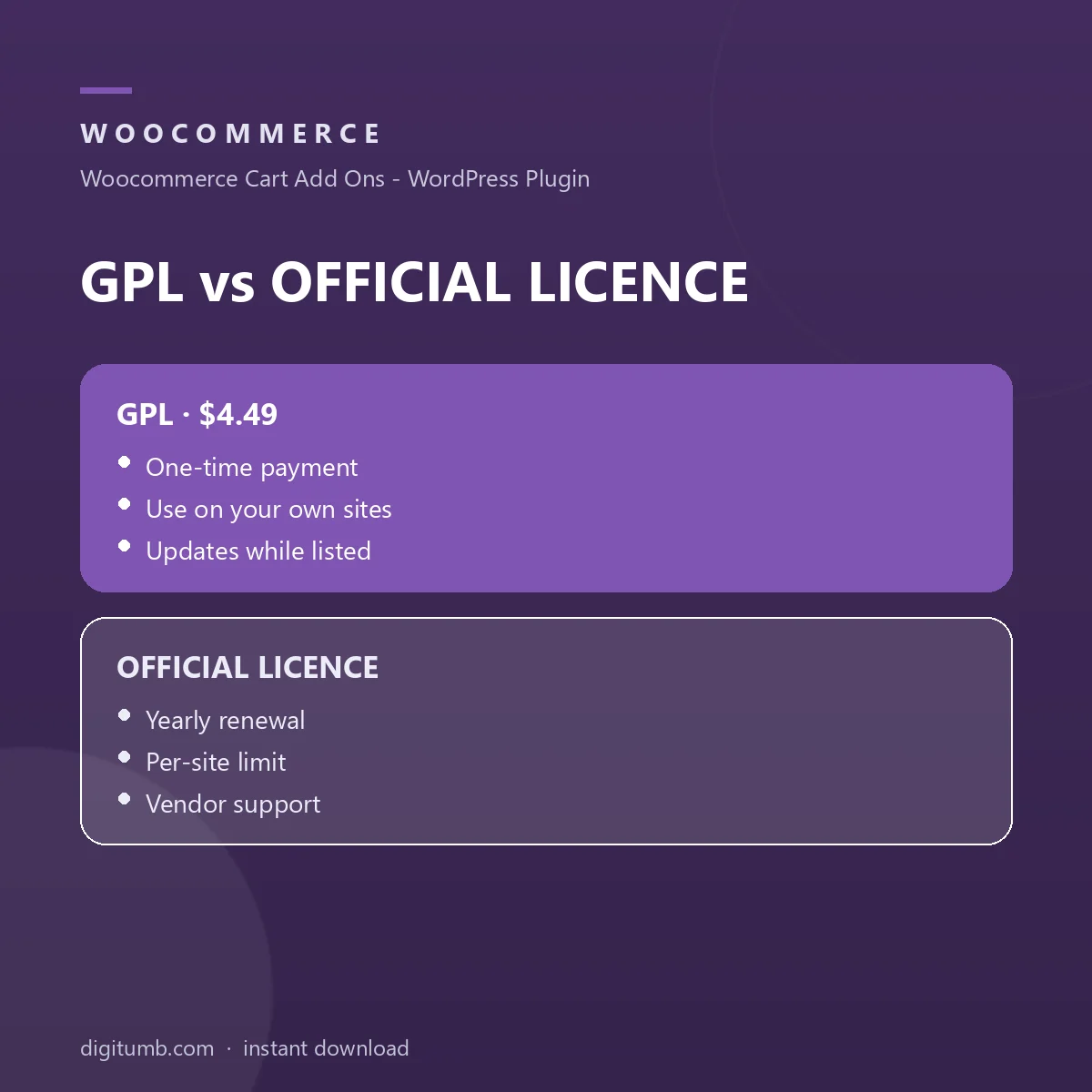
This is the same archive the developer publishes, redistributed under the GNU General Public License: you get the working files for $4.49 with no vendor update channel and no vendor support desk. If you need automatic updates or a support contract, buy the official license from the developer.
| This GPL build | Official license | |
|---|---|---|
| Price | $4.49 one time | Vendor subscription |
| Automatic updates | No | Yes |
| Developer support | No | Yes |
| Number of sites | Unlimited | Depends on plan |
Browse the rest of the WordPress plugins category or the full shop. The licence text is at GNU GPL v2, and general documentation is at WordPress.org.
You must be logged in to post a review.
You may also like…







Reviews
Clear filtersThere are no reviews yet.