



Woocommerce Lottery WordPress Competitions – Plugin
$4.49
WooCommerce Lottery is an extension for WooCommerce that adds lottery and competition features to your store. You set minimum and maximum tickets, per-user ticket caps, number of winners, prize rules.
WooCommerce Lottery is an extension for WooCommerce that adds lottery and competition features to your store. You set minimum and maximum tickets, per-user ticket caps, number of winners, prize rules and lottery start and end dates directly on the product. Because it runs inside WooCommerce, entries are handled as orders and the plugin works with the payment processor account you already have, so a lottery site can be started in less than 30 minutes.
| Product | woocommerce-lottery-wordpress-competitions-and-lotteries |
|---|---|
| Version | 2.2.11 |
| Works with | WordPress 4.0+ / PHP 8.x+ |
| Tested up to | WordPress current |
| License | GPLv2 or later |
| Delivery | Instant ZIP download, 10 downloads, 365 days |
How WooCommerce Lottery handles ticket sales and limits
Each lottery is configured from its own settings screen. You enter a minimum number of tickets to be sold and a maximum number of tickets to be sold, then cap how many tickets a single user may buy with the max tickets per user field. The plugin validates these values, so a minimum below the allowed threshold is rejected with the message asking for a value greater than the min tickets.
Pricing is set per lottery. A lottery price field takes the entry amount, and entering 0 creates a free lottery. A separate lottery sale price field lets you run a reduced entry price, and the lottery from date and lottery to date fields define the selling window in YYYY-MM-DD HH:MM format.
Choosing winners and handling prizes in a competition
The settings include a number of winners field and a number of possible winners field, plus a multiple prizes per user option that allows a single user to receive more than one prize when there are several winners. The plugin requires at least one winner to be set, and the draw reports the outcome as a named winner or a list of winners.
When a lottery closes, the result can be that the lottery has finished, that it failed because there were no participants, that it failed because there was not enough participants, or that it failed because no minimum ticket was sold. On-hold orders can block the end of a lottery, and the settings screen warns about this and offers a clear all on hold orders action.
What happens when a lottery ends or is relisted
A lottery history log records events such as lottery started, lottery starting, lottery finished, lottery failed and lottery winner is. When you relist a lottery, the plugin can delete all logs for that lottery on relist; the setting carries the warning that the action cannot be undone.
Relisting is confirmed on screen with the message that the lottery has been relisted on a given date. The settings screen also links to more WooCommerce extensions, and the package ships with templates, public and admin folders so the lottery templates can be overridden in a theme.
Compatibility with WooCommerce stores and themes
WooCommerce Lottery is designed to work with WooCommerce and with other popular plugins, so sales and entries stay in the same order flow. It requires WordPress 4.0 or later.
The plugin is compatible with most WordPress themes, especially those built with WooCommerce in mind, and testing it against your specific theme before running a paid competition is advisable.
What this build includes
| Ticket range control | Set a minimum and maximum number of tickets to be sold for each lottery, with validation that rejects values below the minimum ticket threshold. |
|---|---|
| Per-user ticket caps | Limit how many tickets one user can buy with the max tickets per user and maximum tickets sold per user settings. |
| Free and paid lotteries | Enter a lottery price, or put 0 to run a free lottery, and use the lottery sale price field for a reduced entry price. |
| Scheduled start and end dates | Define the selling window with lottery from date and lottery to date fields in YYYY-MM-DD HH:MM format, and extend the lottery with new dates. |
| Multiple winners and prizes | Set the number of winners and number of possible winners, and allow multiple prizes for a single user when there are several winners. |
| Outcome messages | The plugin reports whether a lottery finished, failed for no participants, failed for not enough participants, or failed because no minimum ticket was sold. |
| On-hold order handling | Get a warning when on-hold orders prevent a lottery from ending, with a clear all on hold orders action to resolve it. |
| Lottery history log | Track events such as lottery started, lottery finished, lottery winner is and lottery relisted, and choose to delete logs on relist. |
Installing it on a WordPress site
- Install the plugin zip through the WordPress plugins screen and activate it with WooCommerce active on WordPress 4.0 or later.
- Create or edit a product and open its lottery settings to set minimum and maximum tickets, per-user caps, number of winners, price or free entry, and the from and to dates.
- Publish the lottery, confirm your payment processor account is ready, and monitor the lottery history log for starts, finishes and failed draws.
Latest changes
Version 2.2.11 is the current build available at $4.49.
Frequently asked questions
Can I run a free lottery with this plugin?
Yes. The lottery price field accepts 0 for a free lottery, and a separate lottery sale price field is available for paid entries at a reduced amount. Ticket limits, per-user caps, winner counts and dates are configured the same way for both free and paid lotteries.
How many winners can a single lottery have?
You set the number of winners and the number of possible winners in the lottery settings. The plugin requires at least one winner to be set, and the multiple prizes per user option lets one user receive more than one prize when there are multiple winners.
What happens if a lottery does not sell enough tickets?
The plugin reports that the lottery failed because there was not enough participants, or because no minimum ticket was sold. It also reports a failure when there were no participants. A minimum ticket count is part of the lottery settings, so the draw follows the limits you set.
Is this the same plugin file the developer ships?
This is a GPL build: the same files as the developer ships, distributed under the GNU General Public License. There is no vendor update channel and no vendor support desk. The price is $4.49 for the zip, version 2.2.11, which is 0.1 MB.
What the GPL build means for you
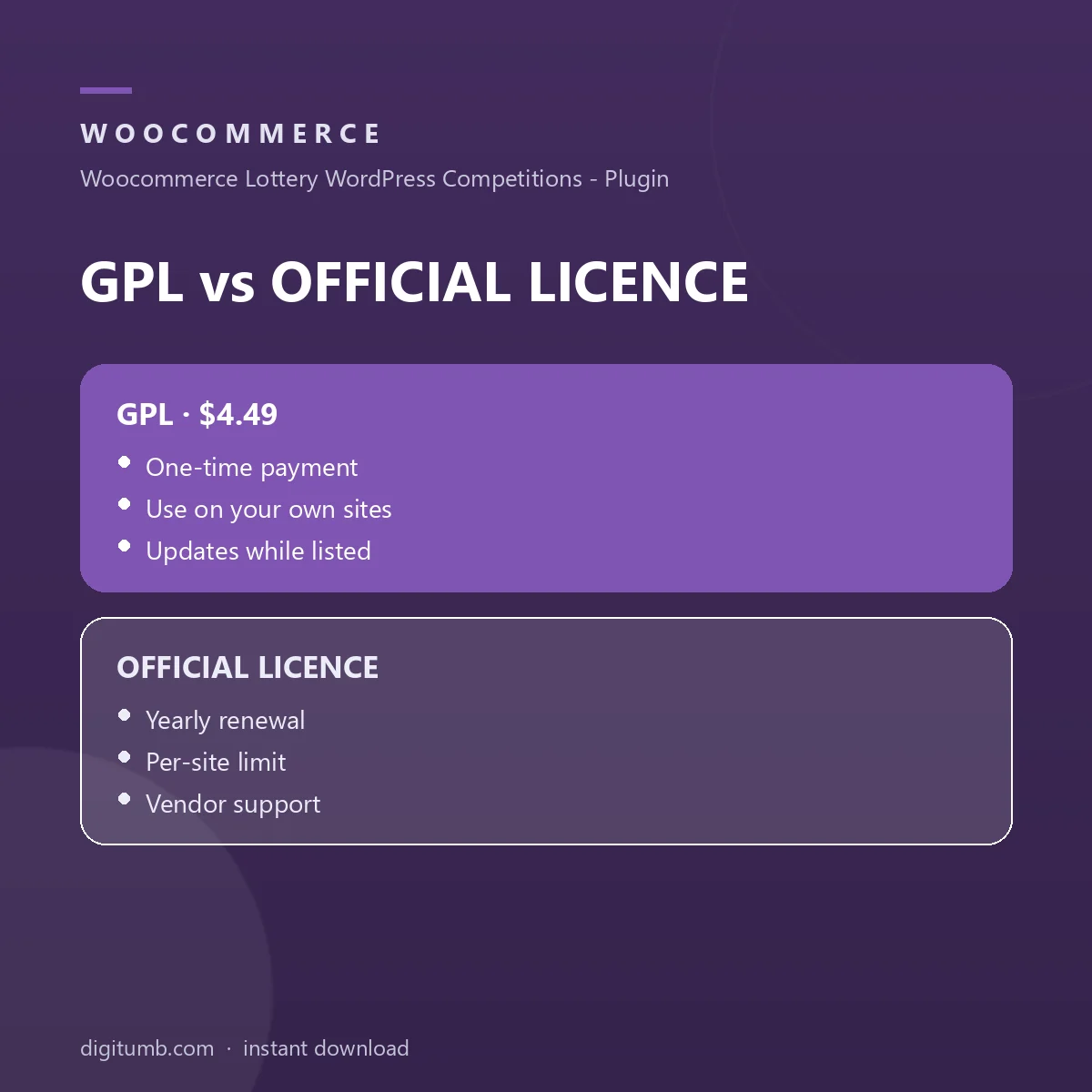
This is the same archive the developer publishes, redistributed under the GNU General Public License: you get the working files for $4.49 with no vendor update channel and no vendor support desk. If you need automatic updates or a support contract, buy the official license from the developer.
| This GPL build | Official license | |
|---|---|---|
| Price | $4.49 one time | Vendor subscription |
| Automatic updates | No | Yes |
| Developer support | No | Yes |
| Number of sites | Unlimited | Depends on plan |
Browse the rest of the WordPress plugins category or the full shop. The licence text is at GNU GPL v2, and general documentation is at WordPress.org.
You must be logged in to post a review.
You may also like…

Related products






Reviews
Clear filtersThere are no reviews yet.