





Jetsmartfilters For Elementor GPL
$4.49
JetSmartFilters For Elementor is an AJAX addon that creates personalized filters for posts and WooCommerce items on WordPress sites.
JetSmartFilters For Elementor is an AJAX addon that creates personalized filters for posts and WooCommerce items on WordPress sites. It gives you a filter builder with its own settings screen, where each filter gets a type, a data source and display options. The result lets visitors narrow products or content by the criteria you define. This is the GPL build of the plugin, sold at Digitumb for $4.49.
| Product | jetsmartfilters-for-elementor |
|---|---|
| Version | 3.8.7 |
| Works with | WordPress 6.x+ / PHP 8.x+ |
| Tested up to | WordPress current |
| License | GPLv2 or later |
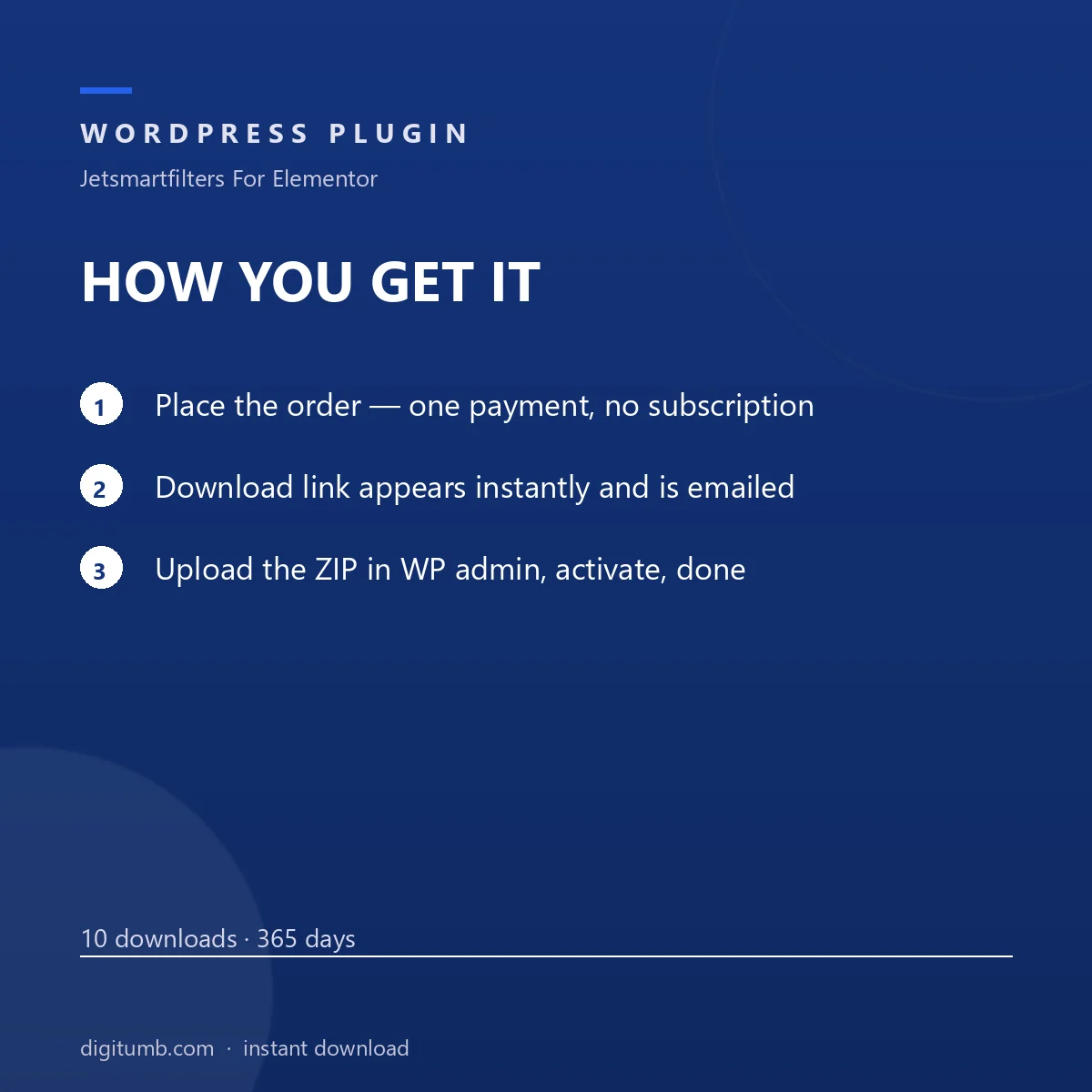
| Delivery | Instant ZIP download, 10 downloads, 365 days |
What JetSmartFilters For Elementor does on a WordPress site
The plugin provides advanced filtering capabilities for WordPress websites, so users can search and filter products or content based on various criteria. Filters are created and managed from a dedicated admin area with an Add New Filter action and a filter list that also covers trashed entries.
Each filter is configured through Filter Settings. You pick a filter type from the Select filter type dropdown and a data source from the Select data source dropdown, then adjust the options that belong to that combination. The vendor summary describes the addon as AJAX-driven, so filtering happens without a full page reload.
Filter types and data sources you can choose from
The filter type selector covers more than one kind of control. Interface strings include checkbox-related options such as Is Checkbox Meta Field and Get Choices From Field Data, a datepicker with date formats, placeholders, button text and an available dates range, radio buttons with an option to deselect them, and a default WordPress search source.
For data sources, the settings include a custom field key, a field source plugin, and By Custom Field (from Query Variable). A Meta Key Numeric option and a numeric inequality operator with Greater than or equals (>=) and Less than or equals (<=) support number-based filtering. A relational operator and a Set relation between values control how multiple values combine.
Taxonomy and term display controls
When a filter works on taxonomy terms, the settings expose Is hierarchical and Filter hierarchy toggles, plus Items Order By and Terms Order By for sorting. A relational operator applies to the term query, and you can show empty terms, show only children of the current term, or group terms by parents.
Labels are editable too. Active Filter Label sets the text shown for an active filter, while Add all option, Select all label, Deselect all label and All option label control the bulk selection controls visitors see. The datepicker side adds From Placeholder, To Placeholder, Datepicker Button Text and Minimum possible date to select.
Working alongside WooCommerce, ACF and Astra
JetSmartFilters is compatible with popular plugins such as WooCommerce and Advanced Custom Fields, which extends what you can filter and where the choices come from. The Field Source Plugin setting is where a field provider such as ACF is wired into a filter.
The plugin also works with the Astra theme, so the filter interface fits a site built on that theme. Sites that sell with WooCommerce and describe content with custom fields can use one filter system for both products and posts.
What this build includes
| AJAX filtering | The addon filters posts and WooCommerce items through AJAX, so visitors refine results without leaving the page. |
|---|---|
| Filter builder with settings screen | Create filters from an Add New Filter action and manage them in a list that also holds trashed filters. |
| Filter type and data source selectors | Choose a filter type and a data source for each filter before configuring its options. |
| Custom field filtering | Filter by a custom field key, by field data from a source plugin, or by custom field from a query variable. |
| Numeric comparisons | Use Meta Key Numeric with inequality operators including greater than or equals and less than or equals. |
| Term hierarchy controls | Mark a filter hierarchical, filter the hierarchy, show only children of the current term, or group terms by parents. |
| Select-all and deselect-all labels | Add an all option and set the select all, deselect all and all option labels shown to visitors. |
| Datepicker filter | Configure date formats, from and to placeholders, button text, an available dates range and a minimum selectable date. |
Installing it on a WordPress site
- Upload the 1.9 MB zip through Plugins > Add New > Upload Plugin in WordPress, then activate JetSmartFilters For Elementor.
- Open the plugin's filter area, choose Add New Filter, then select a filter type and a data source in Filter Settings.
- Set the remaining options for that filter, such as custom field key, ordering, labels or datepicker text, and save it.
Latest changes
This build is version 3.8.7 of JetSmartFilters For Elementor.
Frequently asked questions
Can I filter WooCommerce products with JetSmartFilters For Elementor?
Yes. The plugin creates personalized filters for posts and WooCommerce items, and it is compatible with WooCommerce. You build a filter, choose its type and data source, and visitors use it to narrow the product list by the criteria you configured.
Does it work with Advanced Custom Fields?
Yes. JetSmartFilters is compatible with Advanced Custom Fields. The filter settings include a Field Source Plugin option and a Get Choices From Field Data option, so a filter can take its choices from custom field data.
Is the Astra theme supported?
Yes. JetSmartFilters works with the Astra theme, giving visitors a working filter interface on a site built with it.
Can visitors filter by a date range?
The datepicker filter includes date formats, from and to placeholders, button text, an available dates range and a minimum possible date to select. You set these in the filter settings so the picker matches the date range you want to offer.
What do I get for $4.49?
You get the GPL build of JetSmartFilters For Elementor, version 3.8.7, as a 1.9 MB zip. The files are the same ones the developer ships. There is no vendor update channel and no vendor support desk with this build.
What the GPL build means for you
This is the same archive the developer publishes, redistributed under the GNU General Public License: you get the working files for $4.49 with no vendor update channel and no vendor support desk. If you need automatic updates or a support contract, buy the official license from the developer.
| This GPL build | Official license | |
|---|---|---|
| Price | $4.49 one time | Vendor subscription |
| Automatic updates | No | Yes |
| Developer support | No | Yes |
| Number of sites | Unlimited | Depends on plan |
Browse the rest of the WordPress plugins category or the full shop. The licence text is at GNU GPL v2, and general documentation is at WordPress.org.
You must be logged in to post a review.
You may also like…

Related products









Reviews
Clear filtersThere are no reviews yet.