



Gravity Forms Coupons Add – WordPress Plugin
$4.49
Gravity Forms Coupons Add-On is a Gravity Forms extension for creating and managing discount coupon codes that apply to a form total. You define coupon names, the code users type, the deduction.
Gravity Forms Coupons Add-On is a Gravity Forms extension for creating and managing discount coupon codes that apply to a form total. You define coupon names, the code users type, the deduction amount, start and expiry dates and a usage limit, then let the add-on validate each entry at submission. It is useful for promotional discounts on form-based orders and for tracking how often each code is redeemed.
| Product | gravity-forms-coupons-add-on |
|---|---|
| Version | 3.5.2.1 |
| Works with | WordPress 6.x+ / PHP 8.x+ |
| Tested up to | WordPress current |
| License | GPLv2 or later |
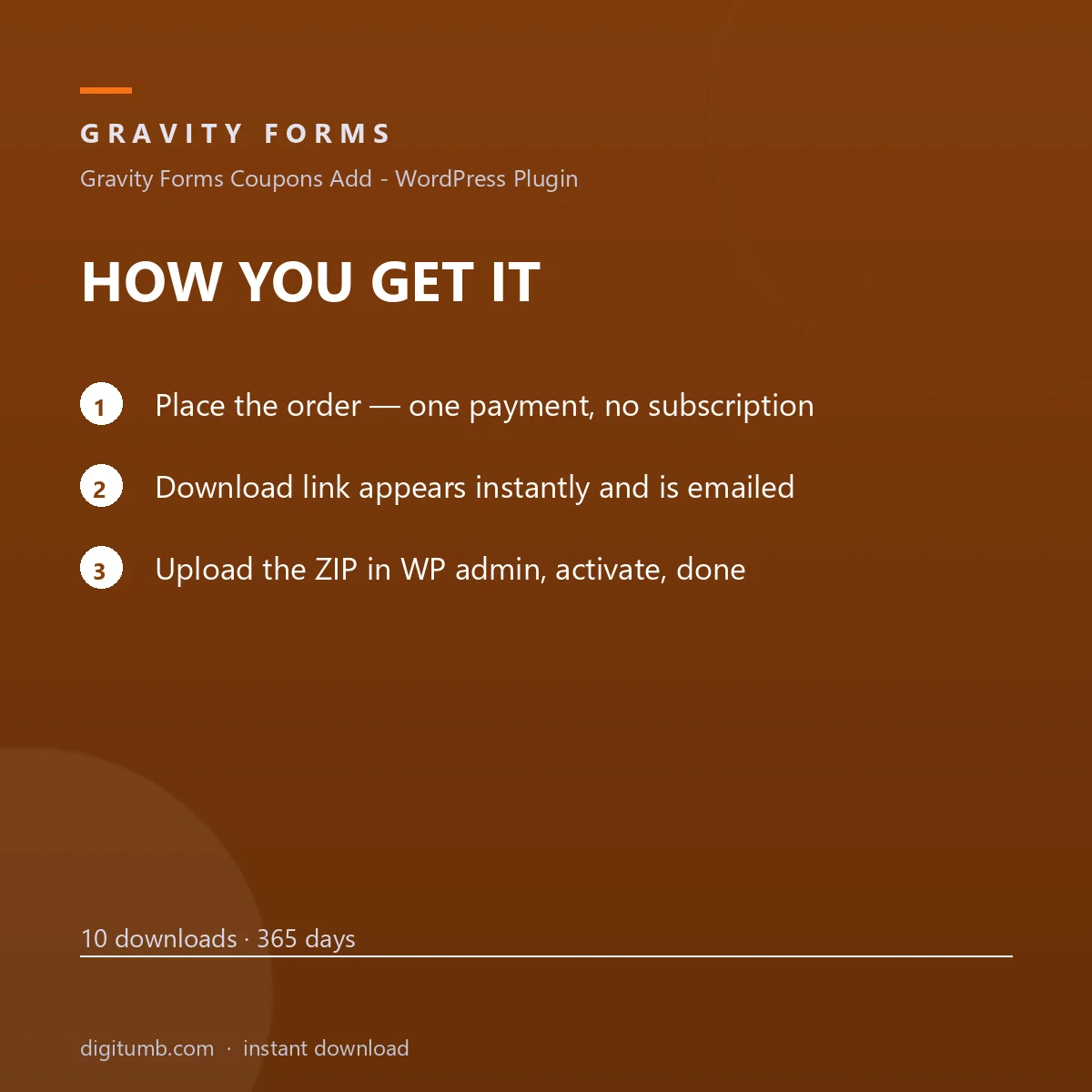
| Delivery | Instant ZIP download, 10 downloads, 365 days |
How coupon codes are configured for a Gravity Form
Each coupon lives in a feed that you attach to a specific form. The Applies to Which Form? setting asks you to select the Gravity Form you would like to integrate with Coupons, so one site can run separate coupon sets for different forms. Within the feed you enter a coupon name, the value users should enter to apply this coupon to the form total, and the amount to be deducted from the form total.
Coupon Options add the timing and volume controls: a start date and an expiry date in YYYY-MM-DD format, plus the number of times a coupon code can be used. A Reset Usage Count action is available on the feed, so a code that has hit its limit can be opened up again without rebuilding the coupon.
Validation messages a customer sees at checkout
The add-on checks the code when the form is submitted and returns a specific message for each failure. A mistyped or unknown code produces Invalid coupon. A code outside its date window returns This coupon is currently inactive or This coupon has expired, and one that has hit its cap returns This coupon has reached its usage limit.
Repeat and stacking rules are enforced too: This coupon can't be applied more than once and This coupon can't be used in conjunction with other coupons you have already entered. Date fields reject bad input with Please enter a valid date. Format: YYYY-MM-DD, and an empty code field returns You must enter a value for coupon code.
Form requirements before a Coupon field will work
A coupon needs something to discount. The add-on requires a Product field and a Total field on the form, and it reports You must add a Product field to the form or You must add a Total field to the form when either is missing. Only one Coupon field can be added to a form, so the discount entry point stays in a single place.
Coupon fields themselves are not editable once placed, which keeps the applied code consistent through the checkout flow. The same settings screens work with popular themes such as Astra and Divi, so the coupon field follows your site's design.
Using coupons alongside WooCommerce
Gravity Forms Coupons Add-On is compatible with WooCommerce, so coupons can be used in conjunction with WooCommerce products and checkout processes. Businesses running a Gravity Forms order form next to a WooCommerce store can apply the same promotional codes across both.
Because every redemption is tied to a feed with a usage count, you can see how far a promotion has been consumed and stop it by expiry date or by limit rather than editing the form.
What this build includes
| Per-form coupon feeds | Attach each coupon to a chosen Gravity Form, so different forms on the same site can carry their own discount codes and rules. |
|---|---|
| Fixed-amount deduction | Set the amount to be deducted from the form total when a valid code is entered, alongside the code value customers must type. |
| Start and expiry dates | Give a coupon a start date and an expiry date in YYYY-MM-DD format; the add-on rejects codes outside that window with an inactive or expired message. |
| Usage limits with reset | Cap how many times a code can be used, and reset the usage count from the feed when you want to reopen a redeemed promotion. |
| Stacking and repeat protection | Block a code from being applied more than once or combined with other coupons already entered in the same form session. |
| WooCommerce compatibility | Use coupons in conjunction with WooCommerce products and checkout processes when the store runs both Gravity Forms and WooCommerce. |
| Theme compatibility | Works with popular themes such as Astra and Divi, so the coupon field integrates with the site's existing design. |
Installing it on a WordPress site
- Upload the gravityformscoupons folder from the zip to your WordPress plugins directory, or install the zip through the Plugins screen, then activate the add-on.
- Open the Coupons settings, create a feed, and select the Gravity Form you would like to integrate with Coupons.
- Enter the coupon name, the code value, the deduction amount, optional start and expiry dates and a usage limit, then add a Coupon field to a form that already has Product and Total fields.
Frequently asked questions
What does Gravity Forms Coupons Add-On do?
It lets you create and manage discount coupons for Gravity Forms, enabling businesses to offer promotional discounts and track their effectiveness. Each coupon is a feed tied to a form, with a code value, a deduction amount, optional dates and a usage limit checked at submission.
Is it compatible with WooCommerce?
Yes. Gravity Forms Coupons Add-On is compatible with WooCommerce, allowing you to use coupons in conjunction with WooCommerce products and checkout processes. That makes it practical for stores that take orders through Gravity Forms as well as through WooCommerce.
Will the coupon field match my Astra or Divi site?
The add-on works well with popular themes such as Astra and Divi, ensuring that your coupon features integrate smoothly with your site's design. The coupon field is added to the form like other Gravity Forms fields, so it inherits the form styling.
Why does the form say I must add a Product or Total field?
A coupon needs a product and a total to discount. The add-on requires a Product field and a Total field on the form, and shows You must add a Product field to the form or You must add a Total field to the form until both are present. Only one Coupon field can be added.
What is the GPL position and the price?
You receive the same files as the developer ships, as a GPL build, for $4.49. There is no vendor update channel and no vendor support desk attached to this build. The package is version 3.5.2.1 and the zip is 0.0 MB.
What the GPL build means for you
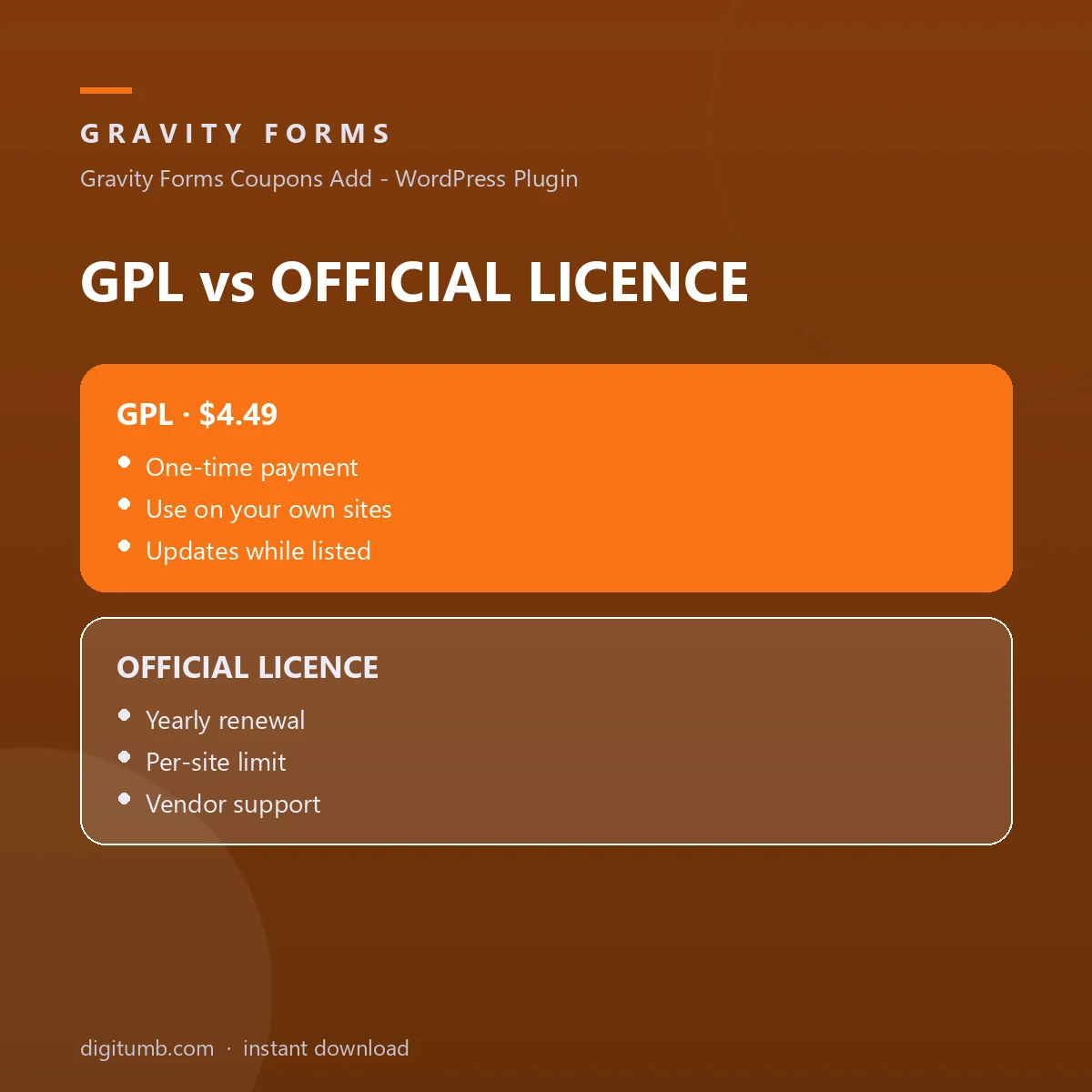
This is the same archive the developer publishes, redistributed under the GNU General Public License: you get the working files for $4.49 with no vendor update channel and no vendor support desk. If you need automatic updates or a support contract, buy the official license from the developer.
| This GPL build | Official license | |
|---|---|---|
| Price | $4.49 one time | Vendor subscription |
| Automatic updates | No | Yes |
| Developer support | No | Yes |
| Number of sites | Unlimited | Depends on plan |
Browse the rest of the WordPress plugins category or the full shop. The licence text is at GNU GPL v2, and general documentation is at WordPress.org.
You must be logged in to post a review.
You may also like…

Related products








Reviews
Clear filtersThere are no reviews yet.