


Ninja Forms – Multi-Part Forms Extension GPL
$4.49
Ninja Forms Multi-Part Forms is a WordPress extension that breaks a Ninja Forms form up into multiple pages, which is helpful for long or complex forms. Fields are still built in the Ninja Forms.
Ninja Forms Multi-Part Forms is a WordPress extension that breaks a Ninja Forms form up into multiple pages, which is helpful for long or complex forms. Fields are still built in the Ninja Forms builder, and the multi-part options sit on the form settings page once the extension is active. This listing is the GPL build, version 3.0.31, delivered as a 0.2 MB zip.
| Product | Ninja Forms – Multi-Part Forms Extension |
|---|---|
| Version | 3.0.31 |
| Works with | WordPress 6.8+ / PHP 8.x+ |
| Tested up to | WordPress 7.0 |
| License | GPLv2 or later |
| Delivery | Instant ZIP download, 10 downloads, 365 days |
What changes on a form once multi-part is enabled?
The extension allows you to break forms up into multiple pages. A visitor moves through the form part by part instead of meeting every field on a single screen, which is the reason the extension exists for long or complex forms. Nothing about the field set changes: you still drag and drop fields in the Ninja Forms builder and then decide how those fields are grouped into parts.
The controls for this live on the form settings page. After activation, that page carries options for multi-part forms, so the part structure is configured per form rather than globally.
How does part validation treat Repeater fields?
Part validation runs as a visitor moves between parts. Version 3.0.30 fixed Repeater required fields so that part validation handles them correctly, and fixed Repeater child visibility so it is restored correctly after part validation instead of being left in the wrong state.
That second fix matters on forms where Repeater children are shown or hidden by their own rules. Before the fix, a visitor who failed validation on one part could return to a Repeater with child visibility in the wrong state.
Do date and time values survive part navigation?
Version 3.0.28 fixed the date/time field time value not persisting across part navigation, so a time entered on one part is still there when the visitor moves on and comes back. The same release fixed required time-only field validation when the field is not on the submit part.
It also fixed date-only fields outputting ISO datetime format in emails, so a date-only answer arrives in the email as a date rather than a full timestamp.
Can part-level show/hide conflict with field conditional logic?
It could, and version 3.0.31 fixes exactly that: Part-level show/hide overriding nested field-level Conditional Logic. On forms where a part rule hides or shows a whole section while individual fields inside it carry their own conditions, the field-level rules now keep working as configured.
The same 3.0.31 release is the current build sold here. It contains no other listed changes.
Which other Ninja Forms add-ons and builders does it work alongside?
The Duplicate Part button is now present even when Layout & Styles is not installed, so you can copy an existing part without that add-on. Version 3.0.29 also fixed a reCAPTCHA re-render error on pages that hold more than one form.
Version 3.0.27 added support for Cloudflare Turnstile. The extension is used with WooCommerce for store forms such as product inquiries and customer feedback, and with Elementor for form layout and design. Version 3.0.28 also fixed long step titles causing parts to disappear in the builder drawer.
What is in the zip and what does the $4.49 cover?
You receive the GPL build: the same files the developer ships, at version 3.0.31, as a 0.2 MB zip with a lib folder at the top level. The price is $4.49. There is no vendor update channel and no vendor support desk with this purchase.
The extension requires WordPress 6.8 and has been tested up to WordPress 7.0. Confirm your site meets that minimum before you activate it.
What this build includes
| Multi-page form splitting | Break a Ninja Forms form into multiple pages so long or complex forms are shown to visitors in parts. |
|---|---|
| Form settings controls | Set multi-part options on the form settings page inside the Ninja Forms admin after activation. |
| Part-level show and hide | Show or hide whole parts, with nested field-level Conditional Logic respected after the 3.0.31 fix. |
| Part validation with Repeaters | Part validation correctly handles Repeater required fields and restores Repeater child visibility after validation. |
| Values kept across parts | Time values in date/time fields persist when a visitor navigates between parts of the form. |
| Duplicate Part button | Copy an existing part with the Duplicate Part button, available even when Layout & Styles is not installed. |
| Cloudflare Turnstile support | Support for Cloudflare Turnstile was added in version 3.0.27 alongside the existing form protection setup. |
Installing it on a WordPress site
- Upload the ninja-forms directory to your /wp-content/plugins/ directory.
- Activate the plugin through the Plugins menu in WordPress.
- Visit the Forms menu item in your admin sidebar; the form settings page now offers options for multi-part forms.
Latest changes
Version 3.0.31 (07 September 2026) fixes Part-level show/hide overriding nested field-level Conditional Logic.
Frequently asked questions
What does this extension do to a Ninja Forms form?
Which WordPress version does this build need?
Is the Duplicate Part button available without Layout & Styles?
Does part navigation keep entered date and time values?
How is this GPL build different from buying from the developer?
Can I use it with WooCommerce or Elementor?
What the GPL build means for you
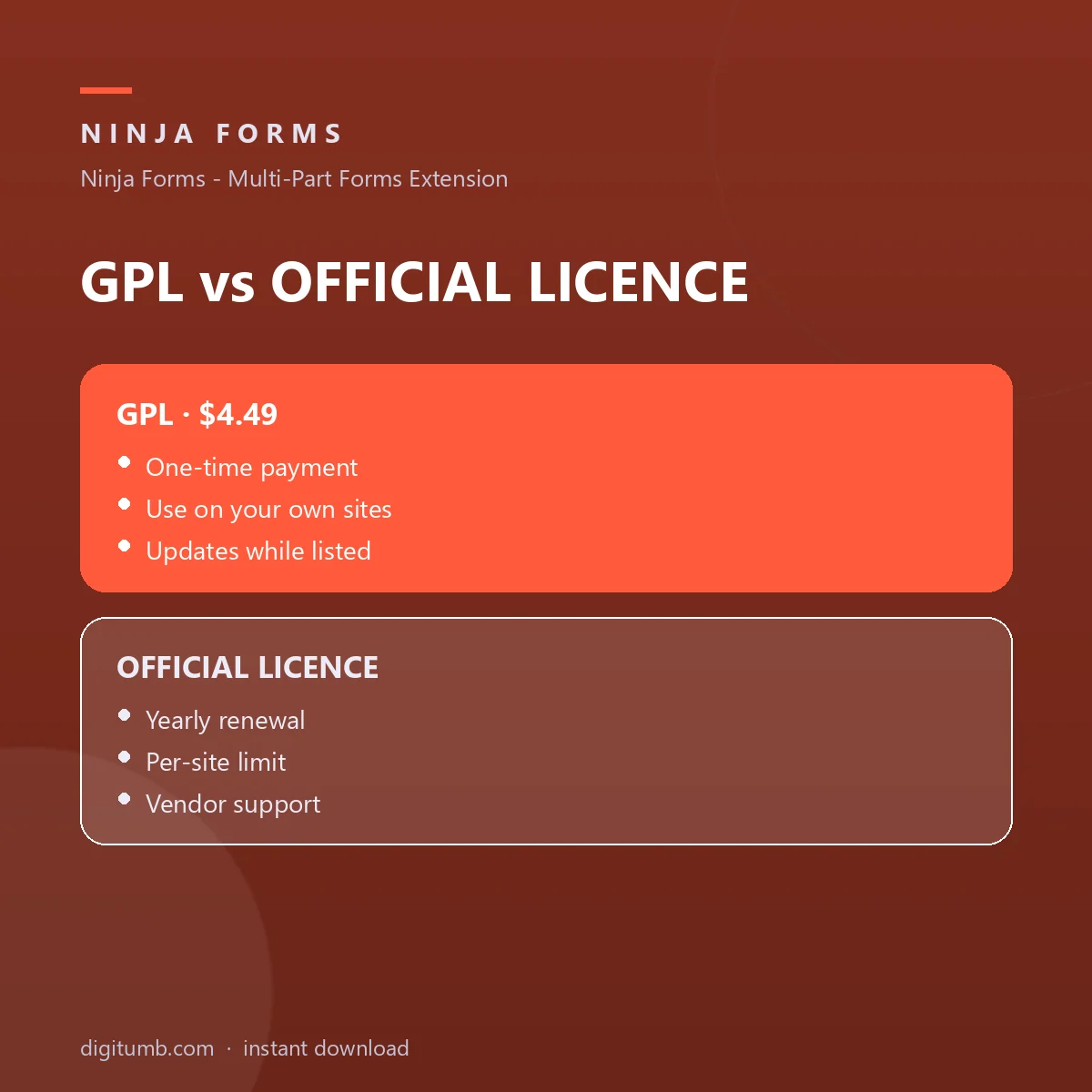
This is the same archive the developer publishes, redistributed under the GNU General Public License: you get the working files for $4.49 with no vendor update channel and no vendor support desk. If you need automatic updates or a support contract, buy the official license from the developer.
| This GPL build | Official license | |
|---|---|---|
| Price | $4.49 one time | Vendor subscription |
| Automatic updates | No | Yes |
| Developer support | No | Yes |
| Number of sites | Unlimited | Depends on plan |
Browse the rest of the WordPress plugins category or the full shop. The licence text is at GNU GPL v2, and general documentation is at WordPress.org.
You must be logged in to post a review.
You may also like…

Related products







Reviews
Clear filtersThere are no reviews yet.