


Memberpress Toolbox Set Display – WordPress Plugin
$4.49
MemberPress Toolbox Set Display Name is a WordPress addon that lets site owners customize the display names of their members. Instead of leaving each account with whatever name it happens to carry.
MemberPress Toolbox Set Display Name is a WordPress addon that lets site owners customize the display names of their members. Instead of leaving each account with whatever name it happens to carry, you configure how member names are presented across the site. It is built for MemberPress membership setups and is also compatible with WooCommerce and Elementor, so name handling carries across membership pages, shop functionality and custom layouts.
| Product | memberpress-toolbox-set-display-name |
|---|---|
| Version | 1.0.2 |
| Works with | WordPress 6.x+ / PHP 8.x+ |
| Tested up to | WordPress current |
| License | GPLv2 or later |
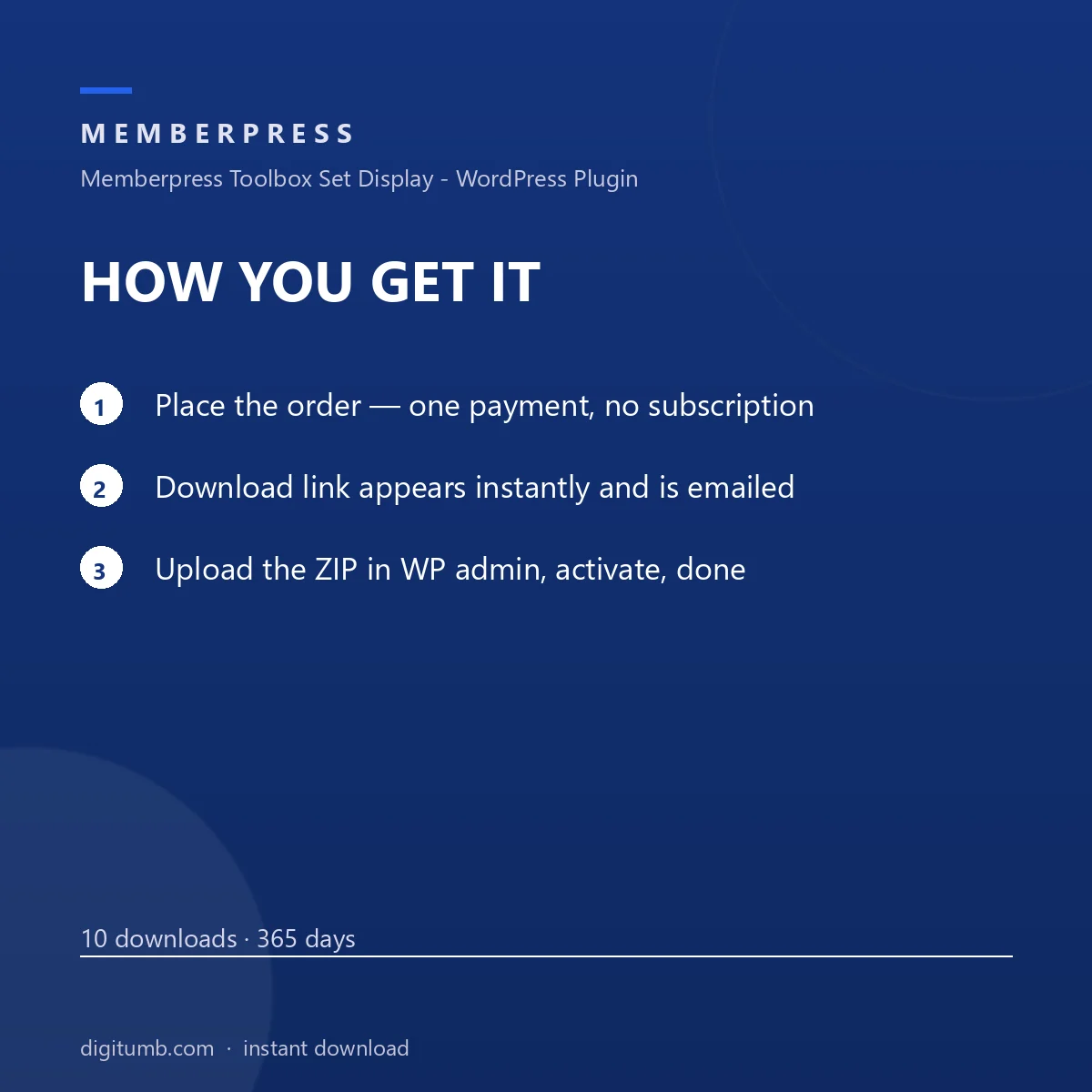
| Delivery | Instant ZIP download, 10 downloads, 365 days |
Which member details does this addon let you change?
The addon gives WordPress site owners control over the display names of their members. Display names are the names shown to visitors and to other members, and this plugin lets you customize them from your WordPress configuration instead of depending on what each member account carries by default.
Personalization is the practical result. Customized display names improve how members appear on the site and support user engagement, which matters on a membership site where people see each other's names in profiles and member-facing areas. Name handling stays in one place rather than being spread across separate tools.
Does MemberPress Toolbox Set Display Name work with WooCommerce?
Yes. The addon is compatible with WooCommerce, which means user display names can be managed across both membership and eCommerce functionality on the same WordPress install. You do not need a second tool for the shop side of the site.
That matters for stores that pair a MemberPress membership with WooCommerce products. Name handling stays consistent between the membership area and the store instead of being split between two systems with different rules.
Can you use it together with Elementor page building?
The plugin works well with Elementor. You can create custom layouts in Elementor while still managing user display names effectively through the addon, so the design layer and the member data layer do not get in each other's way.
This combination suits sites where member-facing pages are built visually and the names shown on those pages must be controlled centrally. Layout work stays in Elementor; the names stay under your control in the addon settings.
What do you receive in the package and how is it licensed?
You receive the GPL build: the same files as the developer ships, packaged for WordPress. The zip contains the folders mptb-display-name and app, and it is a small download at 0.0 MB, so uploading it takes very little time.
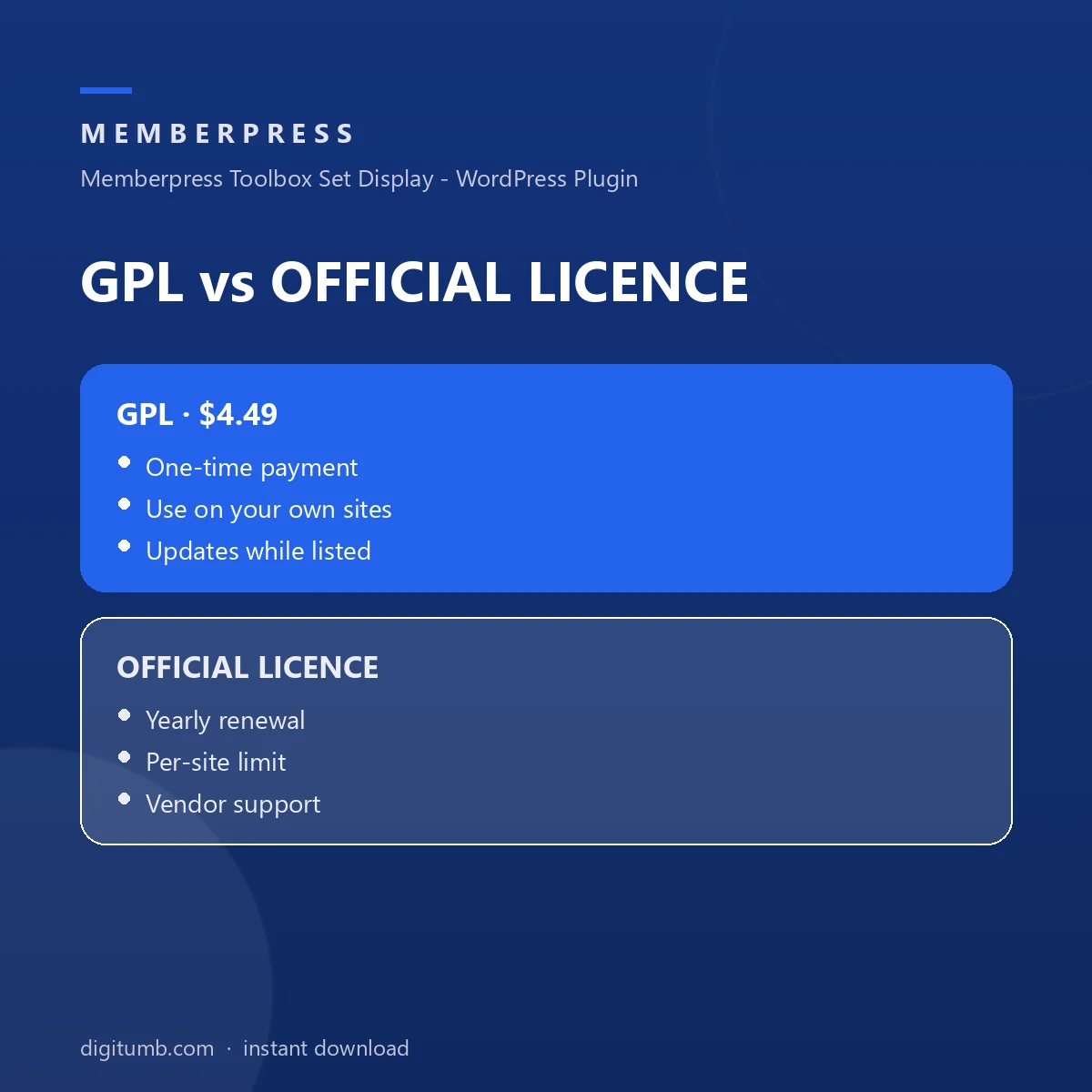
The GPL build means no vendor update channel and no vendor support desk. You buy the files once for $4.49 at digitumb.com and run them on your own WordPress installation. Version 1.0.2 is the release included in this package.
What this build includes
| Customize member display names | Set and adjust the display names of members on your WordPress site from the addon settings, so names appear the way you intend. |
|---|---|
| Personalized member experience | Customized display names add personalization to member accounts, which supports user engagement across the membership site. |
| WooCommerce compatibility | Manage user display names across membership and eCommerce functionality, because the addon is compatible with WooCommerce on the same install. |
| Elementor compatibility | Create custom layouts in Elementor while managing user display names effectively with the addon, keeping design and member data separate. |
| Settings inside WordPress | After activation, configure the plugin from the WordPress settings screen to customize member display names, with no theme file editing required. |
Installing it on a WordPress site
- Download the plugin package and upload it to your WordPress plugins directory.
- Activate the plugin from the WordPress plugins screen.
- Open the plugin settings and configure them to customize member display names for your members.
Latest changes
Version 1.0.2 is the release included in this GPL build.
Frequently asked questions
What does MemberPress Toolbox Set Display Name actually do?
It allows WordPress site owners to customize the display names of their members. Instead of accepting whatever display name a member account carries, you configure the addon settings and control how names are presented, which adds personalization and supports user engagement on the site.
Do I need MemberPress for this addon to be useful?
It is built as part of the MemberPress Toolbox for customizing member display names, so it belongs with a MemberPress membership setup. It is also compatible with WooCommerce, so display names can be managed across membership and eCommerce functionality on the same site.
How do I install and set it up?
Download the plugin, upload it to your WordPress plugins directory, activate it, then configure the settings to customize member display names. Setup is handled inside WordPress after activation, and no theme file editing is part of the described process.
Will it work with my Elementor-built pages?
Yes. The addon works well with Elementor, so you can create custom layouts in Elementor while managing user display names effectively. Page design and member name handling stay separate, so visual work and member data management do not interfere with each other.
What am I buying at $4.49?
You get the GPL build: the same files as the developer ships, with no vendor update channel and no vendor support desk. The price at digitumb.com is $4.49. The package covers the plugin folders mptb-display-name and app and installs like any other WordPress plugin.
What the GPL build means for you
This is the same archive the developer publishes, redistributed under the GNU General Public License: you get the working files for $4.49 with no vendor update channel and no vendor support desk. If you need automatic updates or a support contract, buy the official license from the developer.
| This GPL build | Official license | |
|---|---|---|
| Price | $4.49 one time | Vendor subscription |
| Automatic updates | No | Yes |
| Developer support | No | Yes |
| Number of sites | Unlimited | Depends on plan |
Browse the rest of the WordPress plugins category or the full shop. The licence text is at GNU GPL v2, and general documentation is at WordPress.org.
You must be logged in to post a review.
You may also like…

Related products






Reviews
Clear filtersThere are no reviews yet.